

📦 Ideogram AI: An AI Image Generator Built for Design and Text
🌍 What Is Ideogram?
Ideogram is an AI-powered creative platform for generating images, creating graphic designs, working with typography, and editing visual content. It became widely known for solving one of the most frustrating problems in AI image generation: getting readable and usable text inside an image.
Instead of treating text as a secondary detail, Ideogram puts typography and visual communication at the center of its product. That makes it particularly useful for posters, advertisements, social media graphics, book covers, product packaging, logos, and other designs where the words are part of the final image.
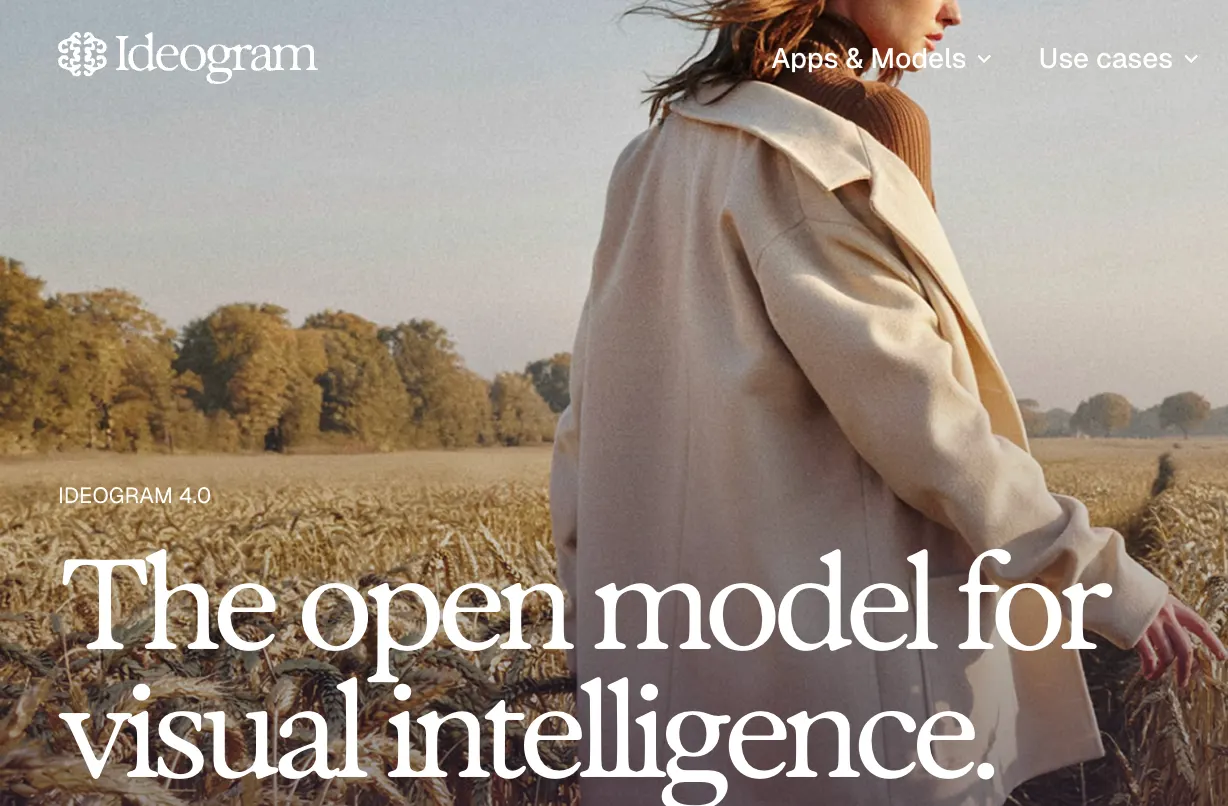
Ideogram has continued to expand beyond basic text-to-image generation. Its current ecosystem includes Ideogram 4.0, Magic Fill, Extend, Character, Canvas, Styles and other tools designed to make AI generation part of a broader design workflow.
📊 Ideogram Around the World
Ideogram has attracted users from different parts of the world, including designers, marketers, entrepreneurs, content creators, developers and small businesses. The United States is one of its strongest markets, while the platform also receives significant traffic from countries across Asia, Europe and Latin America.
Unlike some AI image tools that are mainly used for artistic experiments, Ideogram has developed a strong position among people who need practical visual content. A business owner creating an advertising poster, a creator making social media content, or a designer testing packaging ideas can all use the same platform for very different purposes.
✨ Why Is Ideogram Different?
The easiest way to understand Ideogram is to think of it as an AI image generator with a strong understanding of visual communication.
Many image generators can produce attractive scenes but struggle with words. Ideogram is particularly useful when the image needs to contain a specific headline, product name, slogan or other readable text.
This does not mean every generated image will have perfect typography. Long sentences, unusual words and complicated layouts can still produce mistakes. However, text handling remains one of the main reasons people choose Ideogram.
🧩 Main Features
🤖 AI Image Generation
Ideogram can turn a natural-language description into an image. You can describe the subject, environment, lighting, composition, colors, style and text you want to appear.
The quality of the result depends heavily on the prompt. A specific description usually works better than a vague request such as “make a cool poster.”
⌨️ Text Rendering
Text rendering is one of Ideogram's most recognizable strengths. You can include specific words or phrases in your prompt and ask the model to place them inside the design.
This makes Ideogram especially useful for advertising graphics, posters, presentation visuals, thumbnails, product packaging and social media content.
🛠️ Magic Fill
Magic Fill allows you to select an area of an existing image and modify it with an AI prompt. You can replace an object, change part of a background, add an element or modify a specific area without regenerating the entire image.
This is particularly useful when most of the image already looks good and only one section needs to be fixed.
📐 Extend
Extend allows you to expand an image beyond its original boundaries. It can be useful when adapting an image to a different aspect ratio.
For example, you could start with a square image and extend it into a wider banner while allowing AI to generate the missing background.
👤 Character
Character is designed to help maintain the identity of a person or fictional character across different images.
This is useful for creating recurring characters, AI avatars, mascots, story illustrations and marketing campaigns where visual consistency matters.
🖥️ Canvas
Canvas provides a larger workspace for combining generation and editing. Instead of treating every image as a separate generation, you can work with multiple visual elements and build a larger composition.
This makes Canvas more useful for practical design projects than a simple text-to-image interface.
🎨 Styles
Ideogram includes different visual style options that can help users achieve a consistent look without writing extremely detailed style prompts.
For beginners, style presets are useful because they make experimentation faster. Experienced users can combine styles with detailed prompts for more controlled results.
🎯 How to Use Ideogram
Start by describing the final image rather than simply naming the subject. A useful prompt should explain what you want to see, how it should look, how it should be arranged and what text needs to appear.
For example: “A premium running shoe advertisement, black background, dramatic studio lighting, modern sports photography, clean commercial layout, large white headline RUN FURTHER.”
Once the first version is generated, improve it step by step. If the composition is good but the colors are wrong, change the colors. If the image is good but the typography needs work, focus the next prompt on the text.
💡 Tips for Better Results
Be specific about the purpose. Tell Ideogram whether the image is for an advertisement, social media post, website banner, product package or presentation.
Write the exact text. If the wording is important, provide the exact phrase rather than describing it generally.
Keep prompts structured. A useful order is subject, environment, composition, style, lighting and text.
Generate several versions. AI image generation is usually faster when you create multiple directions first and refine the strongest one afterward.
Edit instead of regenerating. If only one area is wrong, use Magic Fill rather than starting over.
📱 How to Install Ideogram
Ideogram does not require a complicated installation. Most users can access the service directly through a web browser.
If you want to use Ideogram for image generation, the web version is the simplest way to start. Mobile availability and specific features can vary by platform and account.
Developers can also explore Ideogram's API if they want to integrate AI image generation into their own products or workflows.
💰 Is Ideogram Free?
Ideogram offers a free plan, but free usage is limited. Paid plans provide more generation capacity and additional features.
Plus: $20 per month, or $15 per month with annual billing.
Pro: $60 per month, or $42 per month with annual billing.
Team: $30 per user per month, or $20 per user per month with annual billing.
Enterprise: Custom pricing for organizations with larger-scale requirements.
Ideogram also provides API access with usage-based pricing. Pricing and credit limits can change, so users who depend on Ideogram for commercial production should check the current pricing page before subscribing.
👥 Who Should Use Ideogram?
Ideogram is a good fit for graphic designers, marketers, social media creators, advertising teams, entrepreneurs, small businesses, content creators and product teams.
It is especially useful for people who regularly need images containing readable text. If your work involves posters, advertisements, thumbnails, product graphics or social media campaigns, Ideogram can save considerable design time.
❓ Common Problems
🔍 Why is the text still incorrect?
Ideogram has strong text-generation capabilities, but it is still a generative AI system. Long sentences, unusual words and complicated layouts can cause errors. Always proofread important commercial graphics.
🔍 Why doesn't my character look exactly the same?
Use a clear reference image with good lighting and a visible face. Extremely different poses, angles or image styles can make consistency more difficult.
🔍 Why are my credits being used quickly?
Different generation modes and features can consume different amounts of credits. If you are experimenting heavily, create rough concepts first and use higher-quality settings only when you are close to the final result.
🔍 Can Ideogram replace a professional designer?
Not completely. Ideogram can handle many repetitive and exploratory tasks, but branding, usability, visual hierarchy and final production decisions still require human judgment.
📈 Final Thoughts
Ideogram is worth considering if you need more than a visually attractive AI-generated picture. Its real advantage is the combination of image generation, typography, editing and design-oriented workflows.
For posters, advertisements, packaging, social media graphics and other text-heavy visuals, Ideogram can be one of the more practical AI tools available today. The best results come from treating it as a creative assistant rather than expecting it to produce a finished design with a single prompt.
Comments