
🤖 What Is Amp?
Amp is an AI coding agent designed for developers who want AI to work directly inside real software projects. It can understand a codebase, plan changes, edit multiple files, run commands, inspect results, debug problems, and continue working across longer development tasks.
Amp was developed by the team behind Sourcegraph. It started as an internal coding-agent experiment and later became an independent company, Amp Frontier Corporation, in December 2025. Its product direction is focused on frontier AI coding agents rather than traditional autocomplete.
The main problem Amp addresses is the gap between AI-generated code and actually completing engineering work. Instead of simply suggesting a code snippet, Amp can operate as an agent that works through a repository, uses development tools, executes commands, and iterates on the result.
⚙️ Amp Core Features
1. AI Coding Agent
Amp can take a natural-language development task and turn it into a sequence of coding actions. It can inspect the project, modify files, run commands, and verify the result.
2. Multi-Model AI
Amp is designed around access to multiple frontier AI models rather than locking developers into a single model. This allows different models to be used for different coding workloads.
3. Codebase Understanding
Amp can work across an existing repository instead of treating every request as an isolated code-generation task. This is particularly useful when a change affects multiple files, modules, or dependencies.
4. Terminal and Tool Usage
The agent can interact with development tools and execute terminal commands as part of a task. This allows it to install dependencies, run tests, inspect logs, and troubleshoot errors.
5. Threads and Persistent Tasks
Development work can be organized into threads, allowing developers to keep context around a particular feature, bug, refactoring task, or experiment.
6. Orbs
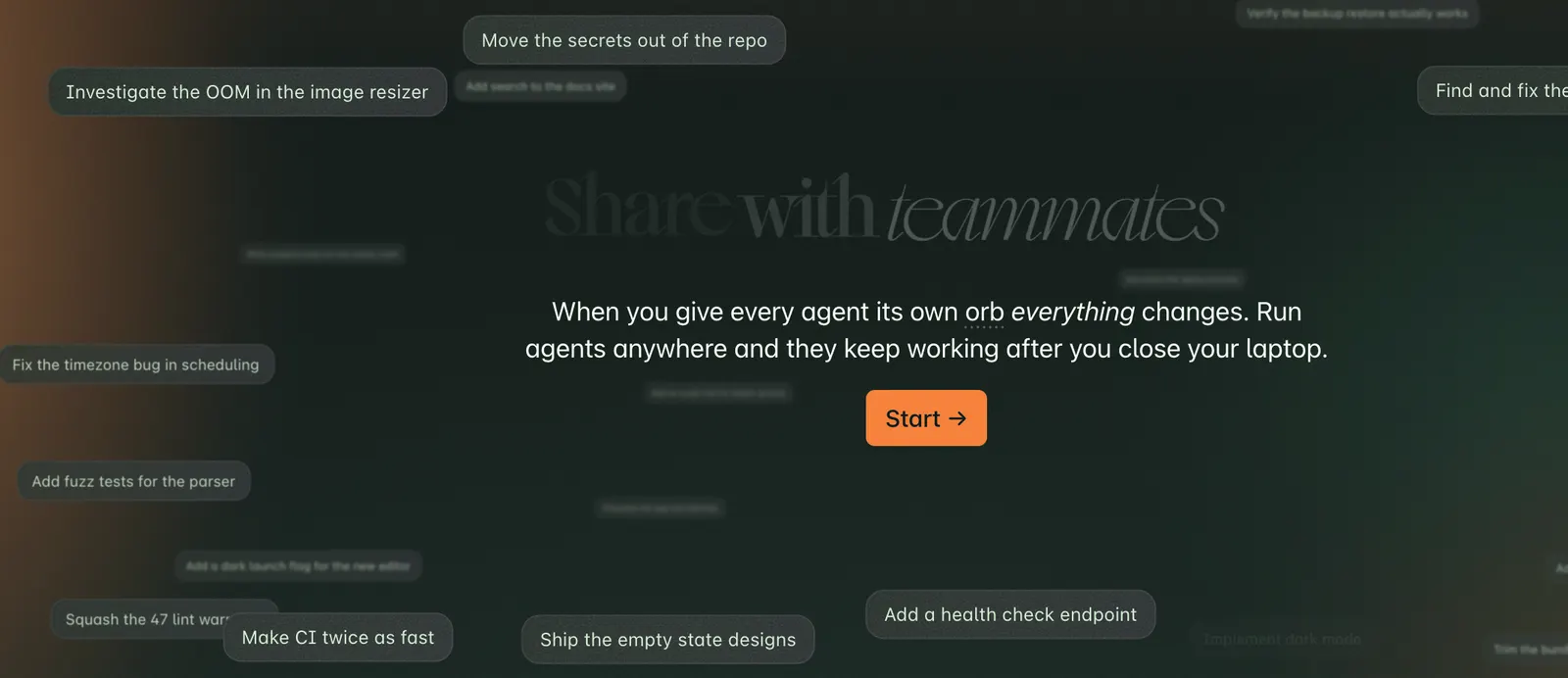
Amp provides remote development environments called Orbs. They give coding agents isolated machines where they can perform development work without requiring every operation to run directly on the developer's local computer.
7. Agent-Based Development Workflow
Amp is built for a workflow where the developer describes the desired outcome and the agent handles a larger portion of the implementation process. Developers can review the generated changes and intervene when necessary.
8. Development From Multiple Devices
Amp's workflow is designed to extend beyond a traditional desktop editor. Its documentation describes workflows involving the web, Mac, terminal and iPhone, making it possible to monitor or continue development work from different environments.
✨ What Makes Amp Different?
Amp is positioned more as an autonomous coding agent than a conventional AI autocomplete tool. The distinction becomes important when the task involves several steps.
- Agent-first design: Built around completing development tasks rather than only generating individual snippets.
- Multiple AI models: Developers can work with different frontier models within the same coding workflow.
- Real development environment: The agent can work with files, terminal commands, tests and other development tools.
- Remote execution: Orbs provide isolated remote environments for agent-driven development.
- Flexible workflow: Developers can combine local development with remote agents and different interfaces.
The biggest practical difference is the level of delegation. With a traditional coding assistant, the developer may ask for a function and then integrate it manually. With Amp, a developer can describe a larger objective and let the agent investigate, implement, test and iterate on the change.
💼 Practical Use Cases
Software Development
Developers can use Amp to implement features, create components, modify APIs and work through multi-file changes.
Bug Fixing
Give Amp an error message, failing test or unexpected behavior. The agent can inspect the relevant code, identify possible causes, modify the implementation and run tests to verify the fix.
Code Refactoring
Amp can be useful for repetitive refactoring across larger codebases, such as changing APIs, reorganizing modules or updating patterns used across multiple files.
Testing
Developers can ask the agent to create tests, execute an existing test suite, analyze failures and make additional changes based on the results.
Learning Existing Projects
When joining an unfamiliar repository, developers can ask Amp to explain architecture, locate important files, trace functions and summarize how different components interact.
Prototype Development
Amp can accelerate early-stage development when a developer wants to turn a product idea into a working prototype without manually writing every piece of boilerplate code.
Code Maintenance
It can help with dependency updates, documentation changes, repetitive code modifications and other maintenance work that normally consumes development time.
🧑💻 How to Use Amp
Step 1: Create an Account
Create an Amp account and sign in to the service.
Step 2: Connect Your Development Environment
Choose the workflow that fits your project, such as the web interface, terminal-based workflow or supported development environment.
Step 3: Open or Select a Repository
Give Amp access to the codebase you want to work on. For an existing project, make sure the repository contains the relevant source files and development configuration.
Step 4: Describe the Task
Instead of writing a vague request such as "fix this project", provide a specific goal, relevant requirements and any constraints.
Step 5: Let Amp Investigate
Amp can inspect the repository and determine which files and tools are relevant to the task.
Step 6: Review the Changes
Do not blindly accept agent-generated code. Review file changes, commands, dependencies and architectural decisions before merging them into a production project.
Step 7: Run Tests
Ask Amp to run the appropriate test suite or execute the project's build and validation commands. Fix remaining issues before committing the changes.
💡 Tips for Getting Better Results
- Describe the desired outcome: Tell Amp what the finished feature should do rather than only asking it to edit a particular file.
- Provide technical constraints: Mention frameworks, libraries, API limitations, coding standards and compatibility requirements.
- Break large projects into stages: For complex products, handle architecture, implementation, testing and optimization as separate tasks.
- Ask for investigation first: For unfamiliar codebases, ask Amp to analyze the relevant architecture before making changes.
- Require tests: For important code, explicitly ask the agent to add or update tests.
- Review destructive operations: Pay particular attention to database migrations, dependency changes, file deletion and production configuration.
- Keep the agent focused: A precise task generally produces easier-to-review changes than a vague request covering the entire application.
💻 Installation and Platform Support
Amp is not limited to a traditional desktop coding editor. Its current workflow supports development through web-based and terminal-oriented interfaces, with documentation also describing workflows involving Mac and iPhone.
For developers who prefer terminal workflows, Amp can fit naturally into an existing Git-based development process. For remote agent execution, Orbs provide isolated computing environments that Amp agents can use for development tasks.
The exact setup depends on the development workflow and the tools being used. Developers should check Amp's current documentation before selecting a particular installation method because supported interfaces and product capabilities can change quickly.
💰 Amp Pricing
Amp's pricing has changed several times as the product has evolved. As of September 2026, Amp offers a free Hobby option alongside paid plans and usage-based options.
- Hobby: Free, with access to Amp's product features. Users can pay separately for Orbs or connect their own compatible resources.
- Individual: $20/month, designed for individual developers and includes a corresponding amount of agent usage depending on the current plan structure.
- Higher usage plans: Amp also offers higher-cost options for developers who require substantially more agent usage and computing resources.
- Unconstrained usage: Usage-based billing is available for users who prefer to pay according to actual usage rather than a fixed monthly allowance.
- Education: Eligible students and teachers can receive discounted pricing.
- Enterprise: Enterprise plans provide additional organizational capabilities such as SSO, directory synchronization, administrative controls, support and data-retention options.
The final cost can vary significantly depending on the models used, agent workload and remote computing requirements. Developers using Amp heavily should therefore evaluate actual usage rather than comparing only the monthly subscription price.
👥 Who Should Use Amp?
- Professional developers: Suitable for developers who regularly work on complex repositories.
- Startup teams: Useful when a small engineering team needs to move quickly across multiple parts of a product.
- Full-stack developers: Helpful for projects involving frontend, backend, APIs, databases and testing.
- Open-source developers: Useful for understanding unfamiliar repositories, implementing features and handling maintenance tasks.
- Technical founders: Can help turn product requirements into working prototypes and early versions of applications.
- Advanced AI coding users: Particularly relevant to developers who want an agent that can perform multi-step tasks rather than simple code completion.
Beginners can also experiment with Amp, but they should understand basic programming and Git concepts before allowing an AI agent to make substantial changes to a project.
🌍 Amp's Global Usage
Amp is part of the broader global shift toward agent-based software development. Its development is closely connected to Sourcegraph's experience with large-scale code search and developer tooling.
Unlike some mature developer platforms, Amp does not consistently publish a comprehensive public breakdown of monthly active users, downloads or usage by country. Therefore, exact global user numbers should not be presented as established facts without a current first-party source.
Its target market is primarily international software developers, startups, engineering teams and organizations experimenting with AI-assisted software development.
👍 Amp Advantages
- Strong focus on autonomous coding workflows.
- Designed to handle multi-step engineering tasks.
- Supports multiple frontier AI models.
- Can work with real repositories and development tools.
- Remote development environments provide additional flexibility.
⚠️ Amp Limitations
- Advanced agent usage can become expensive for heavy users.
- AI-generated changes still require human code review.
- Complex projects can produce unexpected changes if requirements are not clearly specified.
- The product is evolving rapidly, so pricing, model availability and supported workflows may change.
- Developers who only need simple autocomplete may not need the full agent-oriented workflow.
⚖️ Amp vs. Other AI Coding Tools
| Tool Type | Main Strength | Typical Workflow | Best Fit |
|---|---|---|---|
| Amp | Autonomous coding agents | Describe task → agent investigates → edits → tests | Complex development tasks |
| GitHub Copilot | Integrated AI development assistance | Autocomplete, chat and agent-assisted coding | Developers wanting AI integrated into established GitHub workflows |
| Cursor | AI-native code editor | Edit code directly inside an AI-focused editor | Developers who want an AI-centric IDE experience |
| Cline | Open-source agent workflow | Agent operates through editor, terminal and external models | Developers wanting flexible model/provider configuration |
| Claude Code | Terminal-based coding agent | Natural-language instructions through a development terminal | Developers comfortable with CLI-based workflows |
The important difference is not simply model quality. The tools also differ in interface, degree of autonomy, repository access, model selection, pricing and development environment. Developers should choose based on the type of work they actually perform.
🔧 Example Amp Workflow
Suppose a developer has an existing SaaS application and wants to add a new user invitation system.
- Ask Amp to inspect the existing authentication and user-management architecture.
- Ask it to identify the relevant frontend, backend and database files.
- Describe the required invitation flow and security requirements.
- Ask Amp to propose an implementation plan before making major changes.
- Let the agent implement the feature across the required files.
- Ask it to create or update automated tests.
- Run the test suite and inspect failures.
- Review the final code and database changes manually.
- Commit the changes only after the implementation has been validated.
This workflow demonstrates where an agent such as Amp can be more useful than asking an AI chatbot to generate isolated pieces of code.
🔐 Security and Code Review
AI coding agents can execute commands and modify project files, so they should be treated as development automation rather than simple chatbots.
Before using an agent with a production repository, developers should understand what code and credentials the agent can access. Avoid exposing unnecessary secrets, review generated commands, inspect dependency changes and use appropriate Git branches or isolated environments for high-risk tasks.
For production systems, human review remains essential. AI can accelerate implementation, but it should not replace security reviews, testing, deployment controls or engineering responsibility.
📌 Final Assessment
Amp is built for developers who want AI to participate in the actual software-development process rather than simply provide code suggestions. Its strongest use case is multi-step engineering work involving repository analysis, implementation, terminal operations and testing.
For developers working on complex projects, Amp's agent-first approach can reduce the amount of repetitive implementation work. The trade-off is that greater autonomy also means greater responsibility for reviewing what the agent does and monitoring usage costs.
If your work mainly consists of simple autocomplete or occasional code questions, a lighter AI coding assistant may be sufficient. If you regularly ask AI to investigate repositories, implement features, debug errors and complete multi-file tasks, Amp is a tool worth evaluating.
Comments