
✨ What Arc Search is
Arc Search is an AI-first mobile browser from The Browser Company, the New York startup that made its name with the desktop browser Arc. In early 2024 it shipped Arc Search for iOS and Android with one blunt pitch: stop digging through blue links on a small screen. Ask a question, get a page that answers it.
Where Chrome and Safari hand you a list of results and wish you luck, Arc Search tries to do the reading for you and hand back a finished answer. It is a bet that on a phone, fewer links is the better product.
⚡ Headline features
- Browse for Me: search, and the AI reads at least six pages and assembles one custom answer page instead of a results list.
- Pinch to Summarize: pinch the screen on any article and the AI condenses the page into a few bullet points.
- Voice search: tap the mic and ask out loud.
- Two search modes: old-school keyword search and natural-language questions sit side by side.
🤖 How the AI actually works
Browse for Me
Type something like "what to pack for Tokyo in March" and Arc Search spins up a page built from at least six sources. It includes:
- a summary that states the answer up front;
- key points broken into scannable bullets;
- a best result it flags as the most useful;
- citations and images so you can check where the info came from;
- follow-up questions to keep the thread going.
The tradeoff is plain: you get a synthesized answer fast, but you are trusting the browser's reading of those pages. If you want to verify, the sources are right there.
Pinch to Summarize
Found a long read you don't have time for? Pinch the page and get the gist. It works on nearly any site, no copy-paste into another tool required.
Voice search
Hit the microphone and talk. Useful when your hands are busy, and a cleaner fit than typing a full sentence on glass.
🛠️ Install and setup
- iPhone / iPad: grab it from the App Store.
- Android: it's on Google Play.
It's free, no account is required to start searching, and first-run walks you through picking a theme. On iOS you can set it as your default browser if you want the full experience.
🌍 State of the product
The Browser Company has never published precise download figures, so treat any specific number you see as a guess. What we know for sure is the timeline:
- Early 2024: Arc Search launches on iOS and lands a wave of attention for Browse for Me.
- May 27, 2025: the company says it is stopping active development on Arc and Arc Search. Both move into maintenance mode — still usable, still getting security updates, but few new features.
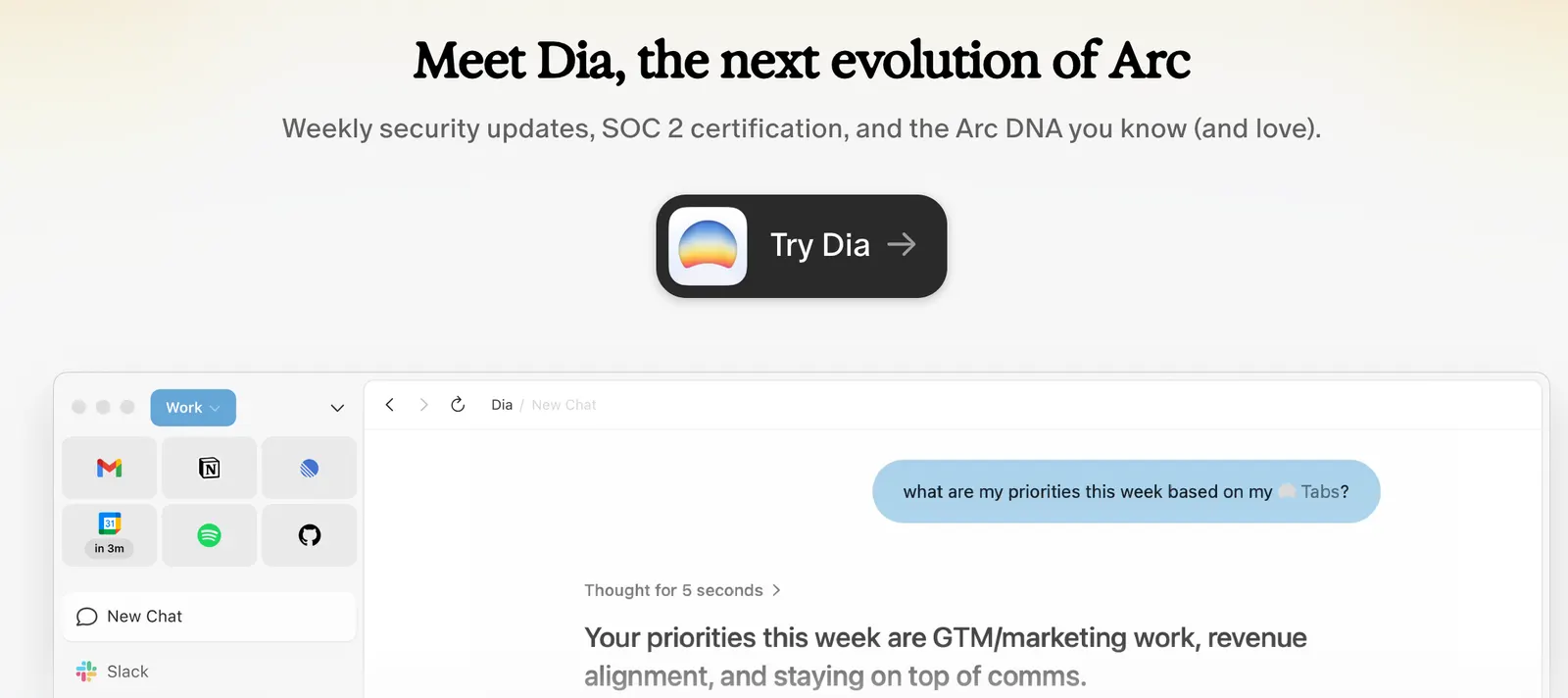
- September 2025: Atlassian acquires The Browser Company for roughly $610 million. The team's focus shifts to a new browser called Dia.
The short version: Arc Search still works, but it is no longer the product The Browser Company is betting on.
💰 Pricing
Arc Search is free. There's no paid tier and no subscription. Given it's in maintenance mode, that isn't likely to change. You download it and get the whole feature set.
❓ FAQ
Is Arc Search still being updated?
Since May 27, 2025 it's in maintenance mode. Expect security fixes, not new features.
Will it get shut down?
The company hasn't said it's shutting the apps down, and they remain available. But engineering effort has moved to Dia, and the long-term roadmap hasn't been spelled out.
How is it different from Chrome or Safari?
Chrome and Safari are general-purpose browsers. Arc Search is built around AI search: it tries to answer you directly instead of giving you a list to click through.
What is Dia?
Dia is the new browser The Browser Company is building, and where most of its resources now go.
Does it cost anything?
No. It's free, with no paid version.
Comments