🎵 Boomy Review: An AI Music Generator Built for People Who Don't Make Music
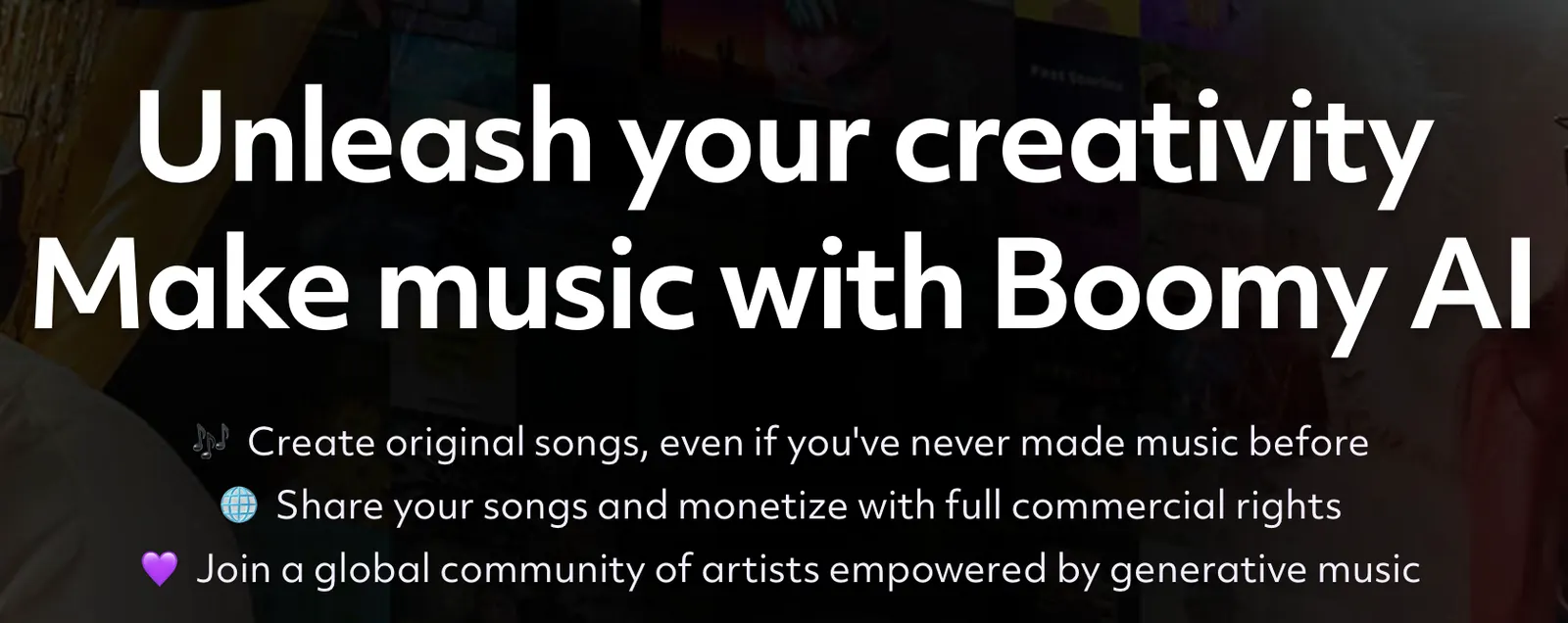
There is a simple reason Boomy has attracted so much attention: it removes most of the technical work between having an idea for a song and actually hearing one. You do not need to understand MIDI, chords, synthesis or mixing before you start. Boomy is designed around the idea that ordinary users should be able to create original music, customize it, publish it and potentially earn money from it.
That simplicity is also the key to understanding Boomy. It is not trying to compete head-on with a professional DAW. If you already spend your day inside Ableton Live, Logic Pro or FL Studio, Boomy will feel intentionally limited. If you are a content creator, beginner musician, indie artist or someone who simply wants to experiment with music, the low barrier to entry is the point.Boomy
🔎 What Is Boomy?
Boomy is a generative AI music platform that lets users create original songs without traditional music-production skills. The service provides a simplified creation process where users select a musical direction, generate a song, make adjustments and decide what to do with the finished track.
Boomy's official website currently states that its artists have created more than 22 million original songs. That number is a useful indicator of how large the platform's creative community has become, although it should be understood as a company-reported creation count rather than an independent measurement of active users.
The important distinction is that Boomy is designed around accessibility. Instead of giving beginners hundreds of technical controls, it gives them a smaller number of decisions that have a noticeable impact on the final result.
✨ Main Features
🎼 AI Song Creation: Generate original songs without needing to write every melody, chord progression or drum pattern manually.
🎛️ Song Customization: After generating a track, users can work with available customization options rather than treating the first AI output as the final version.
🎧 Multiple Musical Styles: Boomy supports different musical directions, making it possible to experiment with electronic, hip-hop, pop-oriented and other styles depending on the options available in the current interface.
💾 Save Your Creations: Songs can be saved to the user's Boomy account, allowing creators to build a personal catalog rather than generating disposable audio clips.
🌎 Publish and Share: Boomy is designed not only for private experimentation but also for sharing music with an audience.
💰 Monetization: Boomy promotes commercial rights and monetization for eligible users and plans. The exact rights depend on the applicable subscription and current licensing terms.
👥 Artist Community: The platform includes a community-oriented model where users can discover and share music created by other Boomy artists.
🇺🇸 How a US Creator Would Actually Use Boomy
For a US-based content creator, Boomy makes the most sense when the goal is speed rather than detailed music production. Imagine you are producing a YouTube video and need a two-minute electronic background track. Instead of browsing a stock-music library for half an hour, you can generate several ideas and select the one that fits the edit.
For an indie artist, the workflow is different. Boomy can be used as an idea generator: create a starting point, listen for something interesting, modify the result and decide whether the track is worth developing further.
For someone who has never produced music, the appeal is even clearer. Boomy lets you experience the creative loop of making music without forcing you to learn a DAW first.
🚀 Your First Boomy Song: Step by Step
Step 1 — Create an account: Visit Boomy and create an account. The platform is browser-based, so you can start without installing a traditional music-production application.
Step 2 — Enter the creation workflow: Choose the option to create a new song. Boomy will guide you through a simplified set of musical choices.
Step 3 — Pick a musical direction: Select the style that is closest to what you have in mind. Do not worry about choosing perfectly; the first generation is better treated as an experiment.
Step 4 — Generate: Let Boomy create the initial track. Listen to the entire result instead of judging it from the first few seconds.
Step 5 — Evaluate the structure: Ask whether the rhythm, energy and overall mood fit your intended use. If you need background music, a track that sounds impressive but dominates the voice-over may be a bad choice.
Step 6 — Customize: Use the available editing and customization options to move the song closer to your target.
Step 7 — Save the best version: Keep the versions that actually have potential instead of saving every generation.
Step 8 — Decide how to use it: Depending on your account and applicable rights, you can share, publish or monetize eligible music.
💡 Practical Tips for Better Results
🎯 Start with a purpose: Decide whether the song is for a YouTube video, short-form content, background music, an experiment or an artist project. Your selection should follow the purpose.
🔁 Generate more than one idea: The first result is rarely the reason to stop. Treat AI generation like brainstorming: create several candidates and choose.
🎬 Test music against your video: A song can sound good on headphones but become distracting once dialogue and sound effects are added.
🎙️ Leave room for speech: For tutorials, reviews and podcasts, simpler arrangements usually work better than dense tracks.
📁 Build a catalog: If you regularly produce content, save your strongest tracks by mood or use case. Over time, this becomes more valuable than individual generations.
🧠 Don't confuse convenience with perfection: Boomy is optimized for accessibility and speed. If you need precise control over every note, automation lane and mix parameter, you have moved beyond Boomy's main use case.
💻 Does Boomy Need to Be Installed?
No traditional desktop installation is required for the main Boomy experience. The service is accessed through a web browser, which is one of the reasons it is approachable for beginners.
This also makes Boomy convenient when moving between computers. Your work is associated with your online account rather than being tied to a particular desktop installation.
💰 Is Boomy Free?
Boomy offers a free way to start creating music as well as paid membership options. The exact subscription names, limits and prices can change, so users should check the current pricing page before purchasing.
🆓 Free access: The free experience is intended to let users create and explore the platform without immediately paying. However, important limits can apply to downloads, releases, monthly usage and commercial rights.
⭐ Paid membership: Paid plans provide higher usage allowances and additional capabilities for creators who want to use Boomy more seriously.
💰 Monetization: Boomy promotes the ability to share and monetize music with commercial rights. However, the specific rights attached to a song should always be checked against the plan and current terms under which the song was created.
Because subscription structures can change, publishing an old fixed price as if it were permanent is not a good idea. For a website that wants to remain accurate, link readers to Boomy's current pricing information instead.
⚖️ Commercial Use and Rights
Commercial rights are one of Boomy's more important selling points. The platform explicitly presents itself as a service where creators can share and monetize music with full commercial rights under the applicable conditions.
That does not mean every song generated by every account can automatically be used in every commercial scenario. The relevant subscription, licensing terms and method of distribution matter.
If you are creating music for your own YouTube channel, the situation is relatively straightforward. If you are producing music for clients, releasing tracks commercially or building a business around large-scale music generation, read the current terms carefully.
🌎 Global Reach
Boomy has developed a global creator community around generative music. Its own website currently reports more than 22.1 million original songs created by Boomy artists, which is a substantial amount of user-generated music.
The platform also publishes individual songs publicly, allowing visitors to discover tracks created by different users. That community layer differentiates Boomy from AI tools that treat music generation as a purely private production workflow.
It is important to distinguish song-generation volume from market share. Twenty-two million creations does not mean twenty-two million active users, and Boomy's public number is a company-reported figure.
👥 Who Is Boomy Best For?
🎬 Content creators: People who need original background music without spending hours searching stock libraries.
🎧 Beginners: Users who want to learn the basics of creating music without starting with a professional DAW.
🎤 Independent artists: Musicians looking for quick ideas, experimentation and alternative song concepts.
📱 Social media creators: People producing Reels, Shorts and other frequent short-form content.
🎮 Game and app creators: Useful when a project needs original musical ideas quickly.
💡 Creative hobbyists: Perhaps the strongest audience for Boomy because the platform makes experimentation extremely easy.
⚠️ Common Problems and Mistakes
Expecting professional DAW-level control: Boomy intentionally simplifies the production process. That is a strength for beginners but a limitation for advanced producers.
Using the first generation: AI music should be treated as an iterative process. Generate, compare and refine.
Ignoring licensing: Before monetizing or distributing a track, check the rights associated with your account and the current Boomy terms.
Using music without checking the project context: A track that works for a personal experiment may not be the right choice for a client campaign.
Saving everything: Build a useful library instead of accumulating hundreds of nearly identical generations.
👍 Advantages
⚡ Extremely accessible: You can start creating music without learning traditional production software.
🎵 Fast idea generation: Useful when you need a musical starting point quickly.
🌎 Community-oriented: Music can be shared and discovered instead of remaining inside a private workspace.
🧑🎤 Beginner-friendly: The simplified workflow removes much of the intimidation associated with music production.
👎 Disadvantages
🎛️ Limited deep control: Experienced producers may quickly want more control than the platform provides.
🤖 Output quality varies: Not every generation will be equally useful.
📜 Licensing needs attention: Commercial users should read the current terms rather than assuming every use is automatically covered.
🎚️ Not a full production environment: If you need detailed mixing, automation, sound design and mastering control, a professional DAW remains necessary.
🧠 AI doesn't replace taste: The tool can generate music, but choosing what actually belongs in a project remains a human decision.
🏁 Final Verdict
Boomy's biggest advantage is not that it can generate music. Many AI tools can do that now. Its real strength is how little technical knowledge is required to get started.
For beginners, hobbyists and content creators, that can be a major advantage. You can go from “I need some music” to an actual song without opening a professional DAW or learning music theory first.
For experienced producers, the calculation is different. Boomy is better viewed as a fast creative sketchpad than as a replacement for a full production environment.
If you are evaluating Boomy for your own website or workflow, the best test is simple: create several tracks for a real project, put them under actual video or narration, compare the results and then verify the licensing conditions for your intended use. That will tell you much more than listening to a polished demo.
Overall, Boomy remains one of the more approachable ways to experiment with generative music. Its value is highest when speed, accessibility and creative experimentation matter more than deep manual control.
Free & Pricing
Free plan· Unverified
Payment
Free + paid
Prices and free policies can change. Confirm on the official page before purchasing.


Comments