
🧠 ClickUp Brain Review: What It Does, How to Use It, and Whether It’s Worth Paying For
ClickUp Brain is ClickUp’s built-in AI coworker, designed to work with the projects, tasks, documents, and conversations your team already manages instead of forcing you to copy that context into a separate chatbot.
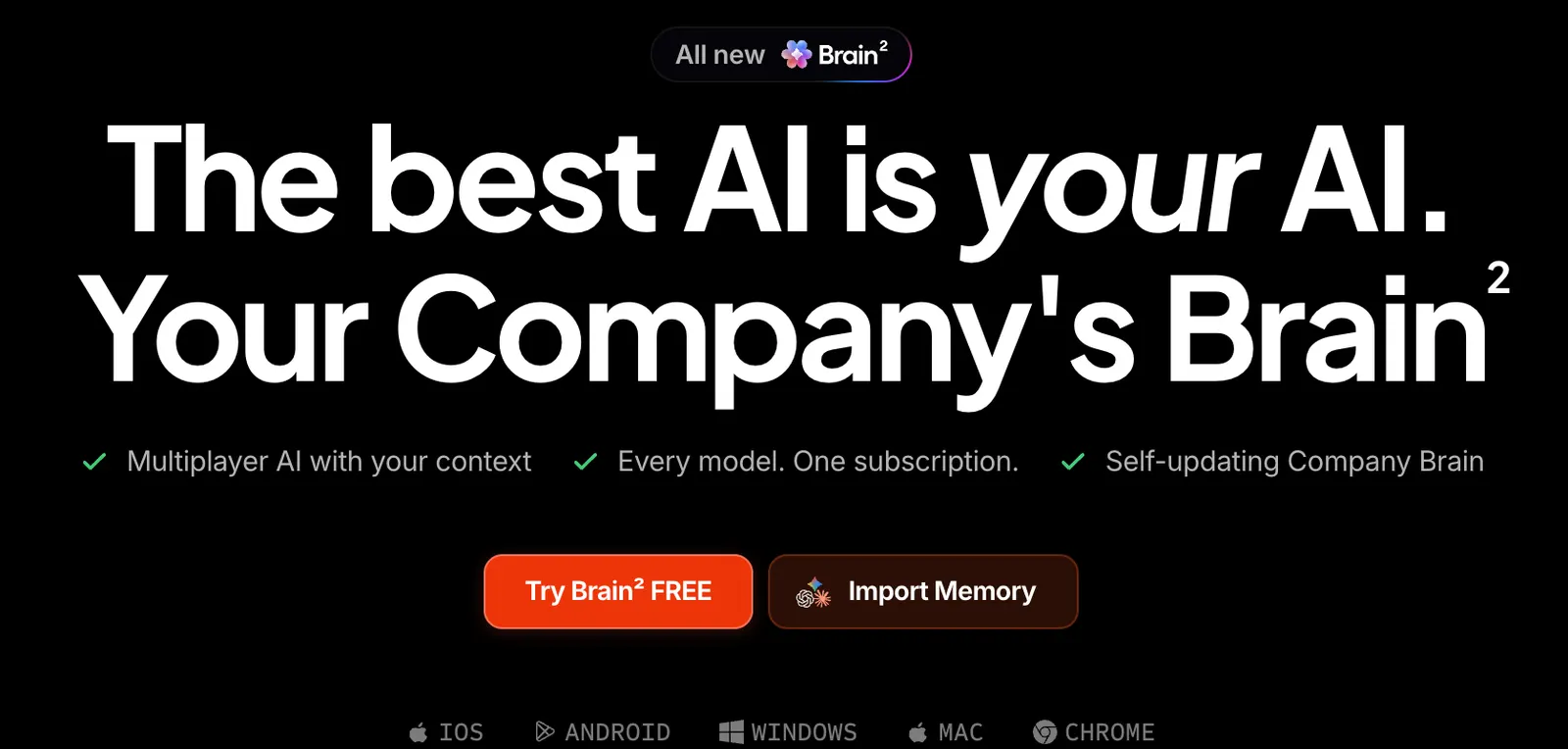
🔎 What Is ClickUp Brain?
ClickUp Brain is the AI layer inside ClickUp. The important distinction is that it is designed around work context rather than generic conversation. If your team keeps project information, tasks, Docs, comments, and conversations in ClickUp, Brain can use that information to answer questions, summarize work, draft content, and help move tasks forward.
That makes Brain particularly interesting for American businesses that already have a structured project-management workflow. Instead of asking an AI assistant to “write a project update” and then manually feeding it the project details, you can ask Brain to create the update from the work already stored in ClickUp.
⚙️ What Can ClickUp Brain Do?
Work Q&A: Ask questions about projects, tasks, Docs, and team activity using the context available to you.
Project summaries: Turn task activity and project information into concise progress reports, updates, risks, and action items.
AI writing: Draft emails, task descriptions, plans, Docs, announcements, and other business content. You can also rewrite, shorten, expand, simplify, translate, and improve existing text.
Task management: Brain can summarize tasks, suggest subtasks, find similar tasks, and perform supported task operations.
Research: Web Search & Research gives Brain a way to research information beyond the immediate workspace context.
AI Agents: More advanced users can use Super Agents and Autopilot Agents to move from AI-generated answers toward automated work.
Multiple AI models: ClickUp’s current Brain experience supports multiple models, including options from OpenAI, Anthropic, and Google, depending on the workspace and plan.
🎯 Where Brain Actually Helps
The biggest mistake is judging ClickUp Brain as if it were another ChatGPT clone. If all you need is a blank chat window, there are plenty of excellent choices.
Brain becomes more useful when the question is tied to real work: Which projects are behind schedule? What did the team decide last week? Which tasks are blocking launch? Turn this project into an executive update. Create follow-up tasks from these meeting notes.
That workflow-native context is the product’s main selling point. You spend less time moving information between applications and more time acting on it.
🌎 How Widely Is ClickUp Used?
ClickUp is already a global productivity platform. ClickUp says its platform has more than 10 million users, and the company has highlighted customers across different industries and regions. It has also invested in regional infrastructure, including a Singapore data center for customers in Asia-Pacific.
For U.S. teams, this matters because ClickUp is not positioned as a niche AI experiment. It is part of a broader project-management and collaboration platform used by companies ranging from small teams to large enterprises.
🚀 Your First ClickUp Brain Session
Step 1: Create or join a ClickUp Workspace.
Step 2: Pick a real project instead of creating a fake test case. A product launch, sales pipeline, marketing campaign, or internal project is ideal.
Step 3: Make sure the workspace contains useful context: tasks, owners, deadlines, Docs, comments, and project notes.
Step 4: Open Brain from the AI Command Bar, a task, a location header, or another supported entry point.
Step 5: Ask a business question with a clear output. For example: “Summarize the current project status, identify overdue tasks, list the owners, and give me the three biggest risks.”
Step 6: Follow up instead of starting over. Ask Brain to turn the result into an executive update, email, task list, or project plan.
📘 Practical ClickUp Brain Tutorials
Project reporting: Ask Brain to summarize a project and separate completed work, delayed work, blockers, and next steps.
Executive updates: Give Brain the project context and ask for a short update written for executives. Then ask it to remove low-priority details.
Customer emails: Use the project context to draft a customer-facing update, then manually verify dates, commitments, and numbers before sending.
Meeting follow-up: Turn meeting notes into action items and, where supported, convert those actions into ClickUp tasks.
Document editing: Select existing text in ClickUp and use Brain to improve, shorten, simplify, translate, or restructure it rather than generating a new document from scratch.
💡 Tips for Better Results
Give Brain a job, not a vague request. “Summarize this” is weak. “Write a five-bullet executive update focused on schedule, budget, blockers, decisions, and next steps” is much better.
Tell it who will read the output. A sales manager, customer, CEO, and engineer need very different versions of the same information.
Keep the source data clean. AI cannot compensate for a project where tasks are outdated, owners are missing, and deadlines are wrong.
Use iterative prompting. Ask Brain to produce a first draft, then refine it. This is usually faster than trying to create the perfect prompt on the first attempt.
Verify business-critical information. AI-generated project updates are useful drafts, not authoritative records. Check numbers, dates, customer commitments, and ownership before publishing.
💰 ClickUp Brain Pricing
ClickUp currently gives Workspaces access to selected Brain AI features on a trial basis. After the trial, paid plans can purchase AI add-ons. ClickUp’s current pricing page lists Brain AI at $9 per user per month and Everything AI at $28 per user per month on the displayed pricing offer, with higher list prices shown on the page. Pricing, packaging, and availability can change by billing cycle and Workspace.
The Brain AI add-on includes features such as Brain, premium AI models and reasoning, project summaries and updates, AI writing, web research, and Brain MAX, along with a monthly allocation of AI Super Credits. Everything AI adds a broader set of AI capabilities, including AI Notetaker and AI Time Blocking.
There is an important catch for buyers: ClickUp is rolling out new AI packaging to some Workspaces. Your own Billing page is the final authority on the price and package available to your account.
💻 Do You Need to Install ClickUp Brain?
No separate Brain installation is required for the standard ClickUp experience. Brain is integrated into ClickUp and can be accessed from supported areas of the workspace.
ClickUp also offers desktop and mobile applications, while Brain MAX provides dedicated AI experiences on desktop, mobile, and Chrome. If you are evaluating the product for the first time, the web version is the easiest place to start.
👥 Who Should Use ClickUp Brain?
Project managers: Strong fit for project summaries, risk tracking, task breakdowns, and status reporting.
Sales teams: Useful for follow-ups, account tasks, internal updates, and sales planning.
Marketing teams: Useful for campaign planning, content production, research, and reporting.
Operations teams: Useful when recurring processes and large numbers of tasks already live in ClickUp.
Executives: Useful for getting a quick view of project status without opening dozens of individual tasks.
Solo users: Worth testing, but the business case is weaker if you mainly want a general-purpose chatbot.
⚠️ Common Problems
Brain gives a weak answer: Check whether the relevant project information actually exists in ClickUp and whether your account has permission to access it.
A feature is unavailable: AI capabilities vary by plan, user role, permissions, and usage limits.
Credits run out: Some AI features use AI Super Credits. Your allowance depends on the AI package attached to the Workspace.
Should it replace ChatGPT? Not necessarily. ChatGPT is a strong general-purpose AI assistant; ClickUp Brain is more compelling when the work itself already lives inside ClickUp.
⚖️ Pros and Cons
Pros: Deep integration with project data; less context switching; strong task and project workflows; useful writing tools; supports AI-powered agents; increasingly supports multiple AI models.
Cons: The value drops sharply if your team does not actually use ClickUp; the product can feel complex to new users; advanced AI features can add to the subscription cost; availability varies across plans; important business decisions still require human review.
🏁 Final Verdict
For a U.S. team already living in ClickUp, Brain is worth testing because its advantage comes from context rather than from having another generic AI chat window.
If you only want help writing emails, brainstorming ideas, or asking general questions, you probably do not need ClickUp Brain. But if your goal is to make AI part of project execution, reporting, task management, and team knowledge, Brain becomes considerably more interesting.
The short version: ClickUp Brain is best understood as an AI layer for an existing work system, not as another standalone chatbot.
Comments