

Colossyan Review: An AI Video Platform for Training, Learning and Business Content
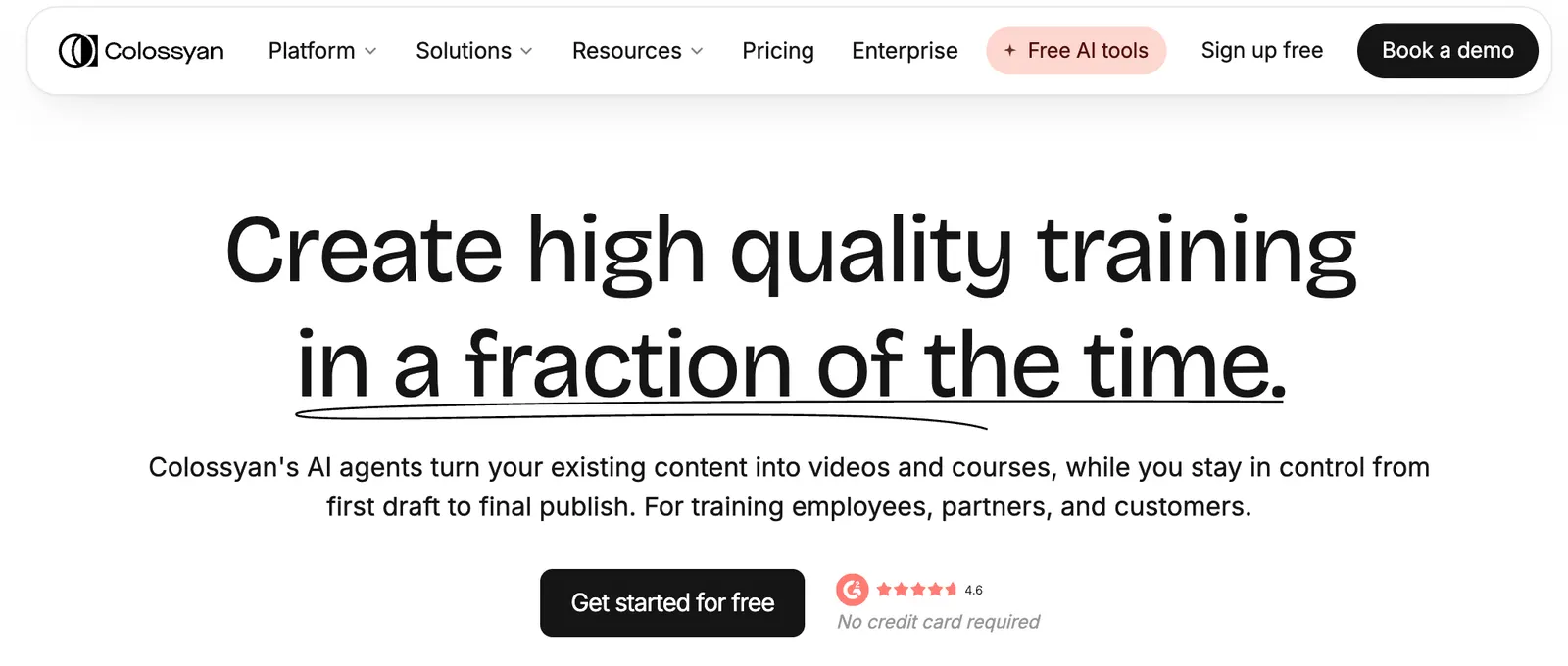
Colossyan is an AI video creation platform built mainly for workplace training, employee onboarding, customer education, sales enablement and internal communications. Instead of recording a presenter every time a training course needs to be updated, users can start with a script, document, presentation or PDF and turn that material into an AI-presenter video.
What makes Colossyan interesting is that it is not simply trying to be another general-purpose AI video generator. Its product is strongly focused on learning and development, multilingual content and corporate training workflows. That distinction matters. If the goal is to make a flashy social video, there are other tools that may be a better fit. If the goal is to turn company knowledge into repeatable training content, Colossyan becomes much more compelling.
Colossyan was founded in 2020 by Dominik Mate Kovacs. The company has positioned the platform around making professional video production easier for organizations that need to create and update instructional content at scale.
🔎What Is Colossyan?
Colossyan is a browser-based AI video platform that converts written information into presenter-style videos using AI avatars, synthetic voices, scenes and visual elements.
The workflow is fairly simple. You provide the information, select an AI presenter and voice, arrange the scenes, and generate the video. Depending on the workflow and plan, you can start from plain text, documents, presentations, PDFs, URLs or an AI-generated script.
Founded: 2020
Product category: AI video generator / AI avatar video platform
Primary focus: Corporate training, learning and development, business communication
Typical users: HR teams, L&D professionals, corporate trainers, sales teams and customer education teams
The important point is that Colossyan is designed around information delivery. The AI avatar is only one part of the product. The bigger idea is to create, localize, update and distribute business training content without running a traditional video-production process every time.
🎯What Problem Does Colossyan Solve?
Traditional corporate training videos have a frustrating weakness: they are expensive to update.
Imagine a company records a 20-minute onboarding video. Six months later, the company's software changes, a compliance rule is updated or a product process is redesigned. With traditional production, somebody has to rewrite the script, book the presenter, record the new material, edit the footage and publish another version.
Colossyan takes a different approach. The presenter and voice are generated digitally, so the company can change the script and regenerate the relevant content without organizing another filming session.
This makes the platform particularly useful for information that changes regularly. Employee onboarding, compliance training, product education, software tutorials and internal communications are good examples.
🧩Core Features
1. AI Avatar Video Creation
Colossyan provides a large collection of AI presenters that can deliver scripted content. Users can choose an avatar that fits the subject and create a presenter-led video without filming a real person.
2. Text-to-Video Creation
Users can start with written content and turn it into a structured video. Instead of manually editing every scene from scratch, the platform can help organize the script into a sequence of scenes.
3. Document and Presentation Import
One of the more practical features is the ability to use existing business content as the starting point. Documents, PowerPoint presentations, PDFs and other source material can be incorporated into the video creation process.
4. Multilingual Video Creation
Colossyan supports more than 120 languages and accents across its current offering. This is particularly useful for international companies that need to produce the same training material for employees in different countries.
5. Custom Avatars and Voice Cloning
Higher-level workflows can include custom avatars and cloned voices. This allows an organization to maintain a more consistent presenter identity across a collection of training videos.
6. Interactive Videos and Courses
Colossyan can create more than simple linear videos. Interactive elements such as quizzes and branching scenarios can be incorporated into learning content, making the platform more useful for structured employee training.
7. SCORM and LMS Workflows
Professional and enterprise-focused plans support SCORM-related workflows. This is important for organizations that already use learning management systems and want AI-generated content to fit into their existing training infrastructure.
8. Team Collaboration and Enterprise Features
Higher-tier plans add features designed for organizations, including collaboration, analytics, permissions, SSO and API access. These features become more important when multiple people are producing training content rather than one person experimenting with AI video.
⭐Main Advantages and What Makes Colossyan Different
The biggest difference is the product's focus. Colossyan is not trying to be everything to everyone.
If you want cinematic AI scenes, dramatic storytelling or highly stylized social-media videos, Colossyan would not necessarily be the first tool I would choose. Its strength is structured business communication.
- Training-first design: The platform is built around workplace learning rather than entertainment video.
- Document-to-video workflow: Existing company material can become the foundation for new videos.
- Multilingual production: International organizations can create localized versions without recording every language separately.
- Interactive learning: Quizzes and branching scenarios make it more than a simple talking-avatar generator.
- Enterprise capabilities: Features such as SCORM, analytics, SSO and API access make it relevant to larger organizations.
In practical terms, Colossyan is closer to an AI-powered training-content production system than a conventional video editor.
💼Real-World Use Cases
Employee Onboarding
HR departments can convert employee handbooks, company policies and onboarding documentation into short instructional videos. This is especially useful when the same material needs to be shown to every new employee.
Corporate Training
Learning and development teams can create courses around workplace procedures, compliance rules, product knowledge and internal systems without arranging a new filming session for every topic.
Sales Enablement
Sales teams can use Colossyan to explain product features, sales processes and customer scenarios. A company can also create different versions for different markets or sales teams.
Customer Education
Software companies can turn product documentation into video tutorials. This can be useful when customers repeatedly ask the same “how do I do this?” questions.
Internal Communications
Companies can create internal announcements and instructional updates without requiring an executive or manager to record a new video every time.
Education
Teachers, course creators and training providers can use AI presenters to introduce lessons, explain concepts and create supplementary learning material. For highly creative educational videos, however, a traditional editor or a more visually focused AI video platform may provide greater flexibility.
🛠️How to Use Colossyan
Step 1: Create an Account
Go to the Colossyan platform and create an account. A free option is available, allowing new users to test the basic workflow before committing to a paid subscription.
Step 2: Create a New Video
After entering the creator, start a new project or select an available template. If you already have a training document or presentation, using existing material can save considerable time.
Step 3: Add or Generate the Script
Add your script to the scenes or use AI assistance to develop the first draft. Keep the script conversational. An AI avatar reading a long paragraph of formal business language can quickly sound unnatural.
Step 4: Choose an Avatar
Select an AI presenter that matches the audience. A compliance course probably benefits from a calm and professional presenter, while an informal product tutorial can use a more relaxed style.
Step 5: Choose the Voice
Select the language, accent and voice that fit the target audience. For international content, check pronunciation carefully before publishing.
Step 6: Build the Scenes
Add text, images, screen recordings and other visual elements. Avoid putting every sentence on screen. The avatar should explain the information while the visual layer reinforces the important points.
Step 7: Generate the Video
Generate the video and review the result. Pay particular attention to pronunciation, pacing, scene transitions and whether the presenter sounds appropriate for the subject.
Step 8: Translate or Publish
Once the original version is approved, create localized versions when needed. Depending on the subscription, the content can be exported, embedded or integrated into a learning-management workflow.
🧠Tips for Better Colossyan Videos
The quality of an AI video depends on much more than the avatar. In practice, the script and scene structure have a bigger impact than many first-time users expect.
- Write for speech: Use short sentences and natural transitions instead of formal paragraphs copied directly from a document.
- Keep one main idea per scene: A scene should have a clear purpose instead of trying to explain an entire topic.
- Define the audience: Tell the AI whether the video is for new employees, experienced staff, customers or executives.
- Specify the tone: “Professional but conversational” is usually more useful than simply saying “professional.”
- Use realistic examples: Training becomes much easier to understand when users can see how a rule applies to a real situation.
- Keep videos focused: Several short videos are often more effective than one 30-minute video containing everything.
- Edit the AI draft: Do not publish the first generated script automatically. Remove repetition and unnecessary explanations.
- Check pronunciation: Product names, technical terms and company-specific terminology should always be reviewed.
Create a 3-minute onboarding video for new customer-support employees. Use a professional but conversational tone. Explain the three most important customer-service rules, provide one realistic example for each rule, and finish with a short knowledge check. Keep each scene focused on one idea and avoid unnecessary corporate language.
💻Installation and Supported Platforms
Colossyan is primarily a web-based application, so there is no need to install a traditional desktop video editor for the main creation workflow.
- Web: Yes. The browser-based platform is the primary way to use Colossyan.
- Windows: The core product can be used through a modern web browser rather than requiring a dedicated Windows application.
- Mac: The main creation workflow is available through the web application.
- iOS: Colossyan is primarily designed as a web-based creation platform rather than a full native mobile video editor.
- Android: The main creation workflow is also web-based.
- Browser Extension: A browser extension is not the core Colossyan experience.
- API: API access is available for eligible higher-tier customers and can be used to connect Colossyan with other business workflows.
For serious production work, a desktop browser is the better option. Building a complete training course on a phone would be possible only in a limited sense and would not be the most efficient workflow.
💰Colossyan Pricing
Colossyan uses a subscription model. The exact limits and included features can change, so users should always check the current plan details before purchasing.
| Plan | Price | Best For | Main Features |
|---|---|---|---|
| Starter | Free | Testing the platform and small projects | Limited monthly video generation, AI avatars, voices, basic creation features and access to selected AI video capabilities. |
| Professional | From around $59/month when billed annually | Professionals and small teams | Higher video-generation limits, watermark removal, AI features, multilingual capabilities, SCORM-related functionality and additional professional features. |
| Enterprise | Custom pricing | Large organizations | Advanced collaboration, analytics, security, SSO/SAML, custom templates, enterprise controls, API access and larger-scale usage. |
The free plan is useful for testing the product. The Professional plan is aimed at users who produce videos regularly, while Enterprise is designed around larger organizational requirements.
One thing worth paying attention to is the generation allowance. If your team creates videos frequently, the monthly minute limit can become more important than the headline subscription price.
For occasional personal use, paying for a dedicated AI avatar platform may not make financial sense. For a company producing training content every week, the calculation is very different because the software is replacing part of the traditional production process.
👥Who Is Colossyan For?
- Corporate training teams: One of the strongest target audiences.
- HR departments: Useful for onboarding, policies and employee communications.
- L&D professionals: Particularly useful when training material needs frequent updates.
- Sales teams: Useful for product training and sales enablement.
- Customer education teams: Good for tutorials and product explanations.
- Global companies: Multilingual production is a major reason to consider the platform.
- Small businesses: Useful when professional training content is needed without hiring a dedicated video team.
- Individual creators: Worth testing for tutorials, educational content and presentations.
Programmers and designers can use Colossyan, but it is not primarily a coding or design product. Its core value is turning information into structured video content.
🌎Global Usage and Market Presence
Colossyan has built an international customer base rather than remaining a small regional AI-video product. The company reports more than 26,000 customers across six continents and has highlighted organizations including Johnson & Johnson, Cisco, Paramount, Continental and Ericsson among its customers.
The company has also reported strong growth in the United States, making the U.S. one of its important markets. Its customer profile is particularly concentrated around business users, including learning and development, HR, enterprise training, customer education and sales enablement.
Public traffic-estimation services can provide a rough indication of geographic demand, but those figures should not be treated as official user or traffic statistics. Colossyan's own customer numbers are more useful for understanding its business reach.
The platform is also relevant to companies operating across Europe, North America and other international markets because multilingual video production is one of its major selling points.
⚖️Colossyan Pros and Cons
Pros
- Strong focus on corporate training: The platform is designed around real workplace learning workflows.
- Good multilingual support: Useful for companies that need the same training in multiple languages.
- Practical document-to-video workflow: Existing company material can be reused instead of starting from a blank project.
- Interactive learning features: Quizzes and branching scenarios make the platform more useful than a simple avatar generator.
- Enterprise-ready: Larger organizations can take advantage of collaboration, security, analytics, SSO and integration capabilities.
Cons
- Not designed primarily for cinematic video: Its strength is business communication, not filmmaking.
- Subscription costs can add up: Heavy users need to pay attention to generation limits.
- AI avatars still have limitations: They are increasingly convincing, but they do not completely replace a strong human presenter in every context.
- Less editing freedom than professional software: Users who want detailed timeline editing may prefer Premiere Pro or another professional editor.
🥊Colossyan vs. Similar AI Video Tools
| Tool | Main Strength | Best Use Case | Where Colossyan Stands |
|---|---|---|---|
| Colossyan | AI training and learning videos | Corporate training, onboarding and enablement | A strong choice when video production is part of an ongoing learning workflow. |
| Synthesia | Enterprise AI avatar videos | Training, presentations and business communication | A very close competitor. Colossyan stands out with its emphasis on interactive learning and training workflows. |
| HeyGen | AI avatars and general-purpose video | Marketing, social media, presentations and creator content | Often more appealing for general creator and marketing use, while Colossyan is more specialized toward training. |
| Canva | General visual content creation | Social media, presentations and design | Much broader as a design platform, while Colossyan goes deeper into AI-presenter training content. |
| Adobe Premiere Pro | Professional video editing | Commercials, films and advanced video production | Offers far more creative control but requires substantially more editing skill and production time. |
This comparison also explains why choosing an AI video platform can be confusing. “AI video generator” covers very different categories. Colossyan makes the most sense when compared with AI avatar and corporate training platforms rather than purely cinematic text-to-video systems.
🧪What Colossyan Does Particularly Well
The strongest argument for Colossyan is not that its avatars look realistic. That is becoming less unique across the AI video market.
The stronger argument is workflow efficiency.
Suppose a company has hundreds or thousands of employees and needs onboarding material in English, Spanish, German and Japanese. The traditional process involves writers, presenters, translators, recording sessions, editors and repeated revisions. An AI video platform can reduce a large part of that production chain.
The same applies when information changes. If a software feature is updated or a company policy changes, the script can be edited and the affected video can be regenerated.
That is where Colossyan makes the most sense economically. It is not necessarily about creating one spectacular video. It is about making the hundredth training video much cheaper and faster than the first one.
🏁Final Verdict: Is Colossyan Worth Using?
Yes, if you have a genuine need for training or business video production.
Colossyan is a serious AI video platform, but it is important to understand what it is actually good at. Its strongest areas are employee onboarding, corporate training, compliance education, product tutorials, customer education, sales enablement and multilingual business communication.
For those use cases, the combination of AI presenters, multilingual voices, document-to-video workflows, interactive content and enterprise features is compelling.
I would especially recommend testing Colossyan if your company produces training videos regularly. The real benefit is not simply saving someone from standing in front of a camera. The bigger benefit is making training content easier to create, update, translate and maintain.
On the other hand, I would not choose Colossyan simply because you want to create cinematic AI videos, entertainment clips or highly stylized social-media content. A general-purpose AI video generator may give you more creative freedom in those situations.
Bottom line: Colossyan is best understood as an AI-powered training and business video production platform. For L&D teams, HR departments, enterprise trainers and international companies, it is worth serious consideration. For casual creators looking for spectacular visual effects, it is probably not the first tool to try.
❓Colossyan FAQ
Is Colossyan free?
Yes. Colossyan provides a free Starter option with limited usage. Paid plans provide higher limits and additional professional and enterprise features.
Is Colossyan good for corporate training?
Yes. Corporate training is one of the platform's strongest use cases. Interactive videos, courses, multilingual production and LMS-related features make it particularly suitable for structured employee learning.
Can Colossyan create videos from PowerPoint presentations?
Yes. Existing PowerPoint presentations and other business documents can be used as source material in the video creation workflow.
How many languages does Colossyan support?
Colossyan currently supports more than 120 languages and accents across its available features, making multilingual training one of its strongest use cases.
Does Colossyan have AI avatars?
Yes. Users can choose from a large library of AI presenters, while eligible plans also provide options for custom avatars and voice-related capabilities.
Can Colossyan replace professional video editing software?
Not completely. Colossyan is optimized for fast business and training videos. Professional software such as Adobe Premiere Pro still provides much deeper control over editing, audio, effects, animation and the timeline.
Is Colossyan suitable for individual creators?
It can be useful for tutorials, presentations and educational content. However, creators primarily focused on entertainment, cinematic storytelling or social-media videos may find other AI video platforms more suitable.
Comments