

✨ Overview
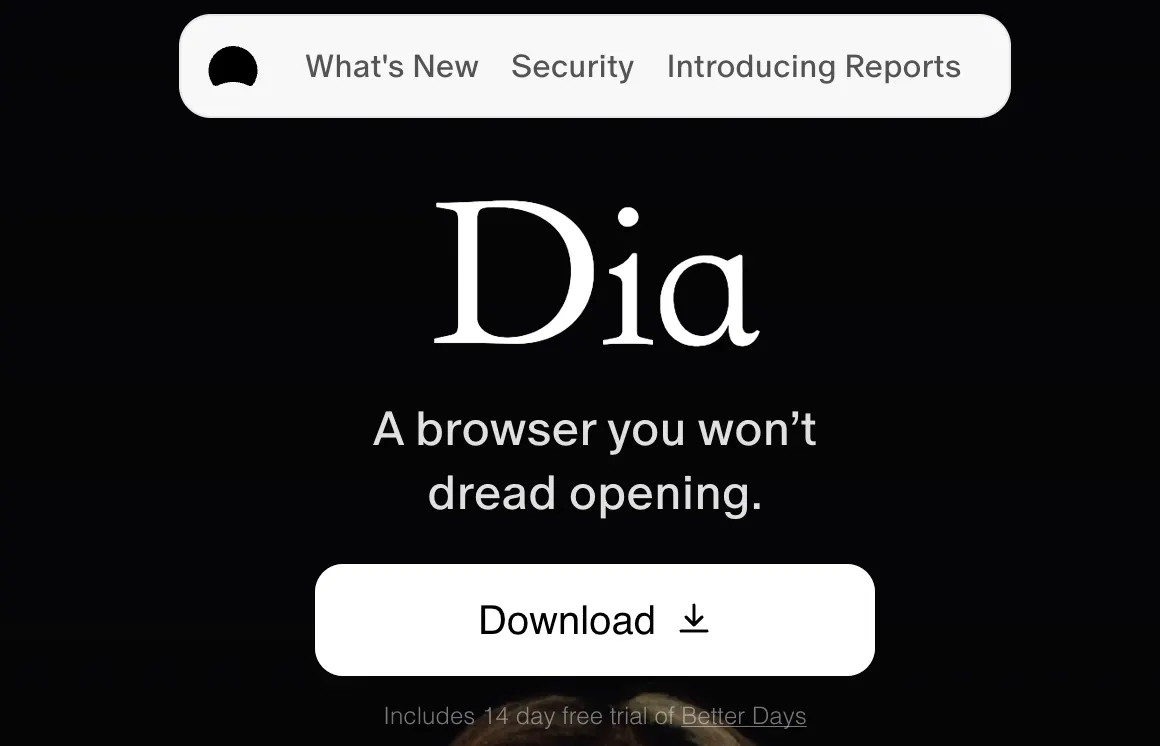
Dia is the AI-first browser from The Browser Company, the folks who made Arc. It's meant to be Arc's successor — the company stopped active development on Arc in May 2025 and threw everything behind Dia. The product was first announced in December 2024, hit a macOS beta for Arc users in June 2025, and opened to the public on October 8, 2025, dropping the invite-only phase.
One caveat up front: it's macOS-only right now. You need an Apple M1 chip or newer and macOS 14 or later. Windows users are out of luck for now.
⚡ Key Features
The big idea: Dia puts a conversation front and center instead of a row of tabs. Here's what that looks like in practice:
- Skills: a set of built-in quick actions, plus ones you build yourself — summarizing, fact-checking, browsing-history analysis, outlining, planning, studying, writing, coding.
- Tab mentions & attachments: reference any open tab with an @mention, or attach a file, and the AI works with that context.
- Memory: the AI remembers your preferences long-term, so you don't re-explain yourself every session.
- Study buddy: turns notes, lectures, and reading material into flashcards, quizzes, and study guides.
🤖 The AI Under the Hood
Dia runs on Chromium, so web compatibility is a non-issue, but the interaction model is a departure: it's chat-centered, not tab-centered. The assistant pops up on any tab and can understand what's on the page, compare info across open tabs, draft an email, summarize an article, or take actions based on your browsing context.
Real example: you've got three product pages open. Ask Dia to compare prices and reviews across them and it does the legwork without you copy-pasting anything into a separate window. Read a long piece, get a one-line summary and notes, all in place.
🛠️ Setup & Getting Started
For now Dia is macOS-only: Apple M1 or later, macOS 14 or newer. Grab it from The Browser Company's site and follow the prompts — the public release killed the waitlist, so there's no invite code involved.
The company hasn't published precise download numbers, so we won't pretend to know them. If you're on Windows or waiting for broader regional support, keep reading.
🌍 Availability & Regions
Dia is squarely aimed at the US market for now; some sources note it's primarily US-focused, and there's no localized UI yet for languages like Chinese. For international users, that mostly means an English-first experience and, for features that rely on US-based services, the usual network caveats.
That said, anyone can sign up, and Pro supports international payment. If you're curious about the chat-first browsing paradigm, the English UI isn't a hard wall — but it's not a polished localized product yet, either.
💰 Pricing
Dia has two tiers. The free tier covers the core stuff: AI chat, custom Skills, tab mentions, attachments, and Memory. Pro runs $20 a month with a 14-day free trial and, subject to the terms, uncapped AI chat.
Bottom line: the free plan is enough to kick the tires. Reach for Pro if you lean on the AI heavily and don't want to think about limits.
❓ FAQ
Is there a Windows version?
Not yet. Dia is macOS-only, M1 or newer, macOS 14+.
Is there a Chinese UI?
No — the product is currently US-focused with an English-first interface.
What's the difference between free and Pro?
Free includes AI chat, custom Skills, tab mentions, attachments, and Memory. Pro is $20/month with uncapped AI chat (subject to terms) and a 14-day free trial.
How private is it?
The company cites end-to-end encryption, sandboxed AI inference, and local data storage.
How does Dia relate to Arc?
Same company. The Browser Company stopped active Arc development in May 2025; Dia is the successor. In September 2025 Atlassian acquired the company for roughly $610 million.
Comments