
🧠 What Is EdrawMax AI?
EdrawMax AI is the AI-powered diagramming layer inside Wondershare EdrawMax, originally developed by Edraw Software and now part of the Wondershare group. The desktop product launched in 2016 and has since evolved into a cross-platform visual creation tool covering flowcharts, mind maps, UML diagrams, network diagrams, floor plans, Gantt charts, and more.
Its main job is simple: turn messy ideas, documents, or text prompts into structured diagrams faster than manual drag-and-drop work. The AI side is built around a “Diagram Agent” that can generate, edit, analyze, translate, and beautify diagrams through natural-language commands.
⚙️ Core Features
- Text-to-diagram generation: create flowcharts, mind maps, SWOT charts, timelines, and org charts from prompts.
- Diagram Agent: conversational AI that helps generate, refine, and restructure diagrams.
- AI chat assistant: supports brainstorming, task breakdowns, and diagram planning.
- One-click beautify: adjusts layout, fonts, colors, and themes automatically.
- OCR text extraction: pulls text from images or scanned files for reuse in diagrams.
- AI image generation: produces posters, illustrations, and visual elements for diagrams.
- 2D-to-3D floor plan conversion: converts basic floor plans into styled 3D layouts.
- AI chart analysis: summarizes, polishes, and checks logic inside existing diagrams.
- 210+ diagram types: flowcharts, UML, DFD, BPMN, network diagrams, electrical diagrams, and more.
- Visio compatibility: imports and exports Visio, Office, PDF, SVG, and image formats.
🌟 Key Advantages
EdrawMax AI stands out because it combines a full desktop diagramming suite with AI generation. Many AI flowchart tools are lightweight and web-only, but EdrawMax still gives you offline desktop editing, deep symbol libraries, and professional export options.
It is especially strong for technical and business diagrams. If you need UML, DFD, BPMN, network topology, or engineering-style charts, EdrawMax AI feels more complete than general whiteboard tools.
Another practical advantage is pricing flexibility. Unlike many SaaS-only diagram tools, it offers both subscriptions and one-time perpetual licenses.
🏢 Best Use Cases
- Business operations: workflow mapping, SOPs, org charts, swimlane diagrams.
- Project management: Gantt charts, timelines, milestone planning.
- Software and IT: UML diagrams, system architecture, network topology, ER diagrams.
- Education: mind maps, study outlines, lesson planning, research summaries.
- Marketing: customer journey maps, campaign timelines, content planning visuals.
- Engineering and design: floor plans, electrical diagrams, P&ID diagrams, technical illustrations.
🚀 How to Use It
- Create an account: sign up with a Wondershare ID or supported login method.
- Install or open the web app: choose the desktop version for heavier work, or the web version for quick edits.
- Start a new diagram: pick a blank canvas or choose an AI-generated template.
- Use the AI toolbar: type a prompt such as “Create a customer onboarding flowchart.”
- Refine with AI: ask the assistant to expand steps, simplify wording, or change layout.
- Edit manually: drag shapes, adjust connectors, replace icons, and update labels.
- Export or share: save as PDF, PNG, Word, PowerPoint, Visio, or other formats.
💡 Practical Tips
- Write specific prompts: include audience, steps, decision points, and diagram type.
- Start broad, then refine: generate a first draft, then ask AI to shorten text or improve hierarchy.
- Use templates: AI gives speed, but templates give structure and consistency.
- Check logic manually: AI can miss edge cases, so review decision branches before sharing.
- Use OCR for existing documents: extract text from PDFs or images before converting them into diagrams.
- Keep styles consistent: apply one theme, font set, and color palette instead of mixing styles.
📲 Installation and Platforms
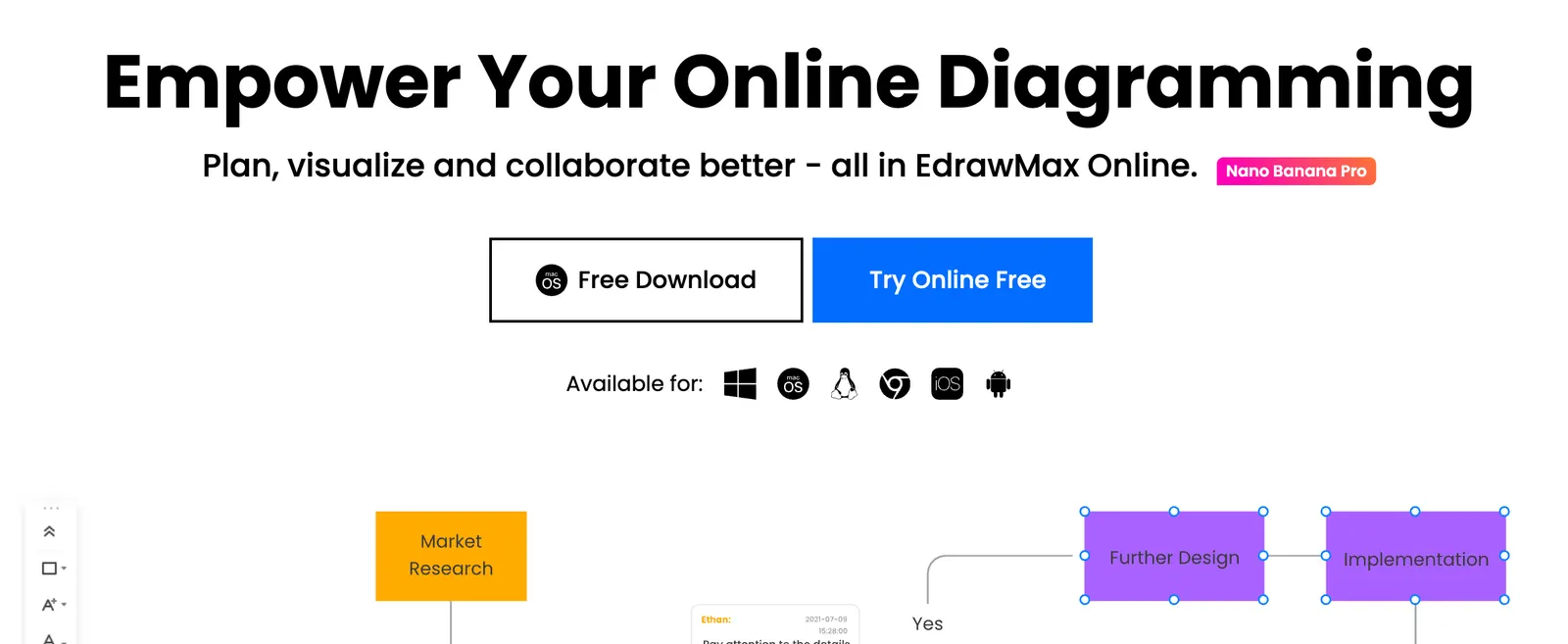
EdrawMax AI is available on Windows, macOS, Linux, Web, iOS, and Android. The desktop apps are best for large diagrams, offline work, and heavy editing. The web version works well for quick reviews, light edits, and cross-device access. There is no standalone browser extension required for core use, though AI features may appear inside the app interface depending on your version.
💰 Pricing Overview
Pricing can vary by region and promotion, but current public plans include:
- Free plan: limited shapes, pages, templates, cloud storage, and AI tokens; exports may include a watermark.
- Semi-annual subscription: around $89 for six months.
- Annual subscription: around $99 per year.
- Perpetual plan: around $198 one-time for a desktop version.
- Perpetual bundle: around $215 one-time, including EdrawMax and EdrawMind desktop versions.
- AI tokens: optional add-on packs such as 50,000 tokens for $5.90, 100,000 for $9.90, or 999,999 for $79.90.
Team and enterprise pricing is available separately. Always check the official site for the latest local pricing before purchasing.
👥 Who Should Use It
- Students: study maps, project diagrams, presentation visuals.
- Teachers: lesson outlines, knowledge maps, classroom materials.
- Programmers: UML, ER diagrams, architecture charts.
- Designers: wireframes, posters, floor plans, visual layouts.
- Marketers: journey maps, campaign flows, content planning.
- Business teams: SOPs, org charts, process documentation.
- General users: anyone who needs clear diagrams without learning Visio-level complexity.
🌍 Global Usage
EdrawMax reports more than 30 million users worldwide and has been used across over 220 countries and regions. It is popular among enterprise, education, engineering, and IT users, with notable adoption in North America, Europe, and Asia. The product has also ranked highly on G2 for ease of use in the diagramming category.
✅ Pros and ❌ Cons
Pros:
- Huge diagram library covering business, IT, engineering, and education.
- Strong AI features for generating, editing, and analyzing diagrams.
- Desktop, web, and mobile access with Visio compatibility.
- Flexible pricing, including one-time perpetual licenses.
- Rich template and symbol ecosystem for faster creation.
Cons:
- The interface can feel dense for first-time users.
- AI output still needs manual review for accuracy.
- Some advanced collaboration features are weaker than pure cloud-native tools.
- AI tokens may add extra cost for heavy users.
⚖️ Comparison With Similar Tools
- EdrawMax AI vs Lucidchart: Lucidchart is stronger for browser-based team collaboration and enterprise integrations. EdrawMax AI offers more offline desktop power, broader diagram types, and one-time purchase options.
- EdrawMax AI vs Miro: Miro excels at freeform brainstorming and real-time whiteboarding. EdrawMax AI is better for structured diagrams, technical charts, and export-ready documentation.
- EdrawMax AI vs Draw.io: Draw.io is free and lightweight, but lacks built-in AI generation and polished template depth. EdrawMax AI is more capable for professional diagramming, though it is not fully free.
- EdrawMax AI vs Whimsical: Whimsical is fast for simple flowcharts and wireframes. EdrawMax AI covers far more diagram types, including engineering, UML, and floor plans.
🏁 Final Verdict
EdrawMax AI is worth using if you need a serious diagramming tool that also helps you generate visuals with AI. It is especially suitable for students, business professionals, IT teams, engineers, and designers who want more than basic flowcharts.
Choose it when you need offline desktop editing, Visio compatibility, professional exports, or a wide range of diagram types. Skip it if you only need quick whiteboard collaboration or if your team already relies heavily on Google Workspace or Microsoft 365 integrations. For solo users and small teams, the perpetual license makes it one of the better-value AI diagramming options available right now.
Comments