

📱 What Is Firebase Studio?
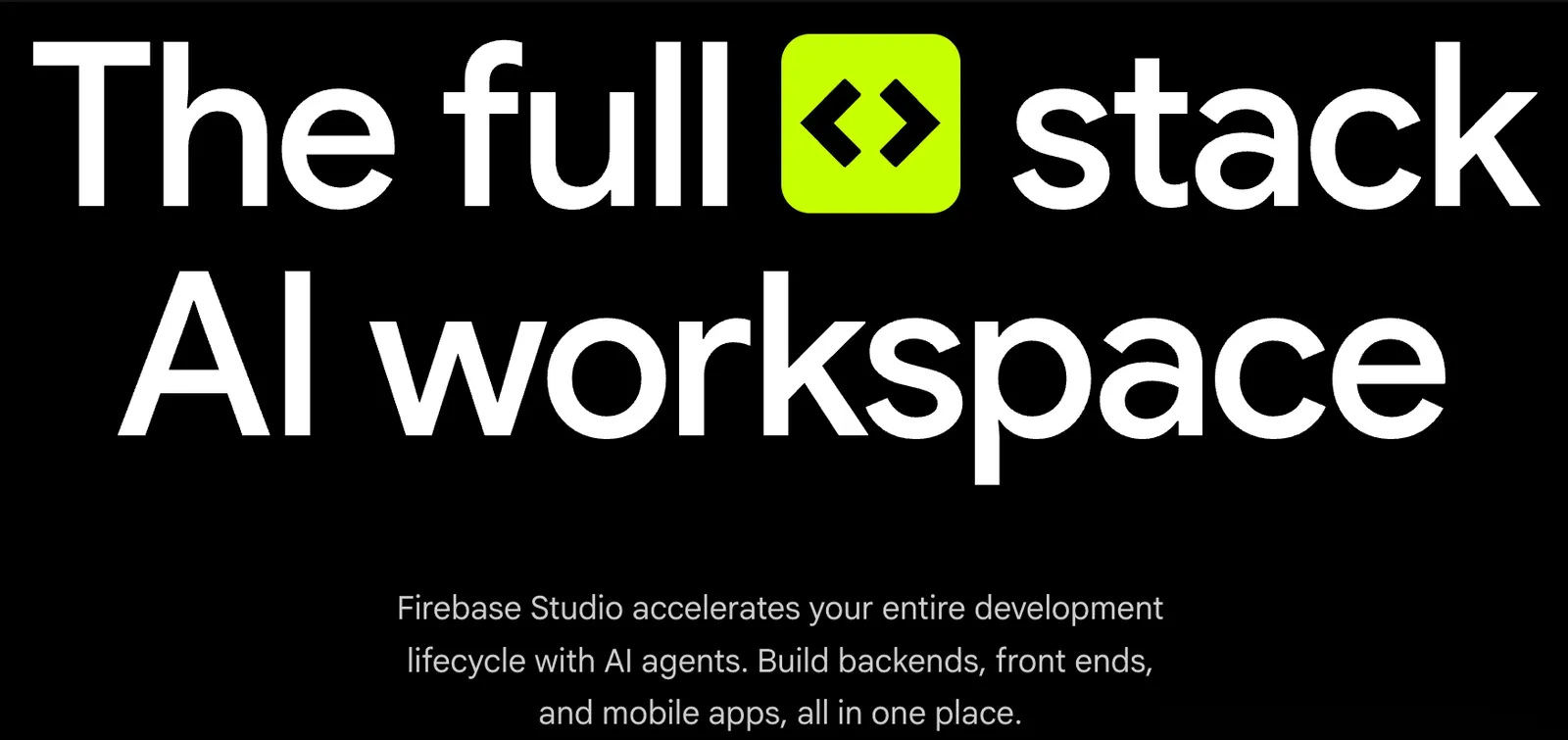
Firebase Studio is Google’s cloud-based, AI-assisted development environment for building full-stack applications. It was officially launched in April 2025 during Google Cloud Next and evolved from Google’s earlier Project IDX. The platform combines a browser-based IDE, Gemini-powered AI coding assistance, an app prototyping agent, and deep integration with Firebase and Google Cloud services.
Its main promise is speed and simplicity: developers can prototype, build, test, preview, and deploy web and mobile applications without configuring local environments. Users can work in a familiar Code OSS-based editor, generate applications from natural language prompts, or switch between coding and AI-assisted prototyping within the same workspace.
Important update: Firebase Studio has announced a sunset date of March 22, 2027. New workspace creation and new user registration were disabled starting June 22, 2026. Existing workspaces can still be used until the deprecation date, and already deployed applications will continue to run. Google recommends migrating projects to Google AI Studio or Google Antigravity before March 2027.
⚙️ Core Features
- Cloud-based IDE: runs on a Google Cloud virtual machine and provides a Code OSS editor accessible from any browser.
- Gemini AI assistance: helps generate code, explain concepts, debug issues, write tests, manage dependencies, and run terminal commands.
- App Prototyping agent: creates full-stack web app prototypes from natural language prompts, images, sketches, or Figma designs, primarily for Next.js applications.
- Multi-mode AI interaction: supports Ask, Agent, and Agent (Auto run) modes, allowing developers to choose how much autonomy Gemini has when modifying files.
- Template library: provides templates and sample apps for languages and frameworks such as Node.js, Python, Go, Java, .NET, Next.js, React, Angular, Vue.js, Android, and Flutter.
- Project import: supports importing projects from GitHub, GitLab, Bitbucket, local archives, or Figma designs.
- Environment customization: uses Nix to customize system packages, language runtimes, IDE settings, and preview configurations.
- Built-in preview and emulators: allows web app previews and Android app testing directly in the browser, with access to Firebase Local Emulator Suite.
- One-click deployment: can publish applications to Firebase App Hosting, Firebase Hosting, Cloud Run, or custom infrastructure.
- MCP support: offers foundational Model Context Protocol support, enabling connections to external tools and data sources within a workspace.
🌟 What Makes Firebase Studio Stand Out
Firebase Studio’s biggest advantage is its integration of AI agents with a complete cloud development environment. Instead of only providing code suggestions inside a local editor, it can generate an entire application, configure Firebase services, run emulators, and deploy the result—all from the browser.
The App Prototyping agent is especially distinctive. Users can describe an app idea in natural language or upload a sketch, and Gemini will produce a working Next.js prototype with UI, data flow, and backend connections. Developers can then switch to the code view to refine logic, add integrations, or prepare the app for production.
Its deep Firebase integration also reduces setup friction. Authentication, Firestore, Cloud Functions, App Hosting, and other services can be configured and tested without leaving the workspace, which makes it attractive for rapid MVP development and full-stack experimentation.
🎯 Best Use Cases
- Rapid prototyping: turn app ideas into working web prototypes within minutes.
- MVP development: build small full-stack applications with Firebase backend services.
- Learning and experimentation: try new frameworks, Firebase features, or AI-assisted workflows without local setup.
- Hackathons and demos: create shareable previews and deployable apps quickly.
- AI app development: build applications that use Gemini, Genkit, or other AI APIs.
- Existing Project IDX users: continue working on migrated workspaces before the 2027 sunset.
🚀 How to Use It
- Check availability: new workspace creation is no longer supported as of June 2026, but existing workspaces remain usable until March 22, 2027.
- Open an existing workspace: sign in to Firebase Studio and access your saved projects.
- Choose a development mode: use the Code view for hands-on editing or the Prototyper view for AI-generated prototypes.
- Import or start a project: connect a repository, upload a local archive, or use a template.
- Use Gemini assistance: ask Gemini to generate code, explain errors, write tests, or refactor files.
- Preview and test: run the app in the browser preview or use Firebase emulators for backend testing.
- Deploy: publish the application to Firebase App Hosting or another supported target.
- Plan migration: if you rely on Firebase Studio, prepare to move projects to Google AI Studio or Google Antigravity before March 2027.
💡 Tips for Better Results
- Start with clear prompts: describe the app’s purpose, target users, pages, data model, and preferred framework.
- Use prototypes as a starting point: AI-generated code often needs refinement for production quality.
- Review AI changes carefully: Gemini may produce plausible but incorrect code or configuration.
- Leverage emulators: test Firebase Authentication, Firestore, Cloud Functions, and Storage before deploying.
- Avoid sharing sensitive data: do not include personal information, secrets, or private user data in prompts.
- Export important code: since Firebase Studio will sunset in 2027, keep repositories backed up on GitHub or another source control platform.
📱 Supported Platforms and Environments
Firebase Studio runs entirely in the browser and does not require local installation. It supports web frameworks such as Next.js, React, Angular, and Vue.js, mobile development with Android and Flutter, and backend runtimes including Node.js, Python, Go, Java, and .NET.
The environment is built on Code OSS and runs on Google Cloud virtual machines. Developers can customize toolchains and dependencies using Nix, making it more flexible than many simple online editors.
💲 Pricing
Firebase Studio has been available with free workspaces during its preview period. Free users could create a limited number of workspaces, while Google Developer Program members and paid subscribers received higher workspace limits.
Some features, such as Firebase App Hosting and certain Google Cloud services, may require a Cloud Billing account. Because Firebase Studio is being deprecated and new workspace creation has been disabled, current and future pricing details should be checked on Google’s official pages.
👤 Who Should Use It
- Developers building quick prototypes: especially those already using Firebase.
- Full-stack engineers: who want an all-in-one browser environment for frontend, backend, and deployment.
- Startup teams: that need to validate ideas quickly with minimal setup.
- AI app builders: interested in Gemini, Genkit, and agent-driven development.
- Existing Firebase Studio users: who need to maintain workspaces before the 2027 sunset.
It is less suitable for teams that need a long-term, stable cloud IDE with guaranteed multi-year support, or for enterprises that require strict compliance, advanced access controls, and dedicated support SLAs.
🌍 Market Position
Firebase Studio sits between traditional cloud IDEs and AI-native development tools. It competes with platforms such as Replit, Cursor, and other AI-assisted coding environments, but its closest integration is with Firebase and Google Cloud.
Its positioning is strongest for developers who want AI-generated prototypes, Firebase backend services, and browser-based deployment in one place. However, its announced deprecation means it is now best treated as a transitional tool rather than a long-term platform choice.
🔒 Privacy and Data Handling
Firebase Studio usage is governed by Google’s service terms and generative AI policies. Prompts and AI responses may be subject to Google’s generative AI usage restrictions unless users disable certain features.
Users who want to prevent their code from being used for model training can disable code completion and code indexing in Firebase Studio settings. As with any AI development tool, sensitive credentials, personal data, and private user information should not be shared in prompts or project files without proper safeguards.
👍 Pros and 👎 Cons
Pros:
- Strong AI-assisted prototyping with Gemini and the App Prototyping agent.
- Full-stack development in the browser with no local setup.
- Deep integration with Firebase Authentication, Firestore, Functions, and App Hosting.
- Supports multiple frameworks, languages, and deployment targets.
- Familiar Code OSS editor with Nix-based environment customization.
- Useful for rapid MVPs, demos, and AI application experiments.
Cons:
- Scheduled to sunset on March 22, 2027, with new workspaces already disabled.
- AI-generated code may require significant manual review and testing.
- Prototyping agent is currently most effective for Next.js web apps.
- Not ideal as a long-term enterprise development platform.
- Some deployment and cloud services require additional billing setup.
⚖️ How Firebase Studio Compares to Similar Tools
- Firebase Studio vs Replit: Replit is a mature cloud IDE with broad collaboration and hosting features. Firebase Studio is more tightly integrated with Firebase and Gemini but has a shorter remaining lifecycle.
- Firebase Studio vs Cursor: Cursor is a powerful AI code editor for local development. Firebase Studio provides a full cloud environment with Firebase deployment, but Cursor is better suited for long-term local workflows.
- Firebase Studio vs VS Code + Firebase CLI: The traditional setup offers more control and stability. Firebase Studio reduces setup time but depends on Google’s cloud environment and preview features.
- Firebase Studio vs Google AI Studio / Antigravity: Google AI Studio and Antigravity are positioned as future destinations for Firebase Studio users. For new projects, those platforms may be more sustainable choices.
🏁 Bottom Line
Firebase Studio is an ambitious AI-driven development environment that makes it easy to prototype, build, test, and deploy full-stack applications in the browser. Its integration of Gemini, Firebase services, and a cloud-based IDE makes it especially appealing for rapid experimentation and Firebase-centric projects.
However, its planned sunset on March 22, 2027, and the earlier disabling of new workspace creation are critical constraints. Existing users can continue working until the deprecation date, but new adopters should carefully consider whether to invest in Firebase Studio or move directly to Google AI Studio, Google Antigravity, or another long-term development platform. For short-term prototyping and Firebase-based MVPs, it remains a capable tool; for long-term projects, migration planning is essential.
Comments