

🎨 What Is FLUX AI? A Practical Guide to FLUX.2, FLUX 3, Pricing and Real-World Use
Calling FLUX simply an “AI image generator” misses where the product is heading. Black Forest Labs is building FLUX into a broader visual AI ecosystem covering image generation, image editing, multi-reference workflows, APIs, open-weight models and, with FLUX 3, multimodal work across images, video and audio. For creators it can be a fast visual tool; for businesses it can become part of an actual production workflow.
🔎 What Is FLUX?
FLUX is a family of generative AI models developed by Black Forest Labs. Its core job is turning instructions into images, but newer models can also edit existing images, work with multiple references and provide image generation through an API.
The current lineup includes FLUX.2, FLUX.2 Max, FLUX.2 Pro, FLUX.2 Flex, FLUX.2 Klein, FLUX.2 Dev and FLUX.1 Kontext. These models are aimed at different priorities rather than simply being different generations.
✨ What Makes FLUX Useful?
Text-to-image generation: Create advertising concepts, product visuals, social graphics, editorial images and illustrations from natural-language instructions.
Image editing: Modify an existing image instead of starting from zero. Backgrounds, objects, lighting and styles can be changed through instructions.
Multi-reference generation: FLUX.2 can use multiple reference images, which is particularly useful when a product, character or visual identity needs to remain consistent.
Better text rendering: FLUX.2 puts more emphasis on readable text, UI mockups and typography-heavy visual work.
High-resolution output: FLUX.2 supports output up to 4 megapixels, making it more practical for professional creative work.
🚀 FLUX.2 vs. FLUX 3
FLUX.2: This is the more practical family for image production today. It focuses on generation, editing, references, typography, color control and production workflows.
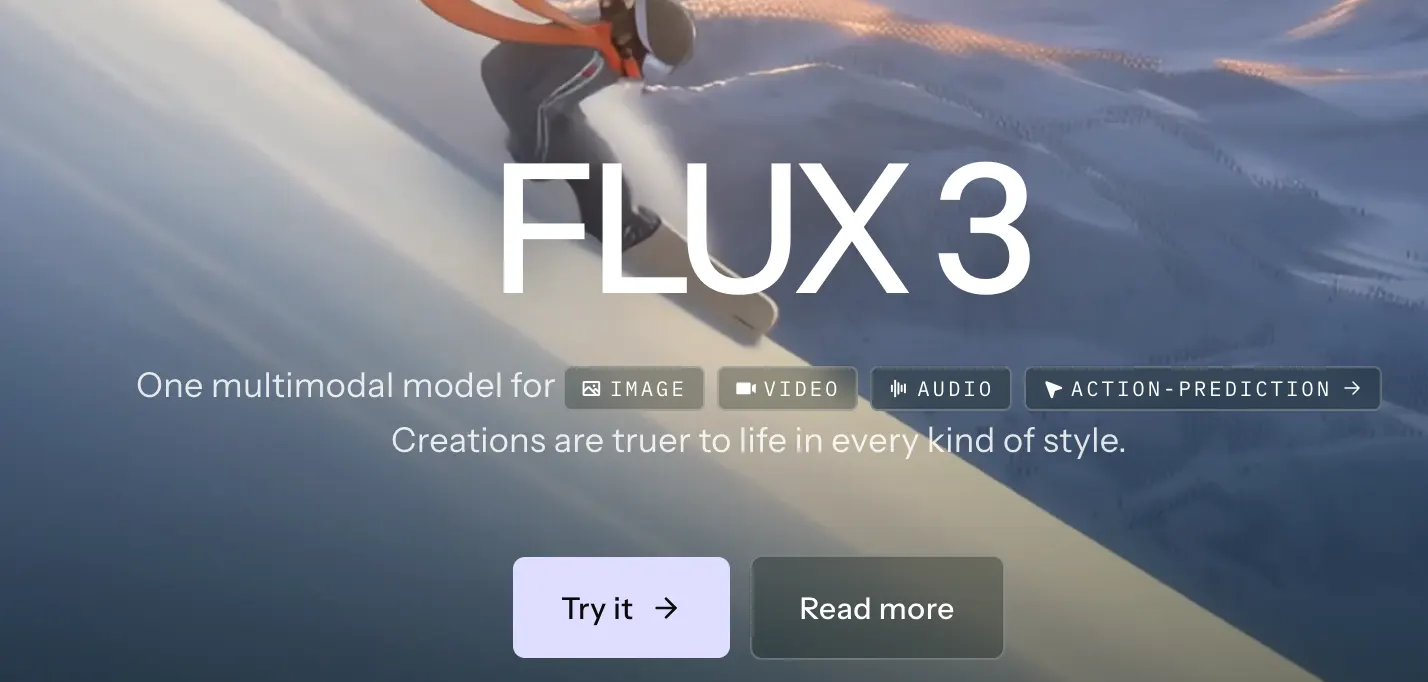
FLUX 3: The direction is broader. Black Forest Labs describes FLUX 3 as a multimodal foundation model that learns from images, video and audio. It entered Early Access in 2026, so it should be viewed as an emerging platform rather than simply a replacement for FLUX.2.
🌎 Why Are Creators Paying Attention to FLUX?
The interesting part of FLUX is not just image quality. Black Forest Labs provides a Playground, API access and open-weight models, giving different users different ways to work with the technology.
A designer can use it for visual exploration. An e-commerce team can create product scenes. A marketing department can test campaign concepts. Developers can integrate generation into their own products.
🛠️ How to Use FLUX
If you're new to FLUX, start with the official Playground. Create an account, select a model, describe the image you need and iterate from there.
Developers can use the API after adding credits and creating an API key. If you're not building software, there is little reason to start with API integration or local deployment.
For most users, learning how to direct the model is more valuable than learning how to install the model.
💡 How to Write Better FLUX Prompts
Don't treat the prompt like a list of fancy adjectives. Treat it like a creative brief.
Subject: What needs to be shown?
Environment: Where is it?
Composition: What camera angle or framing do you need?
Lighting: Natural light, studio light, sunset, hard shadows?
Style: Commercial photography, editorial, cinematic, illustration?
Constraints: What must stay unchanged?
“Luxury car ad” is vague. A stronger brief would be: “black electric vehicle outside modern architecture at dusk, low camera angle, controlled reflections, premium commercial photography, clean background, negative space on the right for advertising copy.” The goal isn't a longer prompt. The goal is less ambiguity.
💻 Do You Need to Install FLUX?
No, not if you're using the hosted Playground or API.
Local deployment is a different story. You'll need compatible hardware, model files and an inference environment. Some FLUX.2 models are designed with local deployment in mind, particularly the Klein family.
If your goal is simply to create images, local deployment is usually unnecessary overhead.
💳 How Much Does FLUX Cost?
FLUX uses usage-based pricing rather than a simple one-size-fits-all subscription. Black Forest Labs currently prices FLUX.2 primarily by megapixel. The published starting rates include about $0.014 per image for FLUX.2 Klein 4B, $0.015 for Klein 9B, $0.03/MP for Pro, $0.07/MP for Max and $0.05/MP for Flex.
The final cost depends on resolution, model and reference images. A 1024×1024 image counts as 1MP, and higher resolutions can increase the bill. For production teams, generation volume and the number of attempts required to get usable output matter just as much as the nominal per-image price.
👥 Who Is FLUX For?
E-commerce: product scenes, lifestyle imagery and marketing assets.
Designers: concept exploration, composition testing and rapid iteration.
Content creators: thumbnails, editorial graphics and social content.
Marketing teams: testing multiple creative directions before committing to production.
Developers: adding image generation to websites, apps and SaaS products through an API.
⚠️ Common FLUX Problems
The result doesn't follow the prompt exactly: complex spatial relationships and tiny details can still be inconsistent. Better structure usually works better than simply adding more adjectives.
Text errors: FLUX.2 has improved text rendering, but business-critical information such as prices, URLs, phone numbers and brand names should still be checked manually.
Character or product consistency: reference images and explicit constraints are more reliable than simply asking the model to “keep it consistent.”
Local deployment becomes a project: hardware, setup and maintenance have real costs. Don't choose local deployment simply because the model weights are available.
🔐 Licensing Matters for Commercial Work
Open weights do not automatically mean unrestricted commercial use. Different FLUX models come with different licensing terms. For example, FLUX.2 Klein 4B uses Apache 2.0, while other models may have different restrictions.
If FLUX will be used for advertising, e-commerce, SaaS or a commercial website, check the exact license attached to the model you're using. Commercial API usage and self-hosted model licensing are also different considerations.
🎯 Which FLUX Model Should You Choose?
General users: Start with the official Playground.
Speed and real-time workflows: FLUX.2 Klein.
Production work: FLUX.2 Pro.
Maximum quality: FLUX.2 Max.
Typography and detailed control: FLUX.2 Flex.
Local deployment: Look at supported open-weight models and verify their licenses before deployment.
Future multimodal AI: Follow FLUX 3 as it develops beyond image generation.
📌 Final Take
FLUX has moved beyond the category of “AI art generator.” FLUX.2 is focused on practical image generation and editing, while FLUX 3 points toward a larger multimodal vision from Black Forest Labs.
The most productive workflow isn't chasing a magic prompt. Generate several directions quickly, choose the strongest one, refine it and let a human handle the final judgment. That's where FLUX becomes useful in real creative and commercial work.
Comments