

📱 What Is Formstack AI?
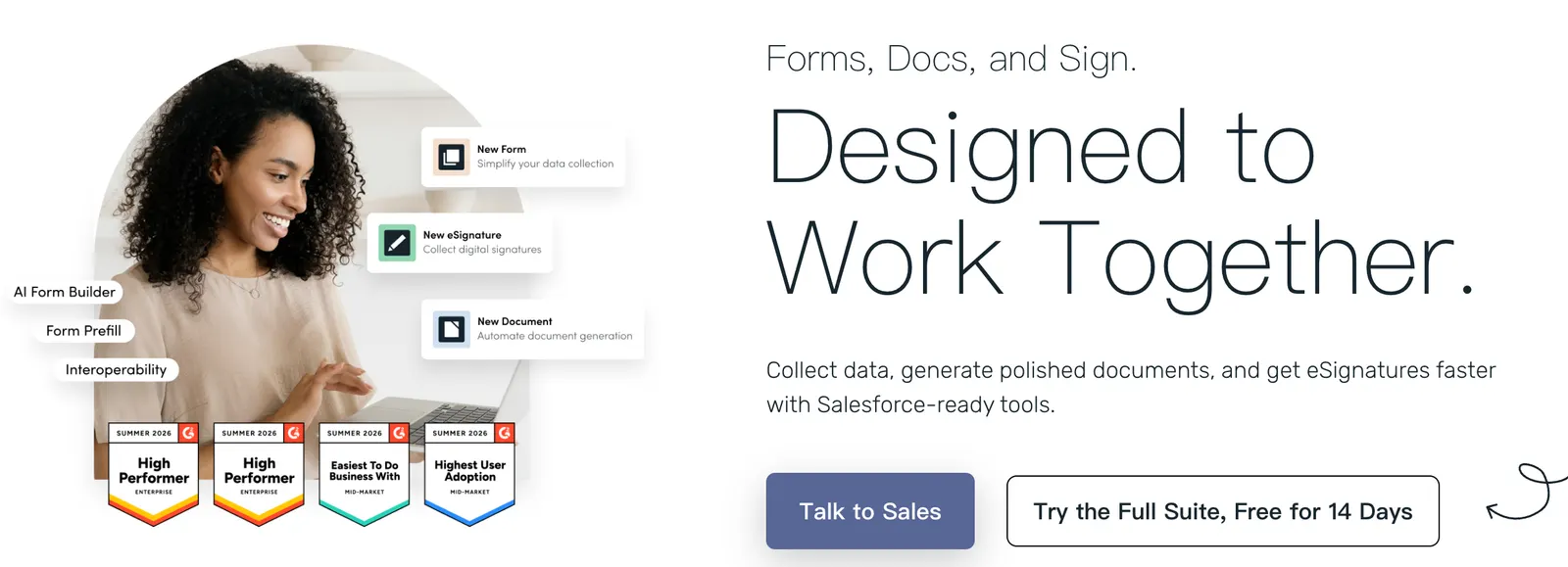
Formstack AI is not a standalone generative AI product, but rather the AI-adjacent capabilities within the Formstack platform for forms, workflows, and document automation. Formstack helps organizations collect data through online forms, route submissions through approval workflows, and generate personalized documents such as contracts, certificates, onboarding packets, and reports.
Its “AI” positioning is mainly indirect. Formstack appears in many 2026 AI form builder comparisons because it supports intelligent workflows, conditional logic, CRM and marketing integrations, and connections to external AI services such as Google Vertex AI, Google AI Studio, Jina AI, and Nightfall.ai through automation platforms like n8n. However, it does not currently offer a widely documented native “type a prompt to generate a complete form” experience comparable to Jotform AI or Fillout.
Formstack is especially strong in regulated environments. It supports HIPAA-configurable plans and enterprise-grade security, making it a common choice for healthcare, financial services, legal, HR, and other teams that handle sensitive data.
⚙️ Core Features
- Online form builder: drag-and-drop forms with conditional logic, calculations, e-signatures, and payment fields.
- Workflow automation: route submissions for review, approval, notifications, and task assignment.
- Document generation: automatically create PDFs, Word documents, and other personalized files from form data.
- AI ecosystem integrations: connect to Google Vertex AI, Google AI Studio, Jina AI, Nightfall.ai, and other services via automation tools.
- CRM and business app connectors: integrate with Salesforce, HubSpot, Slack, Microsoft 365, and other platforms.
- Compliance-ready security: supports HIPAA-configurable plans, GDPR-aligned practices, SSL encryption, and access controls.
- Embeddable forms: publish forms on websites, share links, or embed into internal portals.
- Power Automate / Copilot Studio connector: use Formstack Forms as a trigger or action inside Microsoft automation workflows.
🌟 What Makes Formstack Stand Out
Formstack’s advantage is not flashy generative AI, but controlled, compliant data collection. For teams that must capture sensitive information, enforce approval steps, and produce official documents, Formstack provides a more structured environment than many lightweight AI form generators.
Its document automation is also distinctive. Instead of only storing form responses, Formstack Documents can turn submissions into branded PDFs or Word files, which is valuable for contracts, offer letters, patient forms, certificates, and policy acknowledgments.
When organizations want AI enrichment, they can send Formstack data to external AI services for classification, summarization, redaction, or routing. This makes Formstack a reliable data entry point rather than an all-in-one AI builder.
🎯 Best Use Cases
- HR onboarding: collect employee data, generate offer letters, and route approvals.
- Healthcare intake: build HIPAA-configurable forms for patient registration and consent.
- Legal and compliance: capture signed documents and automate contract generation.
- Finance operations: process vendor forms, purchase requests, and reimbursement workflows.
- Customer onboarding: gather client information and generate personalized documents.
- AI-augmented workflows: send form data to Vertex AI, Gemini, Jina AI, or Nightfall.ai for analysis, classification, or sensitive-data detection.
🚀 How to Use It
- Create a Formstack account: choose Forms, Workflows, Documents, or a bundled plan.
- Build a form: add fields, branding, conditional logic, payments, or e-signature blocks.
- Add a workflow: define who receives submissions, who must approve them, and what happens next.
- Set up document generation: map form fields to a PDF or Word template.
- Connect external AI tools: use n8n, Make, Zapier, Power Automate, or APIs to send data to AI services.
- Embed or share: publish the form on a website, intranet, or email link.
- Monitor submissions: track responses, approvals, generated documents, and integration logs.
💲 Pricing Overview
Formstack pricing varies by product and region. Public listings in 2026 commonly show paid plans starting around $83–$99 per month, with higher tiers for advanced workflows, document generation, HIPAA-configurable plans, and enterprise features.
Because Formstack bundles Forms, Workflows, Documents, and Sign in different ways, exact pricing should be confirmed on the official website or through a sales quote. HIPAA and enterprise deployments typically require a custom plan.
👤 Who Should Use It
- Regulated industries: healthcare, finance, legal, education, and government-adjacent teams.
- HR and operations: teams that need structured onboarding, approvals, and document generation.
- Enterprise IT: organizations that prefer controlled integrations over open-ended AI generation.
- Automation builders: users who want to connect forms to Vertex AI, Gemini, Jina AI, Nightfall.ai, or CRM systems.
- Teams prioritizing compliance: organizations that value auditability, access control, and HIPAA-configurable options.
🌍 Market Position
Formstack sits between traditional form builders and enterprise workflow platforms. It competes with Jotform, Typeform, Wufoo, Cognito Forms, Feathery, and Microsoft Forms, but differentiates itself through document automation, approval workflows, and compliance readiness.
In AI form builder comparisons, Formstack is often included for its ecosystem connectivity rather than native generative form creation. It is less “AI-first” than Jotform AI or Fillout, but more suitable when data governance, document output, and workflow routing matter more than prompt-based form generation.
👍 Pros and 👎 Cons
Pros:
- Strong compliance posture, including HIPAA-configurable plans.
- Robust document generation from form submissions.
- Mature workflow and approval routing.
- Wide integration ecosystem, including AI services via automation tools.
- Suitable for healthcare, HR, legal, and finance use cases.
- Available as a Microsoft Power Automate / Copilot Studio connector.
Cons:
- No widely documented native AI form generator comparable to Jotform AI or Fillout.
- Pricing is higher than many lightweight form tools.
- AI capabilities depend on external integrations rather than built-in agents.
- Less ideal for quick consumer surveys or simple feedback forms.
- Advanced automation may require n8n, Make, Zapier, or custom APIs.
⚖️ How Formstack Compares to Similar Tools
- Formstack vs Jotform AI: Jotform AI offers more native AI form generation and AI Agents. Formstack is stronger for compliance, approvals, and document automation.
- Formstack vs Typeform: Typeform focuses on conversational user experience. Formstack focuses on structured workflows and enterprise document output.
- Formstack vs Feathery: Feathery targets product-led, developer-friendly forms. Formstack targets business operations, compliance, and document workflows.
- Formstack vs Microsoft Forms: Microsoft Forms is simple and free within Microsoft 365. Formstack provides deeper workflow, document generation, and HIPAA-configurable options.
🏁 Bottom Line
Formstack is best understood as a compliance-ready forms, workflow, and document automation platform with AI integration potential, rather than a native AI form generator. It excels when organizations need controlled data collection, approval routing, secure handling of sensitive information, and automated document creation.
If you want prompt-based AI form building, Jotform AI, Fillout, or Typeform may feel faster. If you need HIPAA-configurable forms, document generation, and enterprise workflow automation, Formstack is a strong and practical choice. Its AI value comes from connecting form data to external models and automation platforms, not from replacing human-designed forms entirely.
Comments