

✨ Overview
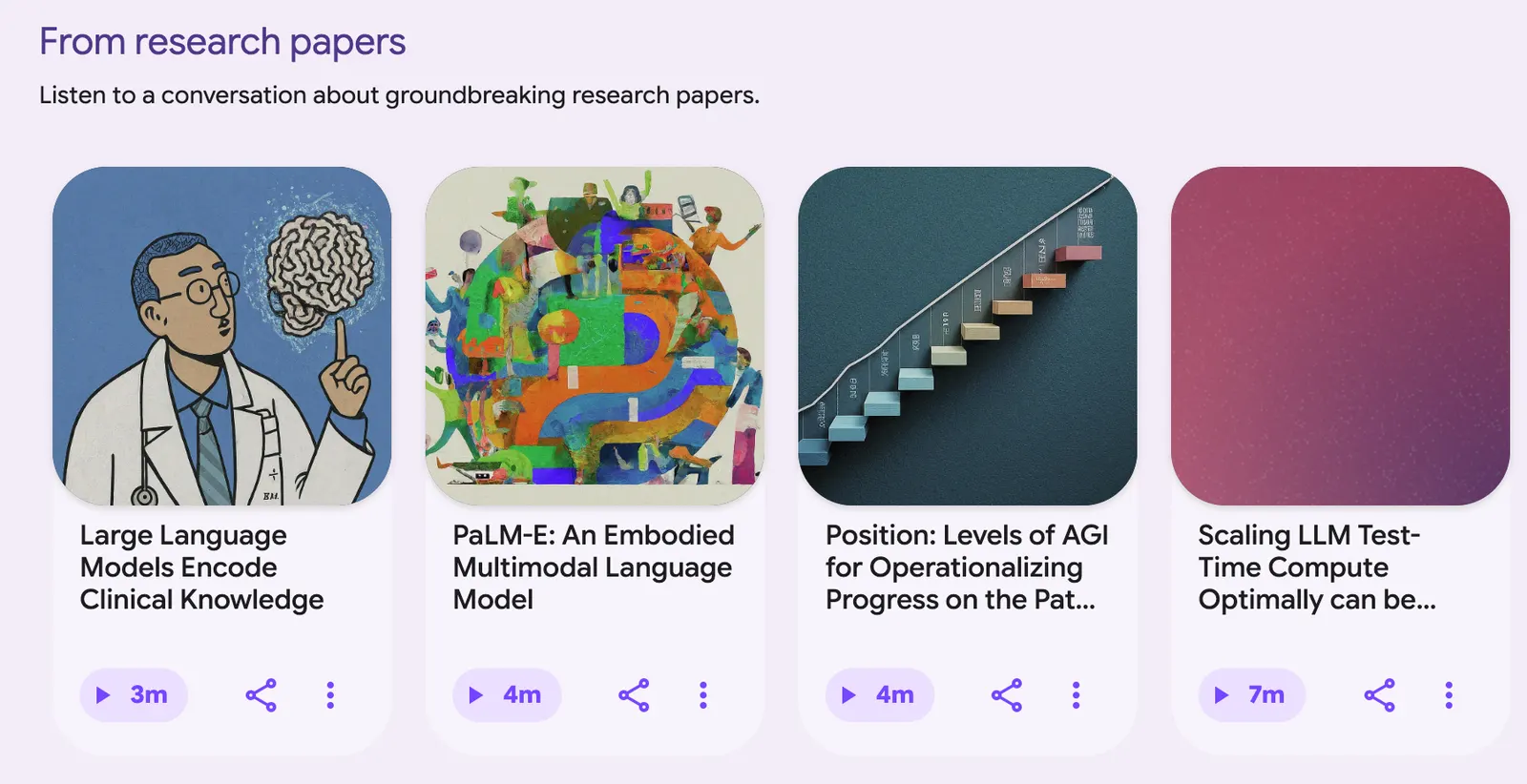
Google Illuminate is an experimental tool from Google Labs that turns a paper, article, or public web page into a five-minute podcast. Two AI voices — one asks, one answers — walk through the main points. It runs on Gemini, at illuminate.google.com.
Paste an arXiv link, wait 30 seconds to a few minutes, and you get a short audio conversation plus a synced transcript. For grad students and researchers, it's a quick first pass before reading the full text.
The short version: it turns reading papers into listening to a podcast.
It's free, but needs a Google account, and rollout is gradual — some people land on a waitlist. It kept rolling out through 2025 and is still experimental.
🧩 Key features
One job: compress a long text into a short audio conversation.
- Paste a URL or search a topic — arXiv links work best.
- ~5 minutes of audio + a synced transcript.
- Playback controls and audio download.
- Four styles: Casual, Formal, Guided, Free Form.
- Hand-icon Q&A: ask a follow-up, answered from the source.
- My Library, to replay what you've made.
🤖 AI & the tech underneath
Gemini is the engine. Illuminate reads the text, then rewrites it as dialogue — one voice asks 'what problem does this solve, what's the method,' the other answers. It's a summary re-shaped into conversation, not plain narration.
Speed: 30 seconds to a few minutes, depending on source and queue.
The catch: it works on text. Charts, formulas, and raw data are invisible unless you convert them to text first.
🛠️ How to use it
Nothing to install — it's a web app.
- Open illuminate.google.com, sign in with Google. No access? You'll see a waitlist prompt.
- Paste an arXiv URL or search a topic.
- Pick a style, generate, wait 30 seconds to a few minutes.
- Listen, read the transcript, download, or tap the hand to ask.
For your first run, use a paper you know, so you can judge how much the summary got right.
💡 Tips & best practices
- Feed it arXiv papers: compatibility is best there, especially CS/AI.
- Use it to triage: five minutes to decide what deserves a full read.
- Match the style: Casual to skim, Formal to present, Guided step by step, Free Form to discuss.
- Ask one follow-up: the Q&A recovers details the summary dropped.
- Download what matters: library items expire after ~30 days.
🌍 Adoption
Google hasn't published user counts or daily-active numbers — any figure you see is made up. It rolled out through 2025, is still in Labs, and access has opened gradually; some accounts still hit a waitlist.
The audience is researchers, students, and technical readers, skewed toward CS/AI and arXiv.
💰 Pricing
Free, no paid tier. The only gate is a Google account plus access.
- 20 generations a day — then wait until tomorrow.
- Library expires after ~30 days — download first.
Like NotebookLM, it's a 'free in exchange for feedback' phase. No word yet on a paid tier.
⚖️ Pros, cons & limits
The good stuff:
- Fast — a summary in minutes.
- Free, nothing to install.
- Audio fits commutes; the transcript is there to check.
- Follow-ups stay grounded in the source.
The real limits:
- Drops detail and oversimplifies methods: five minutes can't hold an ablation study.
- Charts, formulas, raw data don't survive unless turned into text.
- Paywalled pages are off-limits.
- Sites that block AI indexing, and content caught by safety filters, won't work.
So it's a map of a paper, not a substitute for reading it.
🔄 vs. similar tools
The obvious comparison is Google's NotebookLM:
- NotebookLM is the fuller product — multi-format uploads, mind maps, flashcards, quizzes, video overviews. A research assistant.
- Illuminate is lean — one thing: turn a page or paper into a quick audio summary.
In one line: NotebookLM is a study toolkit; Illuminate is a fast audio-summary machine. Want deep review aids? NotebookLM. Just want the gist? Illuminate. Both free, both on Gemini.
❓ FAQ
Is it free?
Yes. Google account needed; some sit on a waitlist.
How many times a day?
Up to 20 generations, resets the next day.
Do my podcasts expire?
Yes — My Library items expire after ~30 days.
Can it read paywalled papers?
No. Paywalls and AI-indexing blockers are out.
How's it different from NotebookLM?
NotebookLM is a full research tool; Illuminate only makes quick audio summaries.
Comments