

🎨 Leonardo AI Review: Features, Pricing, Use Cases and Tips
Leonardo AI is no longer just another text-to-image generator. It has become a broader creative platform for image generation, image editing, AI video, realtime creation, custom models and developer workflows. The real question is not whether it can make a good-looking image. The more useful question is whether it can become part of a repeatable creative workflow.
🔎 What Is Leonardo AI?
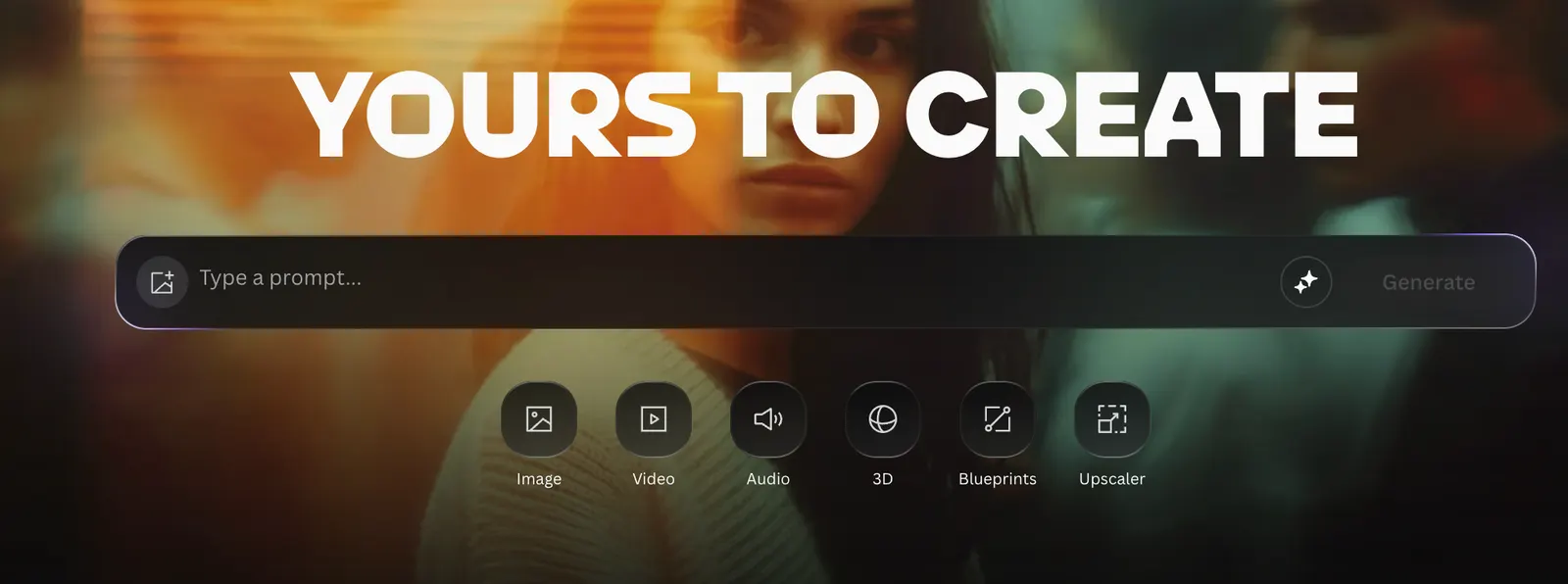
Leonardo AI is a generative AI platform focused on visual content. Creators can generate images from prompts, edit existing artwork, work with reference images, create video and build customized models for recurring projects.
That makes it useful across several industries. A designer can use it for early concepts, an e-commerce team can create product scenes, a marketer can test campaign ideas, and a game studio can explore characters and environments before committing to final production.
✨ Key Features
AI image generation: Create illustrations, product visuals, characters, advertising concepts, thumbnails and more.
Image editing: Modify an existing image rather than generating an entirely new one.
AI video: Extend visual concepts into motion and short-form content.
Realtime Canvas: Explore visual ideas interactively instead of relying entirely on repeated prompt-and-wait cycles.
Custom models: Build models around specific visual styles, products or recurring characters.
Reference images: Give the model stronger visual guidance when consistency matters.
🌎 Where Leonardo AI Fits Best
Leonardo AI is particularly useful when visual experimentation is part of the job. If you need one image, almost any modern AI image generator can do the job. If you need twenty concepts, several product scenes, multiple ad directions or a consistent visual identity, the workflow becomes much more important.
That is where Leonardo AI becomes more interesting. Its collection of models and creative tools gives users more control than a basic prompt-only workflow.
🛠️ How to Use Leonardo AI
For most users, there is nothing to install. Create an account through the web platform, select a generation workflow, choose a model, enter your prompt and adjust the available settings.
Don't treat every failed generation as a reason to rewrite the entire prompt. Figure out what actually failed. If the composition is wrong, fix the composition. If the product is wrong, strengthen the product description. If the lighting is wrong, change the lighting. Iteration is much more efficient when you change one variable at a time.
💡 How to Write Better Prompts
A useful Leonardo prompt should read more like a creative brief than a pile of keywords.
Describe the subject, setting, composition, lighting, style and important constraints. For commercial work, also explain what should remain unchanged.
Instead of writing “luxury coffee advertisement,” describe the drink, table surface, environment, camera angle, lighting and negative space for the copy. The goal isn't to make the prompt longer. The goal is to remove ambiguity.
💻 Does Leonardo AI Require Installation?
No. Regular users can work directly in the web application. Developers can also use the API when they need to integrate image or video generation into another product.
If you're just making images for yourself, the web interface is the easier option. API access becomes more relevant when you're building automation, batch workflows or your own software product.
💰 Is Leonardo AI Free?
Yes. Leonardo AI offers a free option alongside paid subscriptions. The free tier is useful for testing the platform, while paid plans are aimed at people who generate more frequently and need higher limits or additional capabilities.
Because AI pricing and included credits can change, users planning to subscribe should check the current official pricing page before making a purchase. The important point is to compare your actual monthly generation needs rather than automatically choosing the most expensive plan.
👥 Who Is Leonardo AI For?
Content creators: thumbnails, social graphics and visual assets.
E-commerce teams: product scenes and campaign imagery.
Designers: ideation, concept work and visual exploration.
Game developers: characters, environments and world-building concepts.
Marketing teams: rapid creative testing.
Developers: API-based visual generation workflows.
⚠️ Common Problems
Credits disappear faster than expected: High-quality generation and advanced operations can consume more resources. Test your concept before spending heavily on final-quality generations.
Characters don't stay consistent: Use reference images or customized models when the same person or visual identity needs to appear repeatedly.
Prompts become too complicated: More words do not automatically produce better images. Prioritize the visual information that actually matters.
The result doesn't match the description: Break the problem down. Work on the subject, composition, environment and style separately instead of rewriting everything at once.
🔐 Can You Use Leonardo AI for Commercial Work?
Commercial use is available under Leonardo AI's licensing structure, but the exact rights depend on the plan and the current terms of service. For professional work, don't rely on a generic statement that AI-generated images are “commercially usable.” Check the rights attached to your specific subscription.
This matters even more when you're producing work for clients. Copyright, licensing, third-party assets and the terms attached to your AI plan should all be considered before commercial publication.
🎯 Which Plan Should You Choose?
Trying the platform: Start with Free.
Individual creators: Upgrade once the free limits become inconvenient.
Heavy users: Choose a higher tier based on actual generation volume.
Businesses: Evaluate the plan based on users, production volume and workflow requirements rather than token count alone.
📌 Final Verdict
Leonardo AI makes the most sense when visual content is something you produce regularly. Its combination of generation, editing, references, custom models, video and other creative tools makes it more than a simple AI art generator.
If you only need an occasional image, start free. If visual production is part of your job, spend some time building a repeatable workflow. That's where Leonardo AI becomes genuinely useful.
Comments