
🏢 Who's Behind Meetily
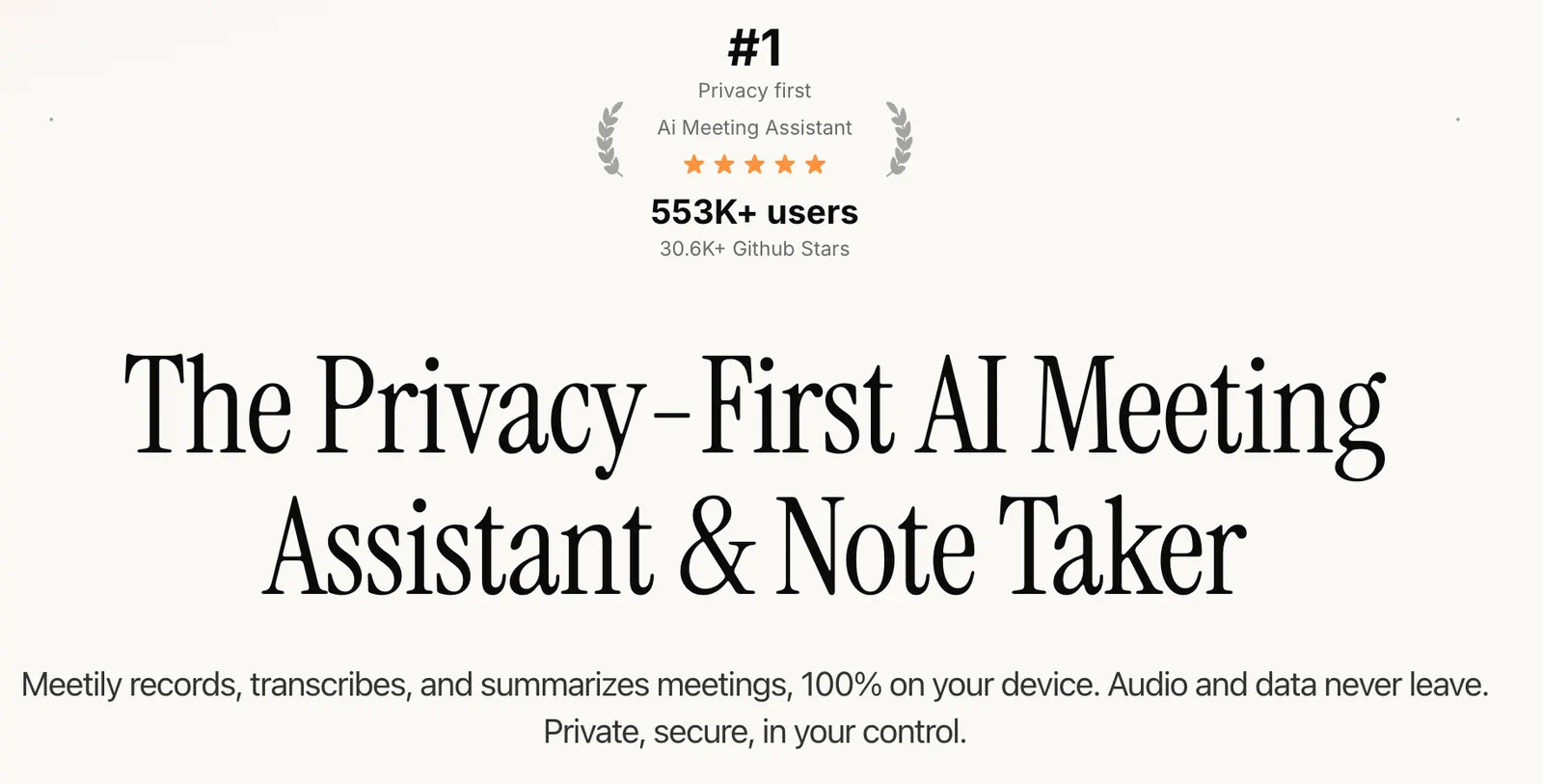
Meetily is an open-source AI meeting tool built by Zackriya Solutions. The code sits on GitHub under an MIT license, so anyone can read it, fork it, or compile it themselves. It takes the opposite road from Otter.ai and Fireflies: no server, no cloud. Recording, transcription, and summaries all run on your own machine. Through 2025 it picked up a following as the 'local Otter' — the pick for anyone whose meetings can't leave the building, from law firms to clinics.
📅 Launch Date
It shipped in late 2024. The real buzz came in 2025, right as people started asking harder questions about where their AI tools send their data. Meetily's local-first pitch landed at exactly the right moment. No big ad spend — it grew through developer forums and privacy-minded communities.
🧩 Core Features
- Local recording and live transcription: captures system audio and your mic, with captions while the meeting runs.
- AI summaries: one click turns a call into key points and action items.
- Note export: transcripts and summaries export to common formats.
- No bot in your meeting: it records your machine's audio directly, so no 'recording bot' joins Zoom, Meet, or Teams.
- Local storage: recordings, transcripts, and summaries live in a local SQLite file — no cloud sync, no server.
✨ Highlights
- Transcription is 100% local; audio doesn't leave your device by default.
- The free tier needs no account — download and go.
- MIT open source: audit it, patch it, self-host it.
- Works offline; with a local model you can transcribe and summarize with no internet at all.
- Summaries can use a local model (Ollama) or your own API key.
🤖 AI Tech Under the Hood
Transcription runs on Whisper or NVIDIA Parakeet, both offline-capable speech models. For summaries you get two paths: run Ollama with a local model and stay fully disconnected, or bring your own API key (Claude, Groq, OpenRouter, or any OpenAI-compatible endpoint). In that second case only the text transcript goes out — the audio never leaves your machine. Under the hood it leans on Node.js, Python, and FFmpeg, which the official macOS and Windows installers bundle for you.
🎯 Use Cases
- Confidential meetings: legal, medical, and finance teams whose recordings can't leave the device.
- Standups and weeklies: capture Teams or Slack Huddles and get minutes out the other side.
- Interviews and research: journalists and researchers keep transcripts on their own disk.
- Developer collaboration: Discord voice calls and code reviews, recorded and summarized.
- Air-gapped environments: machines with no stable or allowed internet still get local transcripts.
🛠️ How to Use It
Download the macOS or Windows installer and open it — no signup on the free tier. Pick your audio sources and make sure both system audio and the mic are checked, so you catch the meeting and your own voice. Hit start when the call begins; live captions roll in. When it's over, click summarize and choose either Ollama or your API key. A few seconds later you've got key points and to-dos, which you export and file. At no point does the data leave your control.
💡 Tips
- Want true offline? Install Ollama and pull a model first, and summaries never touch the network.
- Free tier usually skips speaker labels, so if you need 'who said what', go Pro.
- No sound? Check your system audio capture permissions — macOS asks for mic access separately.
- Run a short test meeting first to make sure the Whisper or Parakeet model downloads and the caption lag is acceptable.
- Pro users get custom summary templates, so lock the output to your team's preferred format.
📈 Case Study
Meetily doesn't publish a glossy customer list like Otter. Its reputation spread through developer circles and privacy discussions. The typical story looks like this: a small consultancy or a legal practice that meets clients over Zoom, but company policy says recordings can't sit on a third-party cloud. They install Meetily on office machines, run meetings, generate minutes locally, then file them into an internal system by hand. That narrow but steady demand — local-first, no account — is what let Meetily hold its ground through 2025.
📱 Platforms
Official desktop clients cover macOS and Windows, which is most office setups. Linux users can build from source, but there's no one-click package. No mobile app yet — the team says it's on the roadmap. For now that means you're tied to a computer; recording a call from your phone isn't an option.
🌐 Languages
Language support mostly follows your chosen model. Whisper covers roughly 99 languages — English, Chinese, Japanese, Spanish, and most of what you'd encounter — and NVIDIA Parakeet is strong across several languages too. The summary's output language depends on your summary model, so you can ask for key points in whichever language you want. The app interface is currently English-first.
💰 Pricing
- Community (free): MIT open source, no account, no subscription. Includes core recording, transcription, and summaries, generally without speaker labels.
- Pro: $10/month or $120/year, with a 14-day free trial that doesn't ask for a card. Adds better transcription accuracy, automatic meeting detection, improved speaker separation, PDF/DOCX export, custom summary templates, and priority support.
- Enterprise: custom pricing with self-hosting, SSO/SAML, an admin console, RBAC, audit logs, EU data residency, and compliance support.
Some sources also mention a Meetily Lite one-time personal license at $1,110/year for buyers who'd rather pay once.
👥 Who It's For
- Privacy-minded users who don't want recordings in the cloud or a pile of accounts.
- Law, healthcare, and finance teams with GDPR- or HIPAA-style requirements.
- Open-source and self-hosting fans who want to read and run the code.
- Freelancers and small teams that want cheap, low-fuss meeting notes.
- Developers transcribing standups and code reviews on the fly.
👍 Pros
- Privacy first: audio stays on the device by default.
- MIT open source — auditable, modifiable, self-hostable.
- The free tier is genuinely free: no account, no subscription, core features included.
- Ollama support means fully offline summaries are possible.
- No recording bot, and it works across major meeting platforms.
⚠️ Cons & Limits
- Desktop only — no mobile app, which hurts when you're away from a computer.
- The free tier has no speaker separation, so minutes can't tell who said what.
- Some features (speaker separation, calendar integration) still carry a 'coming soon' label.
- Linux requires building from source, a real hurdle for non-technical users.
- Compared with Otter, the interface and ecosystem still feel early.
❓ FAQ
Is Meetily really free?
Yes. The Community edition is MIT open source with no account and no subscription. Recording, transcription, and summaries all work, usually without speaker labels.
Do my recordings go to the cloud?
Not by default. Transcription happens locally, and recordings, transcripts, and summaries stay in a local SQLite file. Only if you add a third-party API key does the text transcript get sent out — audio never leaves the device.
How do I get fully offline summaries?
Install Ollama and run a local model. Summaries then happen on your own machine with no network involved.
Which meeting apps does it work with?
Zoom, Google Meet, Microsoft Teams, Discord, Slack Huddles, Webex, and similar, because it records system audio directly instead of joining as a bot.
Is there a mobile app?
Not yet. The team says mobile is planned.
Does speaker separation cost extra?
The free tier generally lacks it; Pro ships an improved version.
🔄 vs. the Competition
Against Otter.ai: Otter has mobile apps, mature speaker ID, and a polished ecosystem, but your data lives in the cloud and even the free tier wants an account. Meetily wins on local and open source. Against Fireflies: Fireflies joins as a bot and targets sales and CRM; Meetily is bot-free and more general-purpose. If you want convenience and a phone app, pick Otter. If you want privacy, open source, and local control, Meetily is the clear call.
Comments