

🦞 What Is OpenClaw?
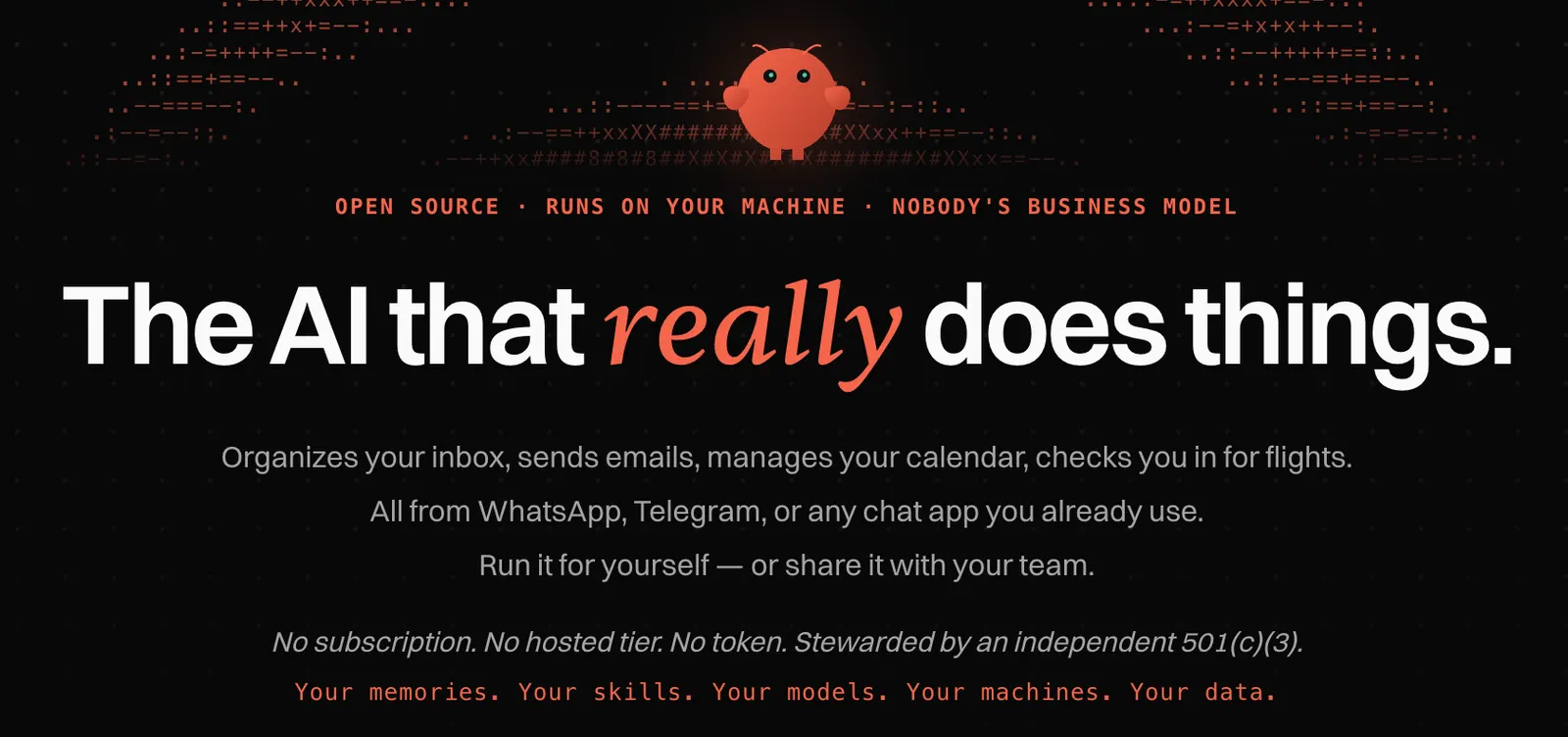
OpenClaw is an open-source personal AI assistant designed to run on your own computer or server instead of operating as a traditional cloud chatbot. It connects AI agents with messaging platforms and other tools, allowing users to interact with an assistant through channels they already use, including WhatsApp, Telegram, Discord, Slack, Microsoft Teams, iMessage and more. :contentReference[oaicite:0]{index=0}
The project was created by Peter Steinberger. It originally began as Clawd in November 2025 and later went through several name changes before becoming OpenClaw. The OpenClaw project is now stewarded by the OpenClaw Foundation, an independent 501(c)(3) organization. The software is released as open source under the MIT License.
Unlike a standard AI chatbot that mainly answers questions, OpenClaw is designed to act on a user's behalf. It can work with messages, files, calendars, browsers, coding environments, scheduled tasks and external services, making it closer to a personal AI agent runtime than a conventional chatbot.
⚙️ Core Features
- Personal AI assistant: OpenClaw can handle recurring personal and work-related tasks instead of only generating text.
- Multi-channel messaging: Connect the assistant to WhatsApp, Telegram, Discord, Slack, Teams, iMessage and other supported communication platforms. :contentReference[oaicite:1]{index=1}
- AI agent execution: The system can use tools and connected services to complete multi-step tasks.
- Skills and extensions: Users can expand OpenClaw with additional skills and integrations for different workflows.
- Persistent memory: OpenClaw can maintain state and memory so the assistant can work across multiple conversations and tasks.
- Browser and computer automation: Agents can interact with browsers and supported computer environments to perform practical operations.
- Scheduling and automation: Scheduled jobs, recurring tasks, webhooks and other automation mechanisms allow workflows to continue without manually starting every task.
- Flexible AI models: Models and agent harnesses can be changed without rebuilding the entire OpenClaw setup. :contentReference[oaicite:2]{index=2}
✨ Main Highlights and Advantages
Self-hosted architecture: One of OpenClaw's biggest differences is that it is designed to run on infrastructure controlled by the user. State, memory and credentials can remain on the user's own hardware rather than being stored entirely inside a vendor-managed SaaS platform. :contentReference[oaicite:3]{index=3}
Works where users already communicate: Instead of forcing users to open another AI application, OpenClaw can bring the assistant into existing messaging environments.
More than a chatbot: The focus is on completing actions. For example, an agent can potentially organize information, interact with connected services, operate software or execute a multi-step workflow rather than simply explain how the user could do it.
Open and extensible: Developers can inspect the source code, build integrations and customize the system. This makes OpenClaw particularly attractive to technically capable users who want more control than a closed AI assistant normally provides.
Model flexibility: Users are not tied to a single AI model. OpenClaw's architecture allows different model providers and local models to be used as part of the agent setup. :contentReference[oaicite:4]{index=4}
💼 Practical Use Cases
- Email and communication: Summarize incoming messages, organize information and assist with repetitive communication tasks.
- Personal productivity: Manage reminders, schedules, notes and recurring personal workflows.
- Programming: Connect coding agents with development environments and use AI to assist with software tasks.
- Research: Collect information, summarize sources and organize research material.
- Business operations: Automate repetitive internal processes such as reporting, information collection and notifications.
- Marketing: Assist with content preparation, research, campaign workflows and routine publishing tasks.
- Customer communication: Connect AI assistance to supported messaging channels for repetitive communication workflows.
- Personal automation: Build customized workflows around files, applications, browsers and other connected services.
🛠️ How to Use OpenClaw
- Install OpenClaw: Install the Gateway on a supported computer or server.
- Complete onboarding: Configure the AI model, credentials and basic assistant settings.
- Start the Gateway: The Gateway acts as the central service connecting your assistant, channels and tools.
- Connect a messaging platform: Configure Telegram, Discord, WhatsApp, Slack or another supported channel.
- Add skills and integrations: Enable the capabilities needed for your workflow.
- Give the assistant a task: Instead of asking only for information, describe the desired outcome and allow the agent to use its available tools.
- Create recurring workflows: Use scheduling and automation features for tasks that need to run repeatedly.
The official installation documentation currently provides an installer that detects the operating system, installs required components when needed and starts the onboarding process. :contentReference[oaicite:5]{index=5}
💡 Tips for Getting Better Results
Describe the outcome, not just the question. Instead of asking an agent to “help with my emails,” specify what should happen, such as identifying important messages, summarizing them and preparing draft replies.
Start with low-risk automation. Test OpenClaw with read-only tasks and simple workflows before allowing it to send messages, modify files or perform external actions.
Give the agent clear boundaries. Define which accounts, folders, applications and services it can access.
Use reusable instructions. If you repeatedly perform the same process, turn the workflow into a structured skill or reusable instruction instead of explaining it from scratch every time.
Review permissions carefully. Because OpenClaw can connect AI agents to real applications and services, the security model matters more than it does with a simple question-answering chatbot.
💻 Installation and Supported Platforms
OpenClaw supports a broad range of deployment options. The Gateway can run on macOS, Linux and Windows, while official documentation also covers WSL2, Docker, VPS and other server-based deployments. :contentReference[oaicite:6]{index=6}
There are also native companion applications and node capabilities for platforms including macOS, Windows, iOS and Android. The project documentation describes the Gateway as the central component that connects these environments with the AI assistant. :contentReference[oaicite:7]{index=7}
For technically experienced users, running OpenClaw on a VPS can make the assistant available continuously instead of depending on a personal computer being switched on.
💰 Is OpenClaw Free?
OpenClaw itself does not follow the typical Free, Pro and Enterprise SaaS pricing model. The official project states that there is no subscription, hosted tier or OpenClaw token. :contentReference[oaicite:8]{index=8}
The software is open source, but running it can still create costs. The main expenses may come from AI model APIs, cloud or VPS hosting, computer hardware and third-party services connected to the assistant.
This means the actual cost depends heavily on how the user deploys OpenClaw and which AI models and external services are connected. A local setup using local models can have a very different cost structure from a continuously running cloud server using commercial model APIs.
👥 Who Should Use OpenClaw?
- Developers: Users who want to experiment with autonomous AI agents and integrations.
- Technical users: People comfortable configuring servers, APIs, permissions and automation workflows.
- Power users: Users who want an AI assistant that can interact with their existing digital environment.
- Small teams: Teams that want to build a shared AI assistant or automate repetitive internal workflows.
- AI enthusiasts: Users interested in open-source agent technology and customizable AI systems.
It is less suitable for someone who simply wants a ready-to-use chatbot with minimal configuration. OpenClaw provides significantly more control, but that control also means more setup and responsibility.
🌍 Global Adoption and Community
OpenClaw has developed a large open-source community. The official GitHub repository currently has hundreds of thousands of stars and tens of thousands of forks, while the project continues to release new versions and expand its ecosystem. :contentReference[oaicite:9]{index=9}
However, GitHub stars and forks should not be interpreted as the number of active users. The project does not provide a reliable public breakdown of active users by country or region, so precise global user numbers are difficult to verify.
The project's rapid development is also visible in its release activity. The official repository currently lists OpenClaw 2026.9.4 among its recent releases, showing that development remains active. :contentReference[oaicite:10]{index=10}
🔐 Security and Privacy Considerations
OpenClaw's self-hosted design can provide users with more control over where memories, credentials and agent state are stored. However, self-hosting does not automatically make an AI agent safe.
An agent that has access to email, files, messaging accounts, browsers or other applications can potentially perform consequential actions. Users should therefore apply the principle of least privilege, isolate sensitive credentials, review third-party skills and require confirmation for high-impact actions.
This is particularly important when installing community-developed skills or integrations. Open-source and self-hosted do not mean that every extension or workflow is automatically trustworthy.
⚖️ OpenClaw Compared With Traditional AI Tools
| Tool Type | Main Focus | Typical Strength | OpenClaw Difference |
|---|---|---|---|
| ChatGPT | General AI assistant | Easy access and broad AI capabilities | OpenClaw focuses more heavily on self-hosted automation and agent execution. |
| Claude | AI assistant and reasoning | Conversation, analysis and writing | OpenClaw provides an infrastructure layer for connecting agents with external tools and services. |
| Codex | AI-assisted software development | Coding and software engineering | OpenClaw can integrate coding agents into a broader personal automation environment. |
| Claude Code | Terminal-based coding agent | Software development workflows | OpenClaw is broader in scope, covering messaging, automation, memory, skills and multiple integrations. |
| AutoGPT-style agents | Autonomous task execution | Agent experimentation | OpenClaw places strong emphasis on persistent personal assistants, messaging channels and self-hosted infrastructure. |
👍 Pros and Cons
Advantages
- Open-source and self-hosted
- Highly customizable
- Supports many communication channels
- Can connect AI agents with real-world tools and services
- Flexible model architecture
- Suitable for persistent automation workflows
- No official subscription or hosted OpenClaw tier
Limitations
- Setup is more complicated than using a conventional AI chatbot
- Users may need to configure APIs, credentials and integrations
- Model API and hosting costs can still apply
- Powerful permissions create additional security responsibilities
- Some advanced workflows require technical knowledge
🧪 Example Workflow
A practical OpenClaw workflow could look like this: a user sends a message through Telegram asking the assistant to prepare a daily work report. OpenClaw receives the request through the messaging channel, accesses the permitted information sources, processes the data with the configured AI model, generates the report and returns the result through Telegram.
The important difference is that the assistant can be configured as a persistent system rather than a chatbot that only responds when a user manually opens an application. Scheduled tasks can also trigger workflows automatically.
🎯 Final Assessment
OpenClaw is best understood as an open-source infrastructure for building a personal AI agent rather than simply another AI chatbot. Its main value comes from connecting models with messaging platforms, tools, applications, memory and automated workflows.
For developers and technically capable users, the combination of self-hosting, model flexibility, integrations and automation provides considerable room for customization. For users who want a simple plug-and-play AI assistant, the installation and configuration requirements may feel unnecessarily complex.
The key reason to consider OpenClaw is not simply that it can generate better text. Its purpose is to turn AI from a conversational interface into a system that can participate in ongoing digital work and, with appropriate permissions, actually perform tasks.
Comments