

🎬 What Is PixVerse?
PixVerse is best understood as an AI video production workspace rather than just another text-to-video generator. You can start with a written idea, a still image, a video clip, or reference material and turn it into a short piece of moving content without building a traditional production pipeline.
That makes PixVerse particularly interesting for creators who publish frequently. Instead of spending hours shooting every visual from scratch, a creator can generate concept footage, product scenes, social clips, transitions, and variations before moving the strongest ideas into a conventional editing workflow.
PixVerse was founded in 2023 and has expanded into a global AI creation platform. The company says it now serves more than 150 million users across more than 177 countries, showing that the product has moved well beyond the early AI-video enthusiast market.
🎥 What Can You Create With PixVerse?
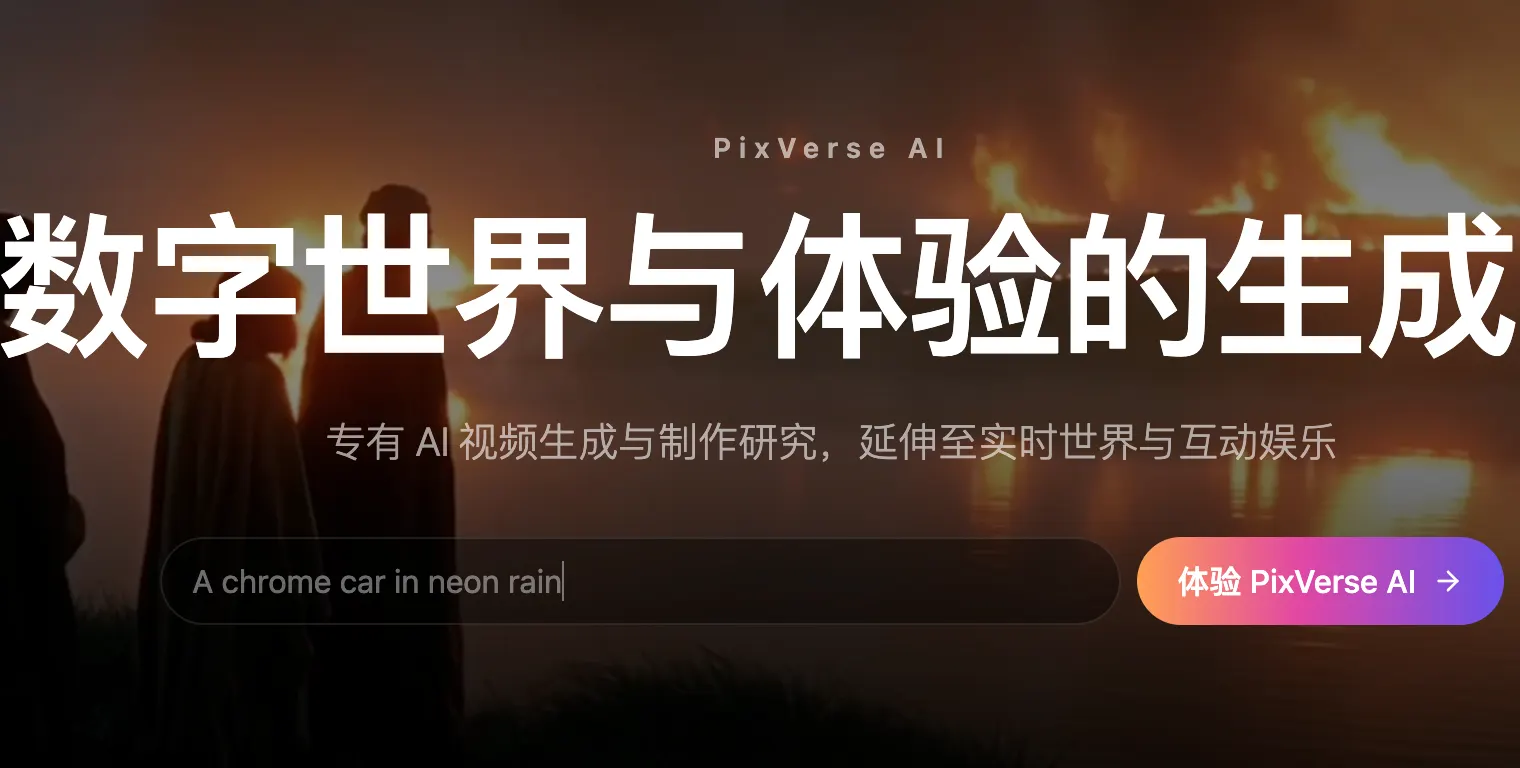
The core workflow is straightforward: describe what you want, provide visual references when needed, choose the generation model, and let the system create the shot. PixVerse supports text-to-video and image-to-video, while its current V6 model also supports first-and-last-frame transitions, video extension, and reference-to-video workflows.
V6 supports clips from 1 to 15 seconds and output from 360p through 1080p. The model is designed around more controlled camera movement, character performance, and cinematic visual generation rather than simply adding random motion to a still image.
For marketers, one of the more useful ideas is iteration. You can create several variations of the same concept and quickly compare different camera movements, pacing, compositions, or visual directions. That is often more valuable in commercial work than getting one “perfect” generation on the first attempt.
🌎 How Big Is PixVerse Globally?
PixVerse has built a substantial international user base. The company reported more than 100 million users across 175 countries in 2025, and later reported more than 150 million users across 177+ countries in 2026. It has also expanded its international operations from Singapore while targeting markets in North America and Asia.
For U.S. creators, the important point is not the headline number itself. It is the fact that PixVerse is being positioned for social creators, brands, advertisers, agencies, developers, and enterprise production teams—not just hobbyists experimenting with AI.
🚀 How to Make Your First PixVerse Video
If you're new to AI video, don't start with an elaborate cinematic prompt. Start with one image and one simple movement. This gives you a much clearer idea of what the model is actually capable of.
- Create an account and open the video creation workspace.
- Choose Image-to-Video.
- Upload a clean image with one obvious subject.
- Describe the movement rather than rewriting everything visible in the image.
- Choose your aspect ratio, duration, resolution, and audio settings.
- Generate several variations.
- Keep the strongest result and refine only the part that failed.
A useful prompt might be: “The model slowly turns toward the camera, hair moving naturally in the wind, subtle handheld camera movement, shallow depth of field.” Notice that the prompt focuses on motion and cinematography. The image already provides most of the appearance information.
🧠 Tips That Actually Improve Results
Use references strategically. If character identity, product appearance, or scene continuity matters, reference material is usually more useful than adding another paragraph of adjectives.
Write prompts like a director. Think in terms of subject, action, camera, environment, lighting, and timing. “Cinematic and beautiful” is vague. “Slow dolly-in, medium close-up, warm sunset light, subject remains centered” gives the model something much more concrete to work with.
Don't overload a shot. Asking one character to run, jump, turn, wave, speak, interact with another person, and move through a changing environment in five seconds is a good way to produce visual artifacts.
Generate variations instead of endlessly editing one prompt. AI video is inherently probabilistic. Sometimes the fastest route to a strong shot is three controlled generations rather than twenty tiny prompt changes.
Think in shots, not finished videos. PixVerse works particularly well when you treat each generation as a shot that will later be selected and edited into a larger piece.
💵 Is PixVerse Free?
PixVerse offers a free entry point, with registered users receiving free Credits. The exact free allowance can change based on the account, region, product route, or promotional campaign, so the balance displayed inside your account is the most reliable number to use.
Paid generation is credit-based. The amount depends on the model, resolution, duration, and audio. For example, the current V6 documentation lists 9 Credits per second for 720p without audio and 12 Credits per second for 720p with audio. At 1080p, the listed rates rise to 18 Credits per second without audio and 23 Credits per second with audio.
This matters if you're producing commercial content at scale. A five-second test is cheap compared with a large batch of 1080p clips, so it makes sense to validate the creative direction at a lower cost before committing to final-quality generations.
PixVerse also offers paid membership options and additional Credits. Because consumer plans, promotions, and model access change regularly, check the Subscription page in your account before purchasing rather than relying on an old pricing screenshot or third-party article.
👤 Who Should Use PixVerse?
Content creators: A strong fit for people producing frequent short-form videos who need more visual material without a full production crew.
Marketing teams: Useful for testing campaign concepts, product scenes, social ads, and creative variations before investing in a full shoot.
E-commerce businesses: Product images can be turned into short promotional scenes, although important product details should always be checked before publishing.
Designers and filmmakers: Useful for storyboards, visual experiments, mood pieces, concept development, and pre-production.
Developers and larger teams: API and production-oriented tools make PixVerse relevant when AI video generation needs to become part of a repeatable workflow.
💻 Do You Need to Install Anything?
For most users, no complicated installation is required. The main PixVerse experience runs online, while the company also provides mobile and developer-oriented products. You do not need a high-end GPU or a local AI-video environment just to get started.
That cloud-based approach is one of PixVerse's biggest advantages for mainstream users. The complicated infrastructure stays behind the interface, allowing creators to focus on the brief instead of model installation and hardware configuration.
⚠️ Common PixVerse Problems
Characters may change between generations. This is still a limitation across AI video. Reference images and simpler movement can help, but consistency should never be assumed.
Hands and complex interactions can break. Fast movement, multiple people, and physical interactions create more opportunities for visual errors. Simplifying the shot usually works better than making the prompt longer.
Text inside generated videos can be unreliable. If a product label, headline, or legal disclaimer must be exact, add it during conventional editing rather than trusting the generated footage.
Credits can disappear quickly. Higher resolutions, audio, premium models, and repeated attempts all increase the cost. Test cheaply, then render the final version at higher quality.
⚖️ PixVerse Pros and Cons
Pros: Low entry barrier, strong text-to-video and image-to-video workflows, multiple generation modes, V6 support for up to 15-second 1080p clips, reference-based workflows, video extension, audio options, global availability, and developer/API support.
Cons: High-quality generations can become expensive at scale; character and object consistency can still fail; complex actions are unpredictable; AI-generated footage still needs human review; and pricing and feature availability can change as models and plans evolve.
🏁 Is PixVerse Worth Trying?
For U.S. creators, PixVerse makes the most sense when you need a steady stream of short visual assets rather than a replacement for a complete professional editing suite. Its real advantage is speed: turning an idea into something you can see, compare, reject, refine, and eventually publish.
If you're evaluating it for business, don't judge the platform from one impressive demo. Run a small test using your actual content—your product photos, your brand style, your typical social format, and your real prompts. Generate several clips, calculate the cost of usable footage, and then decide whether PixVerse belongs in your production workflow.
Comments