

✍️ Sudowrite Review: An AI Writing Partner Built for Storytellers
Sudowrite makes the most sense when you stop thinking of it as another chatbot that happens to write. It is built around the messy, very human process of writing fiction: coming up with ideas, getting stuck halfway through a scene, trying to fix flat dialogue, losing track of a character, and staring at the same paragraph for twenty minutes.
That focus is what separates Sudowrite from general-purpose AI tools. It is designed for novelists, screenwriters, hobby writers, and anyone working on long-form creative projects where consistency and voice matter more than simply producing a lot of text.
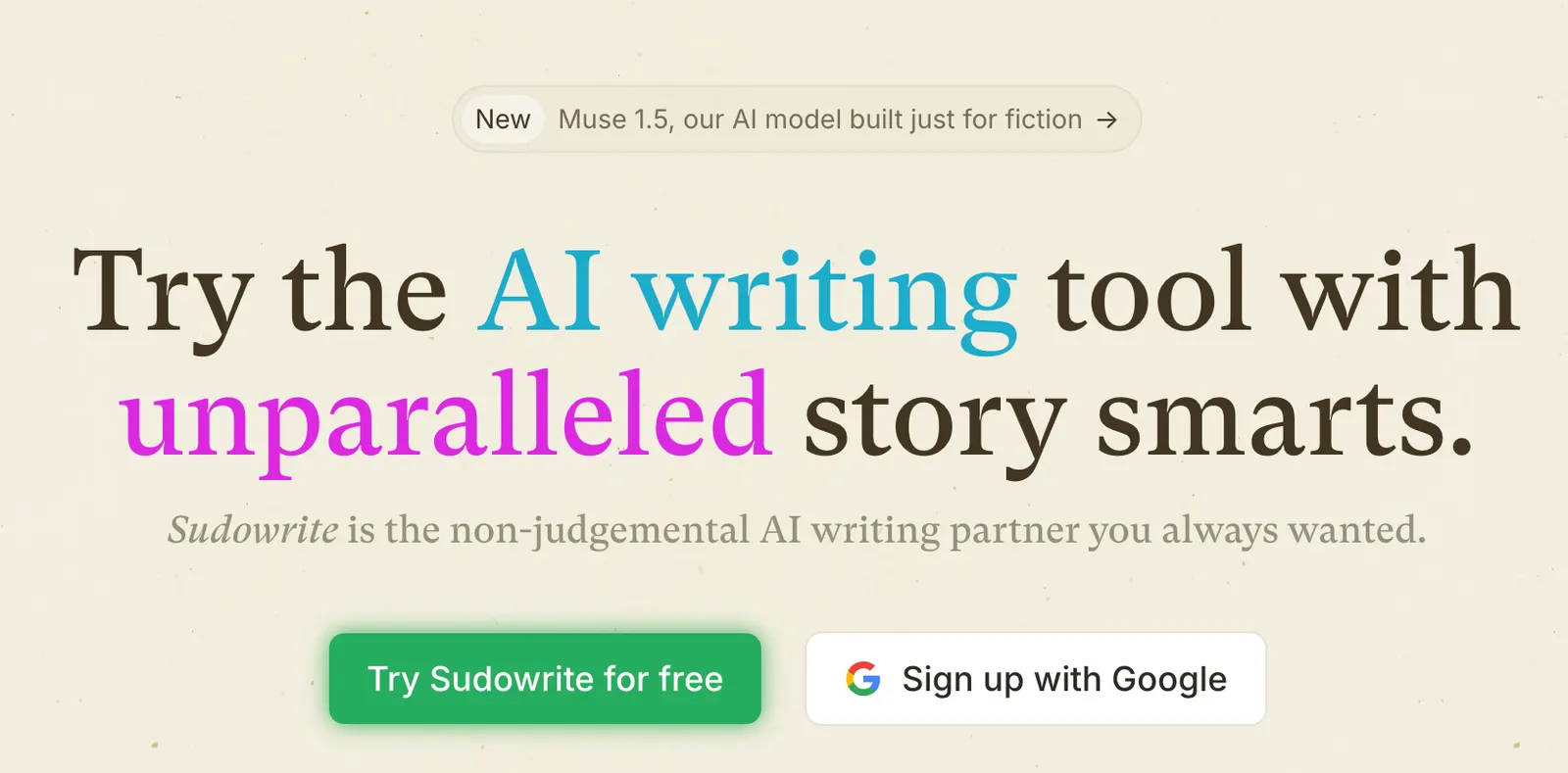
🔎 What Is Sudowrite?
Sudowrite is a creative-writing AI platform designed around fiction and long-form storytelling. It can help at almost every stage of a project, from brainstorming a premise to outlining characters, drafting scenes, rewriting prose, expanding descriptions, and reviewing a manuscript.
The important distinction is that Sudowrite does not have to replace the writer. You can use it for one paragraph, one scene, or one idea and then go back to writing yourself.
That makes it particularly useful for writers who want AI assistance without turning the entire manuscript into an automated generation exercise.
🧠 Brainstorm: When You Know Something Needs to Happen, But Not What
Writer's block is often less about a lack of writing ability and more about not seeing the next move. Brainstorm is built for that moment.
You can give Sudowrite the current situation, characters, and constraints, then ask for possible directions. Instead of taking the first suggestion, a better approach is to use the AI to generate several possibilities and then choose the one that actually fits your story.
For a mystery, for example, you might ask for three ways to introduce a false lead without revealing the killer. The useful part is not the AI's answer by itself. It is having more options to react to.
✍️ Write: Get Past the Blank Page
Write is one of Sudowrite's central features. It uses the material around your cursor to suggest what could come next. Sudowrite currently describes the feature as generating roughly 100 to 500 words at a time.
That is useful when you know where a scene is going but cannot get the next paragraph onto the page.
The trick is not to accept everything it gives you. Generate a few options, steal the useful idea or line, and then put it back into your own voice.
🎨 Describe: Add Texture Without Killing the Scene
Describe helps writers enrich scenes that feel too bare. It can suggest sensory details, environmental observations, physical reactions, and other ways to make a setting feel more immediate.
That can be useful when you have the action mapped out but the scene still reads like stage directions.
There is a catch, though: more description is not automatically better writing. If every room suddenly gets five smells, three sounds, and a paragraph of lighting, the prose becomes heavy. Use the suggestions that support the mood or character and throw the rest away.
🔄 Rewrite: Useful When the Scene Works but the Prose Doesn't
Rewrite is aimed at improving existing prose rather than starting from scratch. You can use it to adjust tone, sharpen dialogue, increase tension, change pacing, or explore alternative phrasing.
This is especially handy for dialogue. If two characters are technically saying the right things but the exchange feels artificial, you can ask for a more restrained, tense, sarcastic, or confrontational version.
For serious fiction, I would avoid rewriting entire chapters in one click. Working paragraph by paragraph gives you much more control over your own voice.
📖 Story Bible: The Feature That Matters More as Your Novel Gets Longer
A short story can survive with a simple prompt. A 100,000-word novel cannot.
Once you have dozens of characters, locations, relationships, rules, and plot points, continuity becomes a real problem. Story Bible gives you a structured place to keep those details so the AI has more context when helping with later scenes.
For long-form writers, that kind of consistency is more valuable than producing another impressive paragraph. A beautiful sentence does not help much if the character suddenly forgets something they knew three chapters earlier.
📝 Expand: Turn a Bare Scene Into a Full Scene
Expand is useful when the basic sequence of events is already there but the scene feels rushed.
Maybe a character enters a room, notices something strange, and leaves. The plot works, but the scene needs reactions, atmosphere, or a little more breathing room. Expand can help generate material around what you already have.
Again, treat the output as raw material. A writer's job is still to decide what belongs in the final manuscript.
📝 Feedback: A First-Pass Reader
Sudowrite's Feedback feature can provide AI-based suggestions on your writing. That can be useful when you do not have a critique partner available every time you finish a chapter.
It should not be treated as a replacement for human beta readers, though. AI can identify repetition, unclear motivations, pacing issues, and other structural problems, but reader reaction is ultimately subjective.
🌎 How Widely Is Sudowrite Used?
Sudowrite currently says that more than 20,000 writers use the product. Its site also features testimonials from novelists, screenwriters, journalists, and other professional writers.
That is a company-reported figure rather than independent market research, so it should be viewed as an indication of the product's user base rather than a measure of the global AI-writing market.
What is clear from the product itself is that Sudowrite has chosen a narrower market than general AI assistants: fiction and creative writing.
🛠️ How Do You Use Sudowrite? Do You Need to Install It?
Sudowrite is primarily browser-based, so there is no traditional Windows or Mac installation required for normal use.
If you're new to it, don't start by dumping an entire novel into the platform. Write a short scene and test Brainstorm, Write, Describe, and Rewrite separately.
Once you understand where each feature actually helps, move a larger project into Story Bible and build your workflow around your own writing habits.
🎯 Practical Tips for Writers
First, give the AI constraints. “Make this better” is vague. “Make the dialogue more tense without directly stating either character's fear” gives it something concrete to work with.
Second, generate alternatives rather than asking for a single perfect answer. Fiction benefits from choices.
Third, don't paste AI output into the manuscript just because it sounds polished. If a sentence does not sound like something you would write, rewrite it.
Finally, keep your story information organized. The longer the project, the more valuable consistent character and world-building information becomes.
💰 Sudowrite Pricing in 2026
Sudowrite is a subscription product with a trial option. Its current plans are Hobby & Student, Professional, and Max.
With annual billing, Hobby & Student costs $10 per month and includes 225,000 credits. Professional costs $22 per month with 1,000,000 credits. Max costs $44 per month with 2,000,000 credits and allows unused credits to roll over.
With monthly billing, the listed prices are $19, $29, and $59 per month respectively.
One thing new users often misunderstand is the credit system. Credits do not map directly to words. The amount consumed depends on the feature, the amount of text being read and generated, the complexity of the task, and the AI model involved.
🆓 Is There a Free Trial?
Yes. Sudowrite currently offers a trial and states that if you decide within the first seven days that the service is not right for you, you can contact the company to cancel and receive a refund.
You can also continue accessing and exporting your writing after cancellation, although the paid AI features are no longer available.
👥 Who Is Sudowrite Best For?
Sudowrite is a natural fit for novelists, screenwriters, fan-fiction writers, short-story writers, and anyone working seriously on long-form fiction.
It is much less compelling if your main workload is SEO articles, product descriptions, business reports, or advertising copy. Those are different problems, and there are plenty of broader AI tools built around them.
Sudowrite's strength comes from being specialized rather than trying to do everything.
⚠️ Common Questions About Sudowrite
❓ Can Sudowrite write an entire novel for me?
It can generate a large amount of prose, but that does not mean you should hand over the entire novel. Plot decisions, character arcs, pacing, and voice still benefit enormously from human control.
❓ Will Sudowrite plagiarize another writer?
Sudowrite says it does not intentionally copy other works and explains that its models generate text rather than simply pasting stored passages. For commercially published work, writers should still review their final manuscript carefully.
❓ Does Sudowrite support languages other than English?
Sudowrite says users can write in almost any language. Its Write feature can match the language of the text, although some other features may fall back to English when the system is uncertain about the language.
❓ Does Sudowrite train its AI on my writing?
Sudowrite says it does not use users' writing to train its AI models.
❓ Why do my credits disappear faster than expected?
Credits are based on the amount and complexity of AI work rather than a simple word count. Long generations and context-heavy features can therefore consume credits much faster than short edits.
🏁 Is Sudowrite Worth Paying For?
If you are seriously writing fiction, it is worth trying. Its strongest use cases are not “write something for me,” but “help me get this story unstuck,” “give me alternatives,” “help me develop this scene,” and “help me revise what I already wrote.”
If you only need occasional general-purpose writing assistance, you probably do not need a specialized fiction platform.
The best test is your own manuscript. Take a real scene you've been struggling with, use Sudowrite for a week, and measure whether it actually helps you write more consistently. The quality of one impressive AI paragraph is much less important than whether you finish more of your own work.
📌 Final Verdict
Sudowrite is one of the more specialized AI writing products because it has chosen not to compete on every kind of writing. Brainstorm helps generate possibilities, Write helps move scenes forward, Describe adds sensory detail, Rewrite polishes prose, Expand develops thin scenes, and Story Bible helps keep larger projects coherent.
For a novelist or screenwriter, that specialization is exactly the point. For everyone else, it may simply be more tool than they need.
Comments