

Suno AI: What It Is, How to Make Music, Features, Pricing, and Tips
🤖 What Is Suno AI?
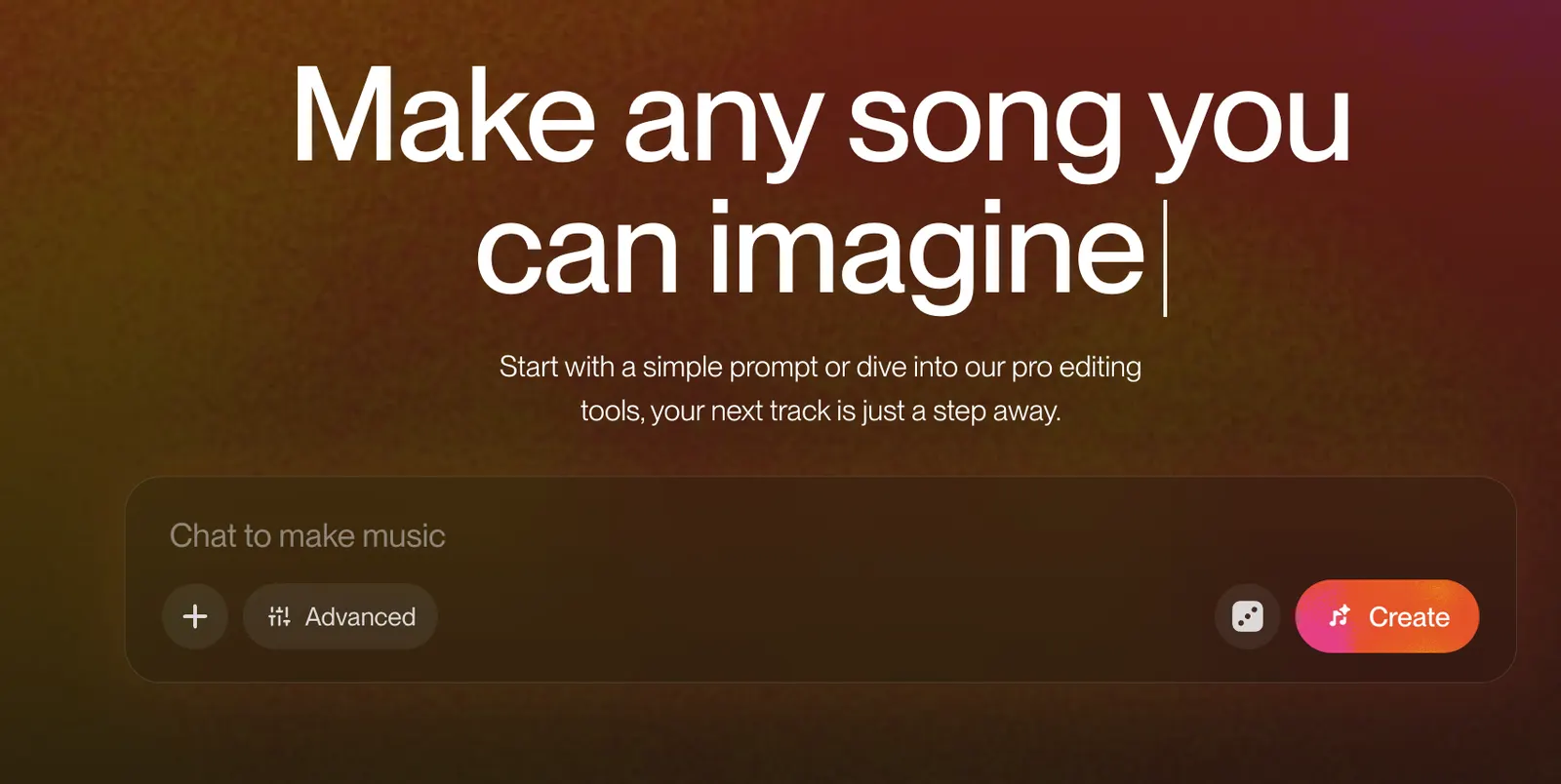
Suno is an AI music creation platform that can turn a simple idea, a description, or your own lyrics into a complete song. Instead of requiring you to understand music production software, Suno lets you describe what you want and generates music with vocals, instrumentation, arrangement, and structure.
That makes Suno different from a traditional digital audio workstation. You do not need to start with a blank timeline, choose individual instruments, record vocals, and arrange every track yourself. For many users, the fastest workflow is simply to describe the song first and refine the result afterward.
Suno is particularly useful for people who have musical ideas but lack the time, equipment, or production skills to turn those ideas into a finished demo.
🌍 How Is Suno Being Used Around the World?
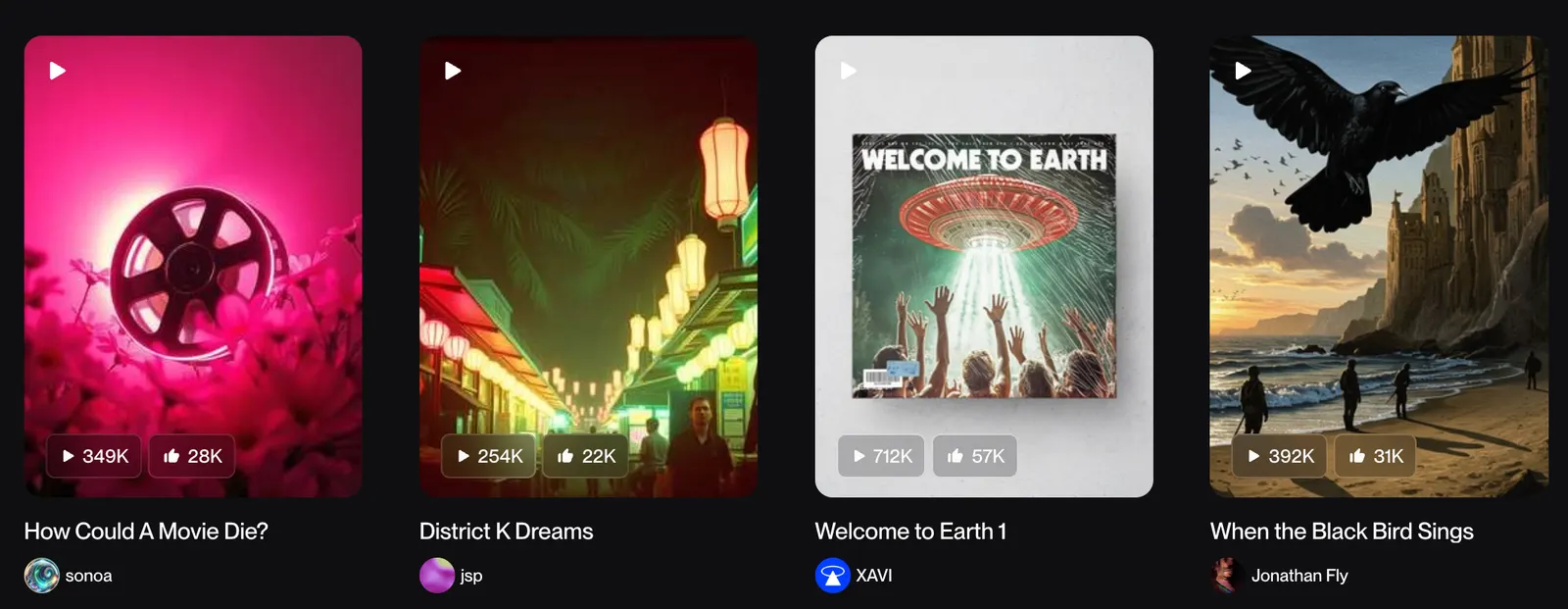
Suno has become one of the most recognizable AI music platforms among independent creators, musicians, YouTubers, podcasters, marketers, filmmakers, and people who simply want to experiment with music.
In the United States, one of the strongest use cases is rapid content production. A YouTube creator can create an intro, background track, parody-style song, or original soundtrack without hiring a composer for every small project. A startup can also use Suno to test a jingle or advertising concept before investing in a professional recording.
Another important use is songwriting. Suno can turn rough ideas into something you can actually listen to. That does not mean the first generation will be perfect. The real advantage is speed: you can create several versions, compare them, and keep developing the strongest idea.
🎵 What Can Suno AI Do?
🚀 Create Complete Songs From Text
Suno's core feature is generating complete songs from a description. You can specify a genre, mood, instruments, tempo, vocal style, subject, and overall atmosphere.
For example, instead of writing only “make a rock song,” you can describe an energetic alternative rock track with distorted guitars, live drums, a powerful male vocal, a large chorus, and a darker verse.
✍️ Use Your Own Lyrics
You do not have to let Suno write the lyrics. Custom mode allows you to enter your own lyrics and provide additional information about the musical direction.
This is particularly useful for songwriters who already have lyrics but want to hear different arrangements, vocal approaches, or genres. Suno states that users retain ownership of original lyrics they provide themselves.
🎤 AI Vocals
Suno can generate songs with AI vocals rather than producing only instrumental music. This makes it possible to turn a short lyrical idea into something that sounds much closer to a finished song.
The vocal result can vary between generations, so it is better to treat the first output as a draft rather than expecting a perfect performance immediately.
🎸 Instrumental Music
You can also create instrumental tracks without vocals. This makes Suno useful for background music, videos, podcasts, presentations, game concepts, and other creative projects.
🧩 Personas and Voices
Personas can preserve the essence of a song, including elements such as its vocal character and style, and reuse that identity when creating new music.
Suno has also introduced Voices, which expands this idea by allowing eligible users to create music using their own voice. Availability can depend on location and account eligibility.
🎚️ Editing and Stems
Suno has moved beyond simple song generation. Paid plans provide advanced editing features and stem-related tools, allowing creators to work with parts of a generated song instead of treating the entire track as one fixed audio file.
This is an important change for more serious users because the workflow becomes closer to music production rather than simple one-click generation.
🎹 Suno Studio
Suno Studio is aimed at users who want more control over the production process. The Premier plan includes Studio features such as MIDI, effects, automation, and customizable plugins.
For casual users, this may be unnecessary. For producers who want to take AI-generated material further, it can make Suno much more useful as part of a larger production workflow.
📖 How to Use Suno AI
The easiest way to start is to open the Create interface and decide whether you want Suno to generate the lyrics or whether you want to provide your own.
If you are a beginner, start with a simple description. For example:
“An emotional indie pop song about starting over after a difficult year. Warm electric guitar, soft piano, restrained drums, intimate female vocals, gradual build, memorable chorus, modern radio production.”
If you already have lyrics, use Custom mode and paste your lyrics into the lyrics field. Then describe the genre, instruments, vocal style, tempo, and mood separately.
💡 How to Write Better Suno Prompts
🎯 Describe the music, not just the topic
A weak prompt might say “a song about friendship.” That gives Suno very little information about how the song should sound.
A stronger prompt could specify the genre, tempo, instruments, vocal style, emotional tone, and arrangement.
🎸 Specify the instruments
If you want a particular sound, mention the instruments. For example: acoustic guitar, analog synthesizer, piano, distorted electric guitar, live drums, strings, bass guitar, or saxophone.
🎤 Describe the vocal character
You can describe vocals using terms such as warm male vocal, intimate female vocal, powerful rock vocal, breathy pop vocal, soulful performance, or layered harmonies.
📈 Think about song structure
You can describe an arrangement such as intro, verse, pre-chorus, chorus, bridge, and final chorus. This gives the generation a clearer musical direction.
🔄 Generate several versions
Do not judge Suno based on a single generation. AI music is probabilistic, so two generations using similar instructions can sound noticeably different. Creating several versions and selecting the strongest one is usually more effective than endlessly modifying one result.
📥 How to Install Suno
🌐 Web Version
Suno is primarily a cloud-based service, so you can use it directly through a web browser without installing professional music production software.
📱 Mobile
Suno also provides mobile access. This is convenient when you want to create or review songs away from your computer.
🖥️ Do You Need a Powerful Computer?
No. The main AI generation is performed in the cloud. You do not need a high-end GPU to create songs with Suno. A stable internet connection is much more important.
💰 Is Suno AI Free?
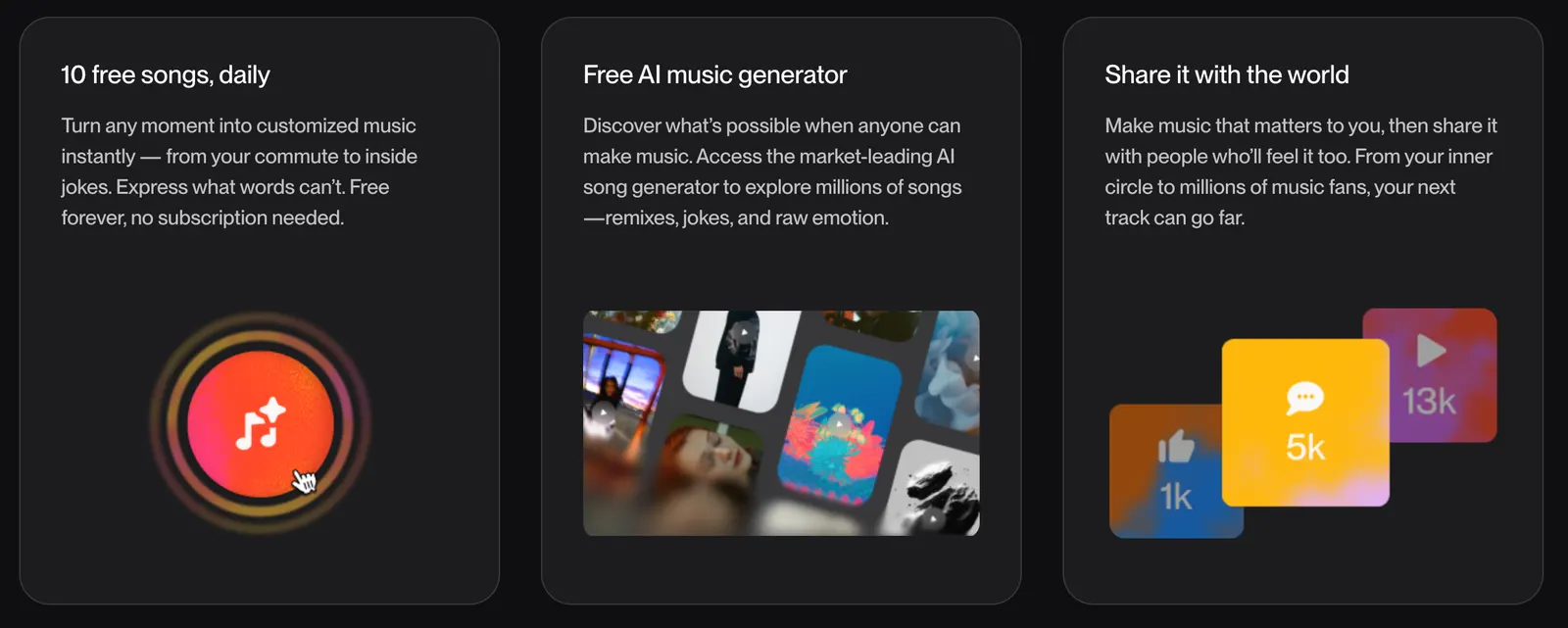
Suno offers a Free plan, but it is designed mainly for experimentation and personal use. The current Free plan provides 50 credits that renew daily and does not provide commercial-use rights for newly created songs.
| Plan | Price | Credits | Main Use |
|---|---|---|---|
| Free | US$0/month | 50 credits per day | Testing and personal projects |
| Pro | US$10/month or US$8/month with annual billing | 2,500/month | Regular creators and commercial projects |
| Premier | US$30/month or US$24/month with annual billing | 10,000/month | Professional and high-volume production |
Suno's current pricing page lists Pro at US$8 per month when billed annually and Premier at US$24 per month when billed annually. Monthly pricing is US$10 for Pro and US$30 for Premier. The pricing page currently lists 2,500 monthly credits for Pro and 10,000 for Premier.
💳 Commercial Use and Copyright
This is one of the most important things to understand before using Suno for business.
Songs created on the Free plan are intended for personal, non-commercial use. They cannot normally be monetized or distributed as commercial music.
Songs created while subscribed to Pro or Premier receive commercial-use rights under Suno's terms. This can allow creators to monetize songs through distribution, videos, films, games, or other commercial projects.
However, commercial-use rights are not the same thing as guaranteed copyright protection. Suno itself states that copyright eligibility depends on the laws of the relevant country or region.
There is another important detail: upgrading later does not automatically give commercial rights to songs that were created while you were using the Free plan. If a track is intended for commercial use, it is safer to create it while you are subscribed to a paid plan.
👥 Who Should Use Suno?
🎤 Songwriters: Useful for turning lyrics and rough musical ideas into listenable demos.
📱 YouTubers and creators: Useful for original background music, intros, outros, and creative video projects.
🎬 Filmmakers: Useful for testing soundtrack ideas and creating music for independent productions.
🎙️ Podcasters: Useful for intros, transitions, background music, and promotional material.
🏢 Businesses: Useful for advertising concepts, jingles, branded content, and campaign experiments.
🎓 Students and beginners: Useful for learning about songwriting, arrangement, genres, and music production without expensive equipment.
❓ Common Suno Problems
Why does the song sound different from what I imagined?
AI does not interpret a prompt exactly like a human producer. If the prompt is too broad, the result can become generic. Try specifying the genre, instrumentation, vocal character, mood, tempo, and song structure.
Why are the lyrics pronounced incorrectly?
AI vocals can sometimes mispronounce unusual names, uncommon words, abbreviations, or mixed-language lyrics. Try simplifying the spelling or rewriting difficult phrases in a more phonetic way.
Why does the song structure feel strange?
If the arrangement does not have enough direction, the model may produce an unexpected structure. Adding information such as verse, pre-chorus, chorus, bridge, and final chorus can make the intended arrangement clearer.
Why does the same prompt produce different songs?
Generative music is not deterministic in the way traditional music software is. Different generations can produce different melodies, vocals, instrumentation, and arrangements. This is normal and is one reason why generating multiple versions is useful.
Can I monetize songs created with Suno?
Yes, songs created while subscribed to an eligible paid plan can receive commercial-use rights. Free-plan songs are intended for non-commercial use. Always check the latest Suno terms before distributing music commercially.
Can I copyright an AI-generated song?
Do not assume that purchasing a Suno subscription automatically gives you copyright protection. Commercial-use rights and copyright are different concepts. Copyright law varies by country, and purely AI-generated material may receive limited or no copyright protection depending on the jurisdiction and the amount of human creative contribution.
🏆 Is Suno AI Worth Using?
If your goal is to create music quickly, Suno is one of the most practical AI music tools available. Its biggest advantage is not simply that it can generate a song. It reduces the distance between an idea and something you can actually listen to.
The Free plan is enough to experiment. Pro is the more sensible choice if you regularly publish content or need commercial-use rights. Premier is aimed at users who generate music frequently and want additional production capabilities such as Suno Studio.
The most effective way to use Suno is to stop expecting the first generation to be perfect. Treat each generation as a draft. Keep the strongest ideas, change the weak parts, experiment with different arrangements, and gradually build the final track. That approach produces much better results than relying on one long prompt and hoping for a finished song.
Comments