

🎥 What Is Synthesia?
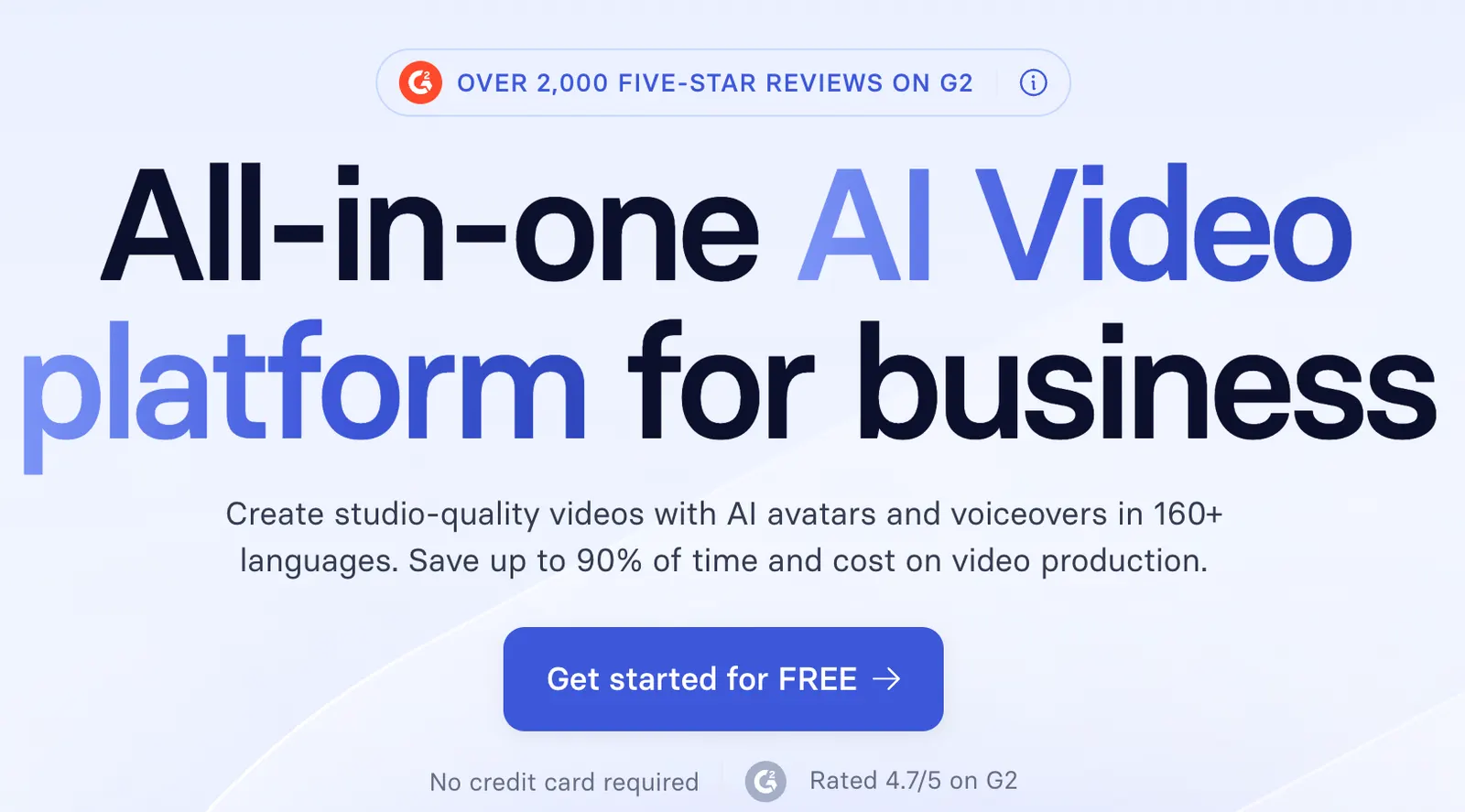
Synthesia is an AI video platform built primarily for businesses. Instead of putting an employee in front of a camera every time a training course or product message needs to be updated, teams can create videos using AI avatars and generated voices.
That makes Synthesia particularly useful for employee training, onboarding, sales enablement, product education, customer support, and internal communications.
The important point is that Synthesia is not really about replacing Hollywood-style video production. Its strongest use case is producing the kind of business video that companies need repeatedly and need to update frequently.
💼 Where Synthesia Fits Into a U.S. Business Workflow
Think about the videos your company creates today. New-hire orientation. Product training. Compliance updates. Sales presentations. Customer tutorials.
These videos are usually not difficult because the content is complicated. They are difficult because production takes time.
Someone has to write the script, find a presenter, schedule a recording, edit the footage, create captions, and publish the final version.
Synthesia removes much of that production overhead. That is why the platform is more interesting for recurring business communication than for occasional promotional videos.
📈 The ROI Question Matters More Than the Avatar
When evaluating Synthesia, don't start by asking whether the AI presenter looks perfectly human.
Start with a better question: how many hours does your organization spend producing and updating videos today?
If an instructional designer needs two days to produce a five-minute training video, and the same video needs to be updated every few months, the production process itself becomes expensive.
Synthesia can make that workflow considerably faster, but the actual return on investment depends on how much video your team produces and how often that content changes.
🚀 How to Create Your First Synthesia Video
Start small. A 60-second product explanation or onboarding video is much better for a first test than a 30-minute training course.
Create an account, open the video editor, select a template or start from scratch, and enter your script.
Choose an AI avatar and voice, then add supporting visuals such as screenshots, product images, charts, or brand assets.
Generate the video and review the entire result before creating a longer version.
Pay particular attention to names, numbers, acronyms, technical terminology, pronunciation, and captions.
✍️ Your Script Is More Important Than Your Avatar
This is one of the easiest mistakes to make with AI video.
Business teams often write scripts that look professional in a document but sound unnatural when spoken.
For example, “Our organization is committed to delivering comprehensive solutions designed to optimize customer workflows” sounds like corporate copy.
“We help your team spend less time on repetitive work” sounds like something a real presenter would say.
If the finished video feels robotic, rewrite the script before changing the avatar.
🌎 Global Content and Localization
Synthesia is particularly useful for companies that operate across multiple markets because the same core message can be adapted into different languages.
This can help global organizations create training, product education, and customer-facing content without arranging a separate recording session for every market.
But translation is not localization.
A U.S. sales presentation translated word-for-word into Japanese may be technically correct while still feeling completely wrong to a Japanese customer.
Marketing examples, tone, terminology, and calls to action should be reviewed by people who understand the target market.
🧩 Key Synthesia Features
AI Avatars: Create presenter-led videos without filming a person.
AI Voices: Generate narration in multiple languages and voice styles.
AI Video Creation: Turn scripts and source material into structured videos.
Video Translation: Adapt existing video content for international audiences.
Personal Avatars: Eligible plans can support digital versions of real people.
Interactive Video: Advanced plans provide interactive video capabilities.
Team Collaboration: Designed for teams rather than only individual creators.
💰 Synthesia Pricing
Synthesia offers free and paid plans, with the exact pricing and feature limits subject to change.
Basic: Designed for users who want to test the platform and understand how AI video creation works.
Starter: Aimed at individuals and smaller teams that need regular business video production.
Creator: Built for teams with heavier production requirements and access to additional features.
Enterprise: Designed for larger organizations that need advanced security, collaboration, administration, branding, and enterprise support.
Because AI video production consumes usage credits or similar allowances, companies should calculate expected monthly video production rather than choosing a plan based only on its subscription price.
🎯 Who Should Use Synthesia?
Learning and development teams, HR departments, sales enablement teams, SaaS companies, customer education teams, marketing departments, and global organizations are among the strongest candidates.
It is particularly useful when the same information has to be explained repeatedly.
If your company only produces a few videos per year, however, the business case is much weaker.
⚠️ Common Problems to Watch For
The avatar feels artificial: Improve the writing before changing the presenter.
Pronunciation problems: Review names, acronyms, product terminology, and numbers manually.
Usage limits: Test short sections before generating long videos.
Generic-looking videos: Add real product screenshots, customer examples, company data, and brand assets.
⚖️ Pros and Cons
Pros: Fast production, no camera required, strong multilingual capabilities, useful business applications, easier content updates, and support for team workflows.
Cons: AI presenters still have limits in emotional performance, heavy usage can become expensive, important business content needs human review, and generic scripts can produce generic-looking videos.
🏁 Is Synthesia Worth It?
If you're simply curious about AI avatars, start with the free option.
If your company produces training, onboarding, sales enablement, or customer education videos on a regular basis, Synthesia is worth testing against your existing production workflow.
The strongest business case is not replacing every human presenter. It is eliminating repetitive production work where a full video shoot does not add much value.
Comments