

🏢 Who Makes It
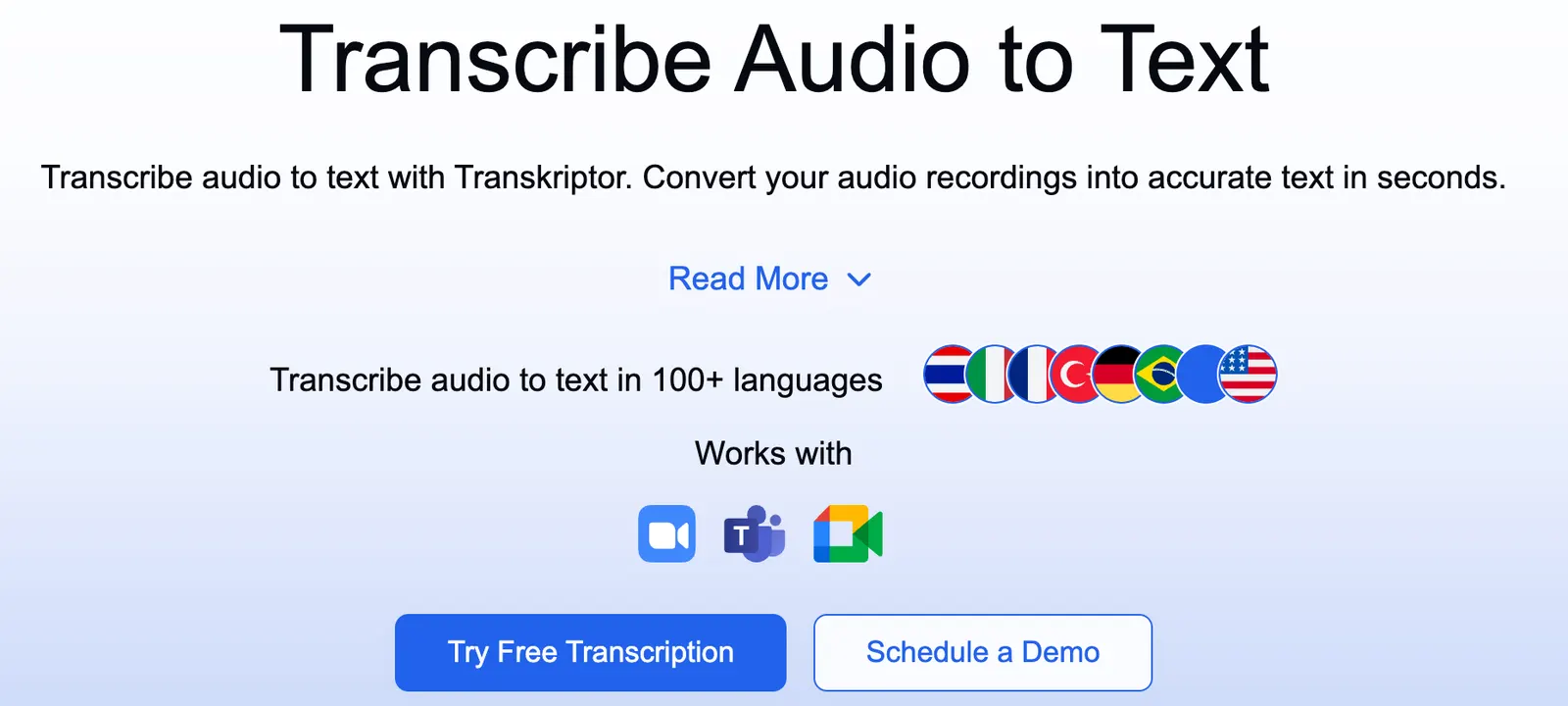
Transkriptor is a speech-to-text tool from the team at transkriptor.com, and it's refreshingly single-minded. There's no calendar, no project dashboard, no half-baked AI assistant bolted on. It does one job: turn audio and video into text you can actually use.
You upload a file — a meeting recording, an interview, a lecture — and it spits back a transcript, with subtitles if you want them. The business model is freemium, so you can kick the tires before handing over a credit card.
It sits in the same lane as Otter and Notta, but it keeps the pitch simple: decent transcription, more than one language, and a free tier that never expires.
📅 Launch Timeline
The team doesn't stamp a launch date on the homepage, which is normal for a small tool — they'd rather ship than brag. What you can pin down is the timing: Transkriptor showed up in the post-2022 wave of AI transcription apps.
That's when open models like Whisper raised the accuracy bar and a dozen 'audio to text' tools appeared at once. Transkriptor was one of them, and it's still shipping updates to its pricing and feature pages today.
🧩 Core Features
The feature list is short and focused:
- Multilingual speech-to-text: upload audio or video, get editable text in several languages.
- Automatic captions: transcripts come with timestamps, so you can drop them straight into a video.
- Speaker recognition: it tries to label who said what in a multi-person conversation.
- Meeting and interview transcription: tuned for recordings where one person interviews another.
- Export and editing: fix mistakes in the browser, then export in the format you need.
✨ Standout Highlights
- 90 free minutes, forever: no trial clock counting down.
- Dead-simple interface: upload, transcribe, done.
- Multilingual plus captions in one pass: you don't need a separate subtitle tool.
- 50% off for education: students and teachers pay half.
🤖 Under the Hood
Transkriptor leans on an automatic speech recognition (ASR) engine. It slices the audio into chunks, converts each one to text, then runs speaker diarization to work out who's talking. The two headline capabilities are multilingual recognition and speaker labeling.
Performance tracks audio quality closely. A clean single-speaker recording transcribes well. Throw in five people talking over each other in a coffee shop, and the speaker labels start to drift. The company is upfront about that tradeoff.
Bottom line: it's not magic, but it handles 'one person in a quiet room' and 'a reasonably clear meeting' without much fuss.
🎯 Real-World Use Cases
- Meeting notes: skip the 'wait, who took notes?' scramble.
- Interviews: journalists get a rough draft instead of typing for hours.
- Subtitles: caption videos and course recordings.
- Study notes: turn lectures into text you can highlight.
- Repurposing: pull a podcast episode or talk into an article.
🛠️ How to Use It
The flow is about five steps:
- Sign up on the website.
- Upload an audio or video file (some versions also take a link or a live recording).
- Pick the language and hit transcribe.
- Wait a few minutes, then edit the transcript in the browser.
- Export in whatever format you need.
Your first run should be a three-to-five-minute clean clip, just to gauge accuracy and speed.
💡 Pro Tips
- Get close to the mic, keep the room quiet: accuracy jumps noticeably.
- Don't talk over each other: speaker labels stay cleaner when people take turns.
- The free tier is only 90 minutes: test with a short file before committing an hour-long interview.
- Proofread before you export: fix names, brands, and jargon while it's still editable.
- Go annual if you'll use it: the yearly rate is a meaningful discount.
📈 Real-World Examples
The classic case: a podcaster records a 40-minute interview, uploads it, and has a draft transcript in a few minutes instead of two hours of manual typing. A student drops an hour-long lecture recording in and turns it into notes they can search.
Small teams lean on the Team plan — 3000 minutes per seat each month — which covers routine standups and project calls without much counting.
📱 Platforms
It's web-first. Open transkriptor.com in a browser and you're in — no local install, no setup. Upload, transcription, and editing all happen in the browser, and mobile browsers work fine for quick jobs on the go.
🌐 Supported Languages
Multilingual transcription is the whole point. It covers English, Chinese, Japanese, Spanish, and other major languages — check the site for the exact list and dialect support. If you work across languages, that's the feature that matters.
💰 Pricing
- Free trial: about 90 minutes, lifetime.
- Lite: $9.99/month, 300 minutes/month.
- Pro: $19.99/month, 2400 minutes/month.
- Pro annual: $8.33/month ($99.99/year).
- Team: $30/seat/month, 3000 minutes per seat; $20/seat/month annual.
- Education: 50% off.
Two things to know: unused minutes don't roll over — use it or lose it each month. And some listings show Lite starting at $4.99, so prices vary a little by channel. Check the site before you buy.
👥 Who It's For
- Journalists and content creators transcribing interviews.
- YouTubers and course makers who need captions.
- Students turning lectures into searchable notes.
- Office workers and small teams who dread writing meeting notes.
- Anyone working across languages.
👍 What's Great
- 90 free minutes to try before you buy.
- Simple, fast interface.
- Multilingual transcription plus captions.
- In-browser editing and export.
- Solid education discount.
⚠️ Drawbacks & Limits
- The free tier is thin: 90 lifetime minutes goes fast for heavy users.
- Unused minutes don't roll over — they reset each month.
- Speaker recognition gets shaky with multiple voices or background noise.
- Longer limits and better features sit behind the paid plans.
❓ FAQ
How long does the free version last?
About 90 minutes, lifetime. After that you'll need a paid plan.
Do unused minutes carry over?
No. Minutes don't roll over from month to month.
Does it handle Chinese?
Yes — multilingual transcription covers Chinese and other major languages.
How accurate is speaker recognition?
Good on clean recordings; it slips when people talk over each other or the room is noisy.
Is there a student discount?
Yes, education users get 50% off.
🔄 vs. the Competition
Quick comparison: Otter is excellent for English meetings but weaker on Chinese and pricier. Notta is friendly to Chinese, Japanese, and Korean speakers. Fireflies is built around meeting integrations.
Transkriptor's angle is value: multilingual plus captions in one product, and 90 free minutes to test the waters. If you're on a budget and need more than one language, it earns a spot on the shortlist.
Comments