

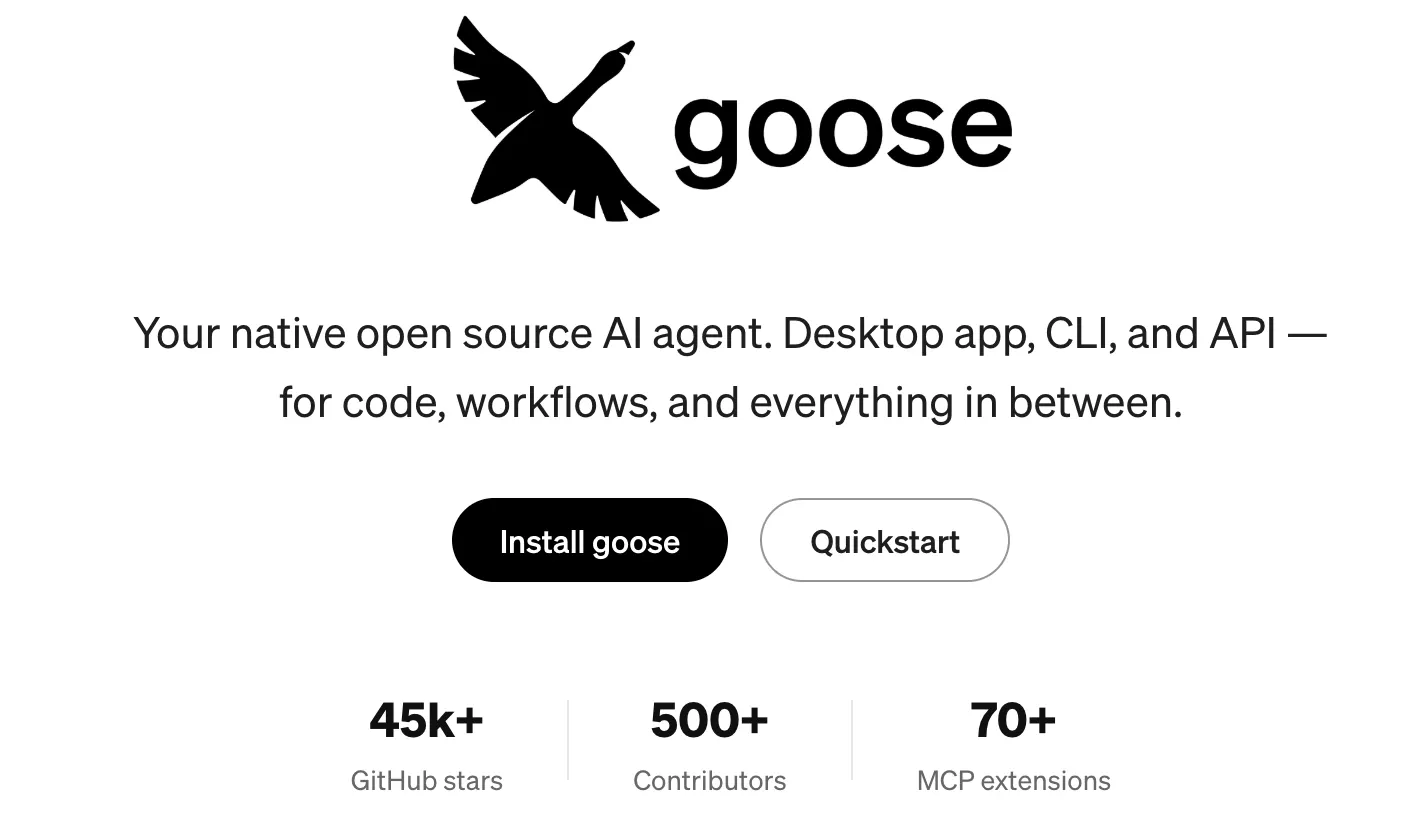
🪿 What Is Goose?
Goose is an open-source AI agent created by Block for developers, technical teams, and advanced users who want an AI system that can actually perform tasks rather than simply answer questions. It can work with files, execute commands, write and modify code, use external tools, connect to APIs, and complete multi-step workflows.
Block introduced Goose publicly in early 2025. The project was built around the idea of creating a general-purpose AI agent that can operate across different tools and environments instead of functioning only as a chatbot or code-completion assistant.
Today, Goose is best understood as a local, extensible AI agent platform. Its strongest use case is software development, but its architecture also supports research, automation, data processing, document work, and other tasks that benefit from direct access to tools and files.
⚙️ What Can Goose Do?
1. Autonomous Task Execution
Goose can take a relatively high-level objective and turn it into multiple actions. It can inspect a project, edit files, execute commands, run tests, analyze errors, and continue working instead of stopping after generating a piece of text.
2. Multi-Model Support
Goose is not tied to one AI model provider. It supports a wide range of models and providers, allowing users to select models based on reasoning ability, speed, price, privacy requirements, or existing API access.
3. MCP Extensions
Goose has strong support for the Model Context Protocol, commonly known as MCP. Extensions can give the agent access to services such as GitHub, databases, APIs, browsers, cloud services, and other external tools.
4. Desktop and Command-Line Interfaces
Users can work with Goose through a graphical desktop application or directly from a terminal. The CLI is particularly useful for developers who already spend most of their time inside development environments.
5. Reusable Recipes
Goose Recipes allow users to save frequently used workflows. A recipe can contain instructions, extensions, parameters, and other configuration details, making a successful workflow easier to repeat.
6. Subagents
Complex work can be divided into smaller tasks using subagents. For example, one agent can investigate a problem while another handles a separate research or implementation task.
7. Tool and API Integration
Instead of keeping the AI isolated inside a chat window, Goose can connect the model to real tools. This allows it to retrieve information, manipulate files, call services, and perform actions as part of a larger workflow.
8. Permission and Security Controls
Because Goose can interact with the local environment, the project includes mechanisms for controlling tool access and reducing risks associated with autonomous execution. Users should still review permissions carefully before allowing an agent to work with sensitive systems.
✨ What Makes Goose Different?
The most important difference is that Goose is open source and model-independent. Many AI development products are closely associated with one model provider, one editor, or one cloud environment. Goose gives technical users much more freedom to decide which model and which tools they want to use.
This means you can use a powerful commercial model for difficult programming tasks, switch to another provider for cost reasons, or connect a local model when privacy and control are more important.
The other important difference is its use of extensions. Goose is not limited to generating code. Once the appropriate tools are connected, the same agent can work with repositories, databases, APIs, files, research sources, and business systems.
That makes Goose closer to an AI worker framework than a traditional AI chatbot.
🧰 Real-World Use Cases
💻 Software Development
Goose can help developers create features, investigate bugs, refactor existing code, write tests, update dependencies, migrate code, analyze errors, and work through larger repositories.
🔍 Research
With appropriate extensions, Goose can collect information from external sources, analyze files, organize findings, and produce structured research results.
📊 Data Analysis
Goose can work with structured files and connected tools to clean data, analyze datasets, generate calculations, and create repeatable processing scripts.
📁 Document and File Processing
It can process local files, reorganize information, generate documents, transform data, and automate repetitive file operations.
🔄 Workflow Automation
Goose becomes particularly useful when multiple tools need to work together. For example, an agent could retrieve information from an API, process it locally, generate a report, and save the result to a designated location.
✍️ Writing and Content
Goose can help with drafting, editing, summarization, and structured content generation. Its advantage in this area is not that it is a specialized writing assistant, but that it can combine writing with files, scripts, APIs, and other tools.
🎨 Design and Creative Workflows
Design is not Goose's primary focus. However, external integrations can allow it to participate in design-related workflows where automation or data processing is required.
🚀 How to Use Goose
Step 1: Install Goose
Download the appropriate desktop application or install the command-line version. Developers who prefer terminal workflows will usually find the CLI the more natural starting point.
Step 2: Configure Your AI Model
Goose needs an AI model to power the agent. Choose a supported provider and configure the required API credentials or local model connection.
Step 3: Start a Session
Open Goose Desktop or start Goose from the terminal. If you are working on a software project, start the session from the relevant project directory.
Step 4: Give Goose a Clear Objective
Explain what you want accomplished, what resources it can use, what it should not change, and how you will determine whether the task is finished.
Step 5: Let the Agent Work
Goose can inspect the available context, decide which tools it needs, perform actions, and return the results. For larger tasks, planning first can make the workflow easier to control.
Step 6: Review Everything
Before accepting the result, check code changes, generated files, commands, API calls, and other actions. This is especially important when Goose has permission to modify files or execute commands.
🧠 How to Get Better Results
Give Goose an Outcome, Not a Vague Question
Instead of saying “Fix my website,” give it a measurable objective such as: “Find why the checkout page returns a 500 error, identify the root cause, fix the issue, add a regression test, and run the relevant tests.”
Provide Constraints
Tell Goose which files or directories it can modify, which technologies must remain unchanged, and whether backward compatibility is required.
Define Acceptance Criteria
Good agent instructions include a clear definition of done. For example, specify the tests that should pass, the expected output, or the behavior that should be verified.
Ask for an Investigation Before a Major Change
For unfamiliar repositories, first ask Goose to inspect the architecture and explain the relevant components. Once you understand its proposed approach, let it implement the change.
Use the Right Model for the Job
A complex debugging or architecture task may benefit from a stronger reasoning model, while straightforward transformations can often use a cheaper and faster model.
Turn Successful Workflows Into Recipes
If you perform the same task regularly, save the workflow as a Recipe. This can make Goose much more useful for recurring engineering and business processes.
💻 Installation and Supported Platforms
Goose is primarily a desktop and developer-oriented application rather than a conventional browser-based AI service.
- macOS: Desktop application and CLI support.
- Windows: Desktop application and CLI support.
- Linux: Desktop application and CLI support.
- Web: Not primarily offered as a traditional web-based SaaS application.
- iOS: Not currently positioned as a mainstream mobile Goose client.
- Android: Not a primary Goose client.
- Browser extension: Goose does not depend on a traditional browser extension. Browser functionality can instead be connected through supported tools and MCP integrations.
For developers, the CLI is particularly useful because it allows Goose to operate directly inside existing development workflows. The desktop application is more approachable for users who prefer a graphical interface.
💰 Goose Pricing
Goose itself is free and open source. It does not use the typical Free, Pro, and Enterprise subscription structure found in many commercial AI assistants.
The important detail is that free Goose does not necessarily mean free AI usage. If you connect Goose to a commercial model provider, you may have to pay that provider for API usage.
Users can also connect compatible local models. In that case, there may be no per-request model API bill, although running local AI models requires suitable computer hardware and can involve additional infrastructure costs.
For companies, the total cost therefore depends on the chosen models, infrastructure, integrations, security requirements, and amount of automation rather than a simple Goose subscription price.
👥 Who Should Use Goose?
- Programmers: One of the strongest user groups, particularly developers who work with terminals, Git repositories, APIs, and automation.
- AI engineers: A strong fit for experimenting with agents, MCP, local models, and multi-model architectures.
- Technical teams: Useful for building repeatable engineering and automation workflows.
- Students: Helpful for learning programming and AI-agent concepts, although beginners should understand commands before allowing the agent to execute them.
- Researchers: Useful for combining research, files, external tools, and data processing.
- Businesses: Interesting for organizations that want a customizable AI-agent architecture instead of relying completely on a closed SaaS product.
- General users: Possible, but the setup and concepts are more technical than a typical AI chatbot.
🌎 Global Usage and Project Activity
Because Goose is open source, there is no reliable public figure for its total active users. Downloads are also difficult to use as a single adoption metric because users can install it through different channels and connect different AI providers.
The project's public GitHub activity provides a better indication of community interest. Goose has attracted a substantial developer community, with tens of thousands of GitHub stars, hundreds of contributors, and a growing ecosystem of MCP extensions.
The project has also expanded beyond Block's original internal use case and is now positioned as a broader open-source agent project. Its participation in the Agentic AI Foundation further supports its direction toward an open ecosystem rather than a single-company product.
There is currently no authoritative public breakdown showing exactly how many Goose users are located in the United States, Europe, Japan, China, or other individual markets. Any precise country-by-country user numbers should therefore be treated cautiously.
🔒 Security and Privacy
Goose's local architecture gives technical users more control over where the agent runs and which resources it can access. This can be valuable when working with private repositories or internal data.
At the same time, local execution introduces a responsibility that does not exist with a basic chatbot. If an agent has permission to execute commands, modify files, or access external services, a mistake can have real consequences.
For professional use, it is sensible to restrict permissions, avoid exposing unnecessary credentials, use sandboxing where appropriate, and review potentially destructive actions before allowing them to run.
👍 Goose Advantages
- Open source: Users can inspect, modify, extend, and self-host the software.
- Model flexibility: You are not forced to use one AI provider.
- Strong tool integration: MCP makes it possible to connect Goose with a wide range of external tools.
- Local execution: The agent can work directly with your development environment and local files.
- Good automation potential: Recipes, extensions, subagents, and CLI support make Goose useful for repeatable workflows.
⚠️ Goose Disadvantages
- Higher learning curve: Goose is more technical than a normal AI chatbot.
- Model costs are separate: Commercial API providers can generate additional usage costs.
- Setup takes time: Model configuration and MCP integrations require more work than simply signing into a consumer AI service.
- Requires supervision: An autonomous agent with access to your computer should not be treated as completely hands-off automation.
⚖️ Goose Compared With Similar AI Tools
| Tool | Main Focus | Model Flexibility | Agent Automation | Typical Use |
|---|---|---|---|---|
| Goose | Open-source general-purpose AI agent | High | High | Development, automation, research, technical workflows |
| Claude Code | Terminal-based coding agent | Primarily Anthropic models | High | Software development |
| Cursor | AI-native code editor | Multi-model | High | Everyday coding and software projects |
| GitHub Copilot | AI coding assistance and development workflows | Multi-model | Increasingly agentic | Individual developers and engineering teams |
| OpenAI Codex | AI coding agent | OpenAI-focused | High | Coding, debugging, software engineering |
The key distinction is not simply which tool produces better code. Goose gives users unusually broad control over the agent, model provider, extensions, and execution environment.
If you want a polished AI-first coding editor, Cursor is a more direct fit. If you primarily want a terminal coding agent, Claude Code is a closer comparison. If you want an open-source agent that can connect many different models and tools, Goose occupies a different position.
🧪 A Practical Goose Example
Imagine that you receive 200 CSV files from different suppliers every month. Each file has slightly different column names and some contain invalid data.
Instead of manually cleaning the files, you could ask Goose to:
- Inspect the CSV files.
- Identify inconsistent column names.
- Find invalid or missing records.
- Create cleaned copies without modifying the originals.
- Write a reusable Python script.
- Run the script against sample files.
- Generate a report describing what was changed.
The difference is important. A normal chatbot might explain how to write the Python script. Goose can potentially inspect the files, create the script, execute it, check the results, and produce the final files.
💡 Is Goose Worth Using?
For developers, AI engineers, and technically capable users, Goose is worth trying. Its biggest advantage is not that it is simply another AI coding assistant. The interesting part is the combination of open-source software, local execution, multiple model providers, MCP extensions, and autonomous workflows.
It makes particular sense if you want to experiment with AI agents, connect AI to real tools, use local models, automate repetitive technical work, or avoid being locked into a single AI provider.
If you only need an AI chatbot, code completion, or a simple coding assistant, Goose may be more complicated than necessary. In those situations, a conventional AI assistant or integrated AI code editor will usually be easier to start with.
🎯 Final Assessment
Goose is best described as an open-source AI agent for performing real computer-based work. Its strongest characteristics are model flexibility, MCP integration, local execution, extensibility, and the ability to handle multi-step tasks.
For programmers and AI engineers, Goose is particularly interesting because it gives them control over both the AI model and the tools available to the agent. For businesses, its open architecture can be useful when customization, privacy, or internal automation matters more than having the simplest possible user experience.
Worth using: developers, AI engineers, technical teams, researchers, and advanced users who want an extensible AI agent.
Less suitable: users who only want a simple chatbot, basic writing assistant, or zero-configuration AI coding experience.
Overall, Goose is not trying to be another ChatGPT clone. Its real value is in turning an AI model into a tool-using agent that can interact with your files, software, APIs, and development environment.
Comments